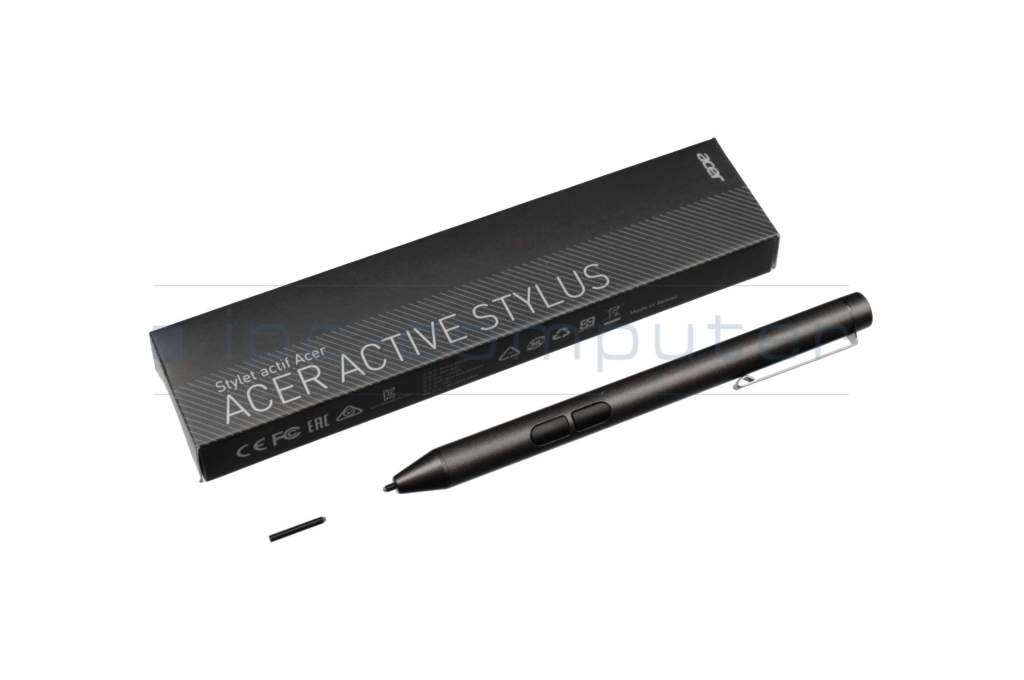
Active Stylus ASA630 incl. batteries original suitable for Acer Spin 5 (SP515-51N)

plus shipping charges
- Standardlieferung 28. September - 29. September
- Expresslieferung 25. September
- bei Bestellung innerhalb 7 hrs 52 min




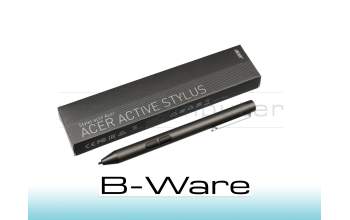
PEN04R Stylus incl. battery b-stock
plus shipping charges
Product Info
Common data
- Condition
- New
- Color
- black
- Delivery includes
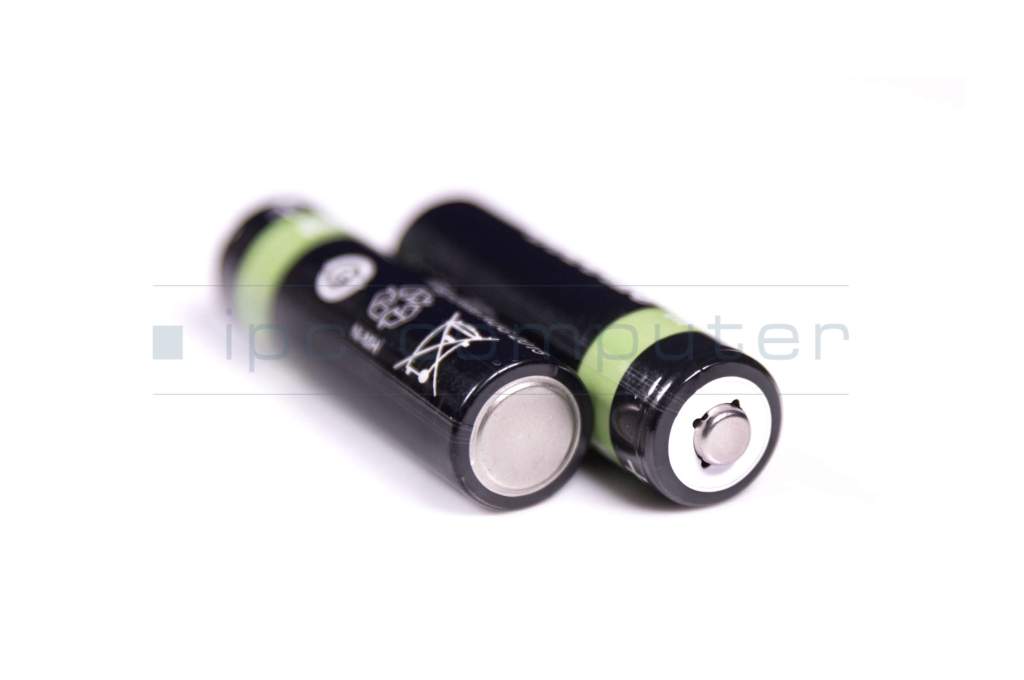
- 2x AAAA batteries
Technical Data
- Weight (g)
- 12 g
- Length (cm)
- 13.0 cm
- Diameter (mm)
- 9.5 mm
- Number of buttons
- 2
- Power supply
- Battery
- Operating system
- Windows 10 / Windows 11 / Windows 8
With the Acer Active Stylus, you can transform your device into a versatile work and creative tool. Whether notes, sketches or precise input - the stylus impresses with its high accuracy, easy handling and reliable performance. The compact design and light weight ensure maximum comfort, even during prolonged use.
It is powered by AAAA batteries, which are included in the scope of delivery - so the stylus is immediately ready for use. Thanks to its compatibility with Windows 8, Windows 10 and Windows 11, the stylus is perfect for use in the office, study or home office.
Highlights at a glance
- Precise Active Stylus for writing, drawing & navigation
- Lightweight and ergonomic design - only approx. 12 g
- Ready for immediate use thanks to 2x AAAA batteries included
- 2 function keys for additional control
- Ideal for productive work with Windows devices
Technical specifications
- Color: Black
- Length: 13.0 cm
- Diameter: 9.5 mm
- Weight: approx. 12 g
- Number of buttons: 2
- Power supply: Battery (AAAA)
- Operating system: Windows 8 / 10 / 11
Conclusion
The Acer Active Stylus is the perfect choice for anyone looking for precise input, comfortable writing and maximum flexibility. A reliable accessory for work, study and creative applications.
Category
- Category
- Pens / Stylus
- Usage
- Laptop
Videos & Contributions
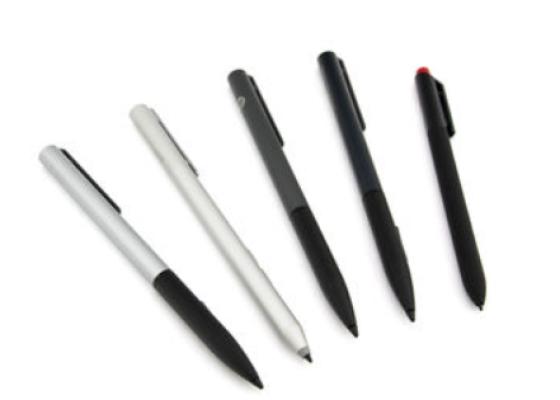
How do styluses work and what should be considered?
