Laptop batteries
Thousands of different batteries immediately available from stock
- Only high-quality original batteries - directly from the manufacturers Acer, Asus, Dell, Fujitsu, HP, Lenovo, etc.
- Best prices for you by direct and bulk purchase
- Our claim: We can deliver any laptop battery.
- Original battery no longer available? IPC Replacement batteries are then the ideal solution.
- Ordered until 14 o'clock - dispatch on the same working day
- Do you want to have the defective battery replaced by a professional technician? Click here to go directly to the repair service.


Find the right battery by model or features
IPC-Computer battery compatible to Lenovo L11S6Y01 with 58Wh
plus shipping charges
Alternative for KT.00303.011 original Acer battery 45Wh
plus shipping charges
Alternative for 719796-001 original HP battery 50Wh
plus shipping charges
IPC-Computer battery compatible to HP 493976-001 with 63Wh
plus shipping charges
IPC-Computer battery compatible to Toshiba P000573310 with 56Wh
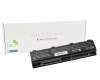
plus shipping charges
IPC-Computer battery black compatible to Lenovo 121500256 with 37Wh
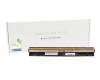
plus shipping charges
IPC-Computer battery black compatible to Lenovo 121500257 with 37Wh
plus shipping charges
IPC-Computer battery black compatible to Lenovo 35024240 with 37Wh
plus shipping charges
Alternative for 807956-001 original HP battery 41Wh
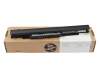
plus shipping charges
Alternative for HS03 original HP battery 41Wh
plus shipping charges
Alternative for 5B10K10176 original Lenovo battery 34Wh
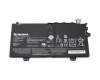
plus shipping charges
IPC-Computer battery compatible to Asus 0B110-00050300 with 56Wh
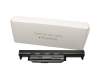
plus shipping charges
Alternative for 451-11695 original Dell high-capacity battery 97Wh
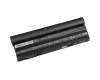
plus shipping charges
Alternative for CC6N8 original Dell high-capacity battery 97Wh
plus shipping charges
Alternative for O2N6MY original Dell high-capacity battery 97Wh
plus shipping charges
The newest batteries in our assortment
0B200-03760000 original Asus battery 42Wh

plus shipping charges
5B11M90109 original Lenovo battery 11.5Wh

plus shipping charges
40089132 original Medion battery 65Wh

plus shipping charges
S9N-0W4J210-AQ2 original MSI battery 90Wh

plus shipping charges
N76519-171 original HP battery 61Wh

plus shipping charges
5B11M90135 original Lenovo battery 99Wh

plus shipping charges
IPC-Computer battery compatible to MSI BTY-L781 with 75Wh

plus shipping charges
IPC-Computer battery compatible to MSI BTY-S3C with 75Wh

plus shipping charges
MSI BTY-S3B Battery

plus shipping charges
IPC-Computer battery compatible to MSI BTY-M491 with 52.4Wh

plus shipping charges
40086347 original Medion battery 51.3Wh
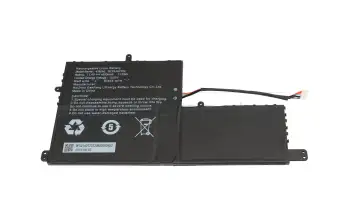
plus shipping charges
40092025 original Medion battery 55Wh
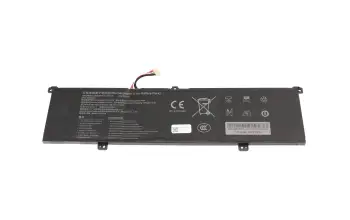
plus shipping charges
5B11N42051 original Lenovo battery 70Wh
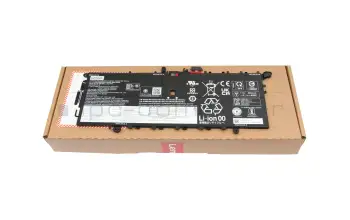
plus shipping charges
P13980-001 original HP battery 68Wh (includes repair kit)

plus shipping charges
5B11Q35381 original Lenovo battery 80Wh

plus shipping charges
0B200-04640100 original Asus battery 70Wh

plus shipping charges
IPC-Computer battery compatible to Lenovo L20M4PC1 with 78.34Wh
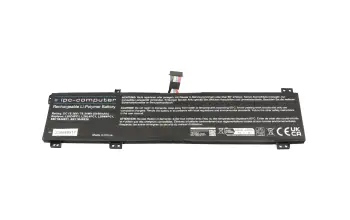
plus shipping charges
IPC-Computer battery compatible to Lenovo L19C4PH3 with 59.44Wh
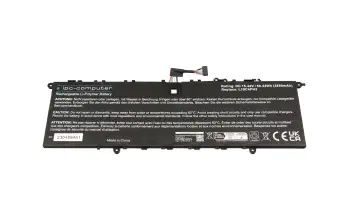
plus shipping charges
IPC-Computer battery compatible to Lenovo L21B4PH0 with 72.9Wh
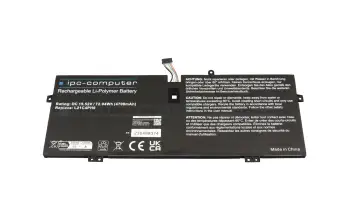
plus shipping charges
IPC-Computer battery compatible to Lenovo L21M4P72 with 50.31Wh
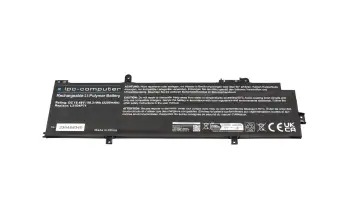
plus shipping charges
5B11N50694 original Lenovo battery 60Wh
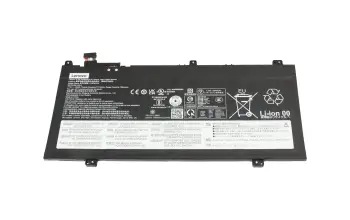
plus shipping charges
N70706-005 original HP battery 56Wh
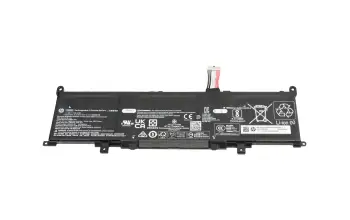
plus shipping charges
Huawei HB4692Z9ECW-22A Battery
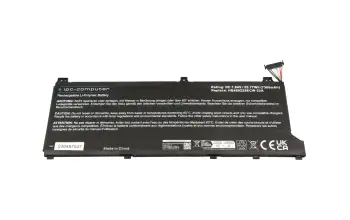
plus shipping charges
IPC-Computer battery compatible to Huawei HB4593R1ECW-22A with 55.77Wh
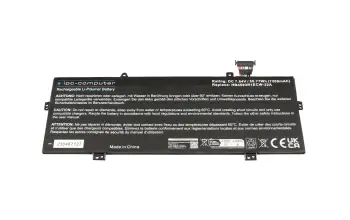
plus shipping charges
IPC-Computer battery compatible to Lenovo L19C4PH2 with 59Wh
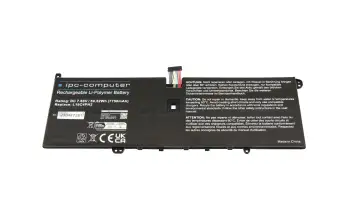
plus shipping charges
Revive deeply discharged batteries?
A deeply discharged battery must be disposed of immediately, because in this case the battery can definitely no longer be reactivated. But you can only speak of a real deep discharge when the battery voltage is only approx. 5 - 7 volts or less. If, however, the battery voltage is still somewhere between the actually required nominal voltage and the state of true deep discharge, then there is justifiably still hope.
The most purchased laptop batteries
L11119-855 original HP battery 41.04Wh HT03XL
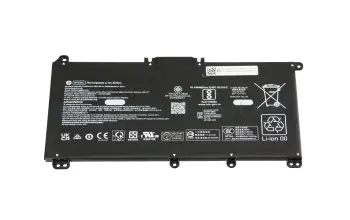
plus shipping charges
0B200-03660500 original Asus battery 67Wh
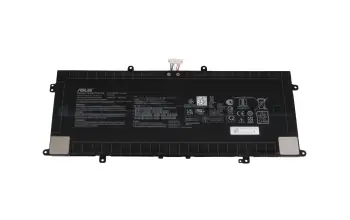
plus shipping charges
3HWPP original Dell battery 68Wh 15.2V
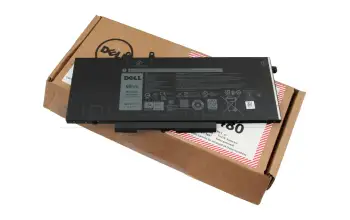
plus shipping charges
0B200-03580300 original Asus battery 42Wh
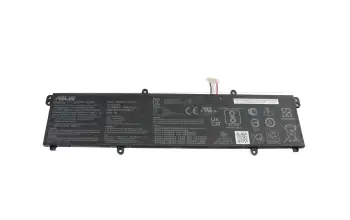
plus shipping charges
IPC-Computer battery compatible to HP L11119-855 with 47Wh
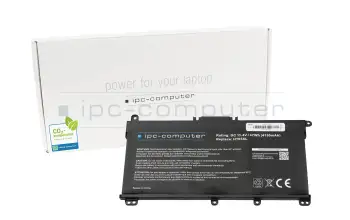
plus shipping charges
XDY9K original Dell battery 54Wh (4 cells)
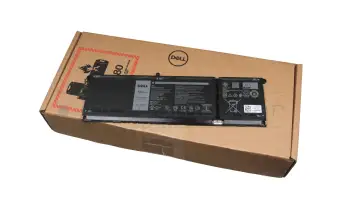
plus shipping charges
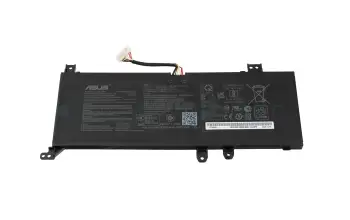
0B200-03280700 original Asus battery 37Wh
plus shipping charges
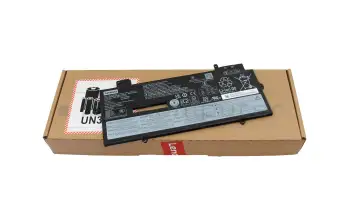
5B10W13974 original Lenovo battery 57Wh
plus shipping charges
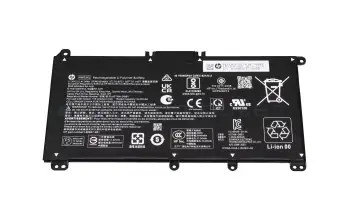
L97300-005 original HP battery 41Wh
plus shipping charges
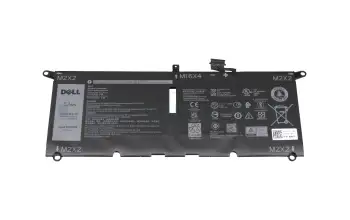
DXGH8 original Dell battery 52Wh
plus shipping charges
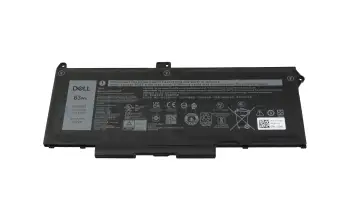
M033W original Dell battery 63Wh (15,2V 4-cell)
plus shipping charges
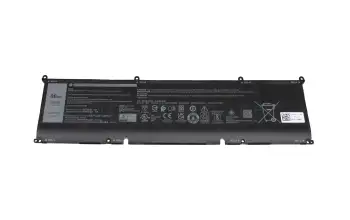
69KF2 original Dell battery 86Wh
plus shipping charges
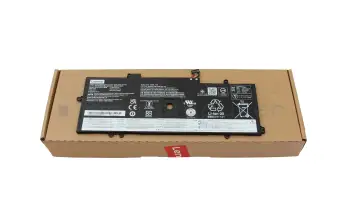
L18M4P72 original Lenovo battery 51Wh
plus shipping charges
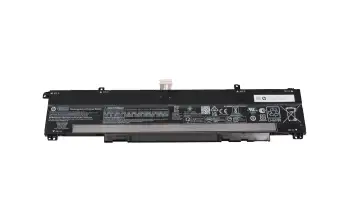
M39179-005 original HP battery 70.07Wh
plus shipping charges
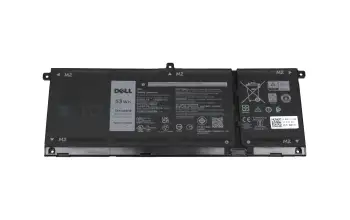
H5CKD original Dell battery 53Wh (15V 4-cell)
plus shipping charges
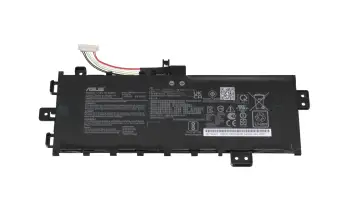
0B200-03350400 original Asus battery 32Wh
plus shipping charges
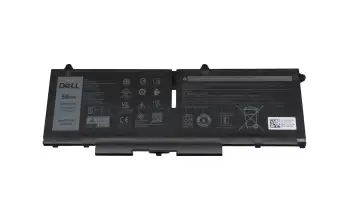
07KRV original Dell battery 58Wh (4 cells)
plus shipping charges
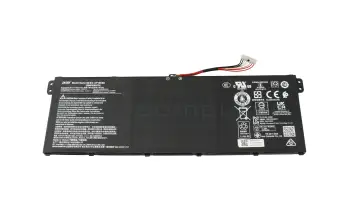
KT.0030G.020 original Acer battery 50.29Wh 11.25 V (AP18C8K)
plus shipping charges
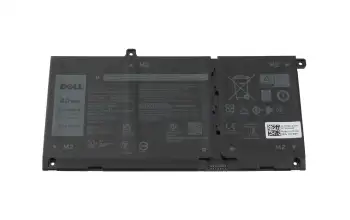
JK6Y6 original Dell battery 40Wh (11.25V 3-cell)
plus shipping charges
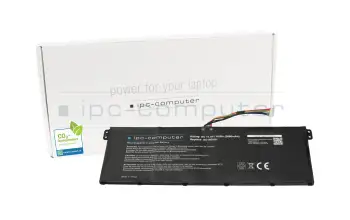
IPC-Computer battery 11.4V (AC14B18J) compatible to Acer KT00303016 with 41Wh
plus shipping charges
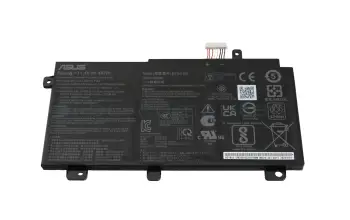
0B200-02910000 original Asus battery 48Wh
plus shipping charges
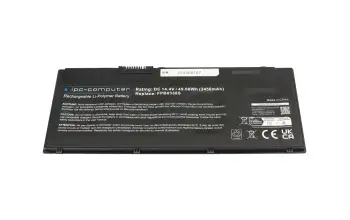
IPC-Computer battery compatible to Fujitsu CP721834-01 with 49.68Wh
plus shipping charges
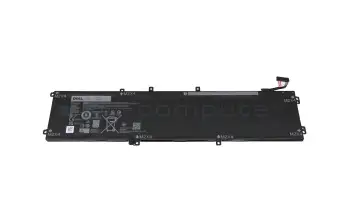
GPM03 original Dell battery 97Wh 6-cell (GPM03/6GTPY)
plus shipping charges
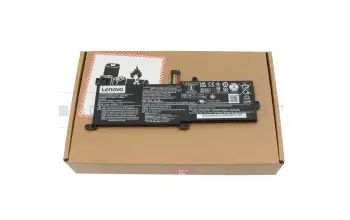
5B10M91443 original Lenovo battery 35Wh
plus shipping charges
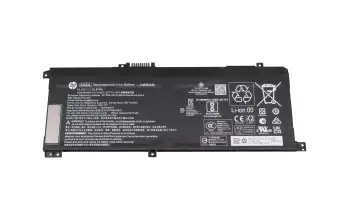
L43267-005 original HP battery 55.67Wh
plus shipping charges