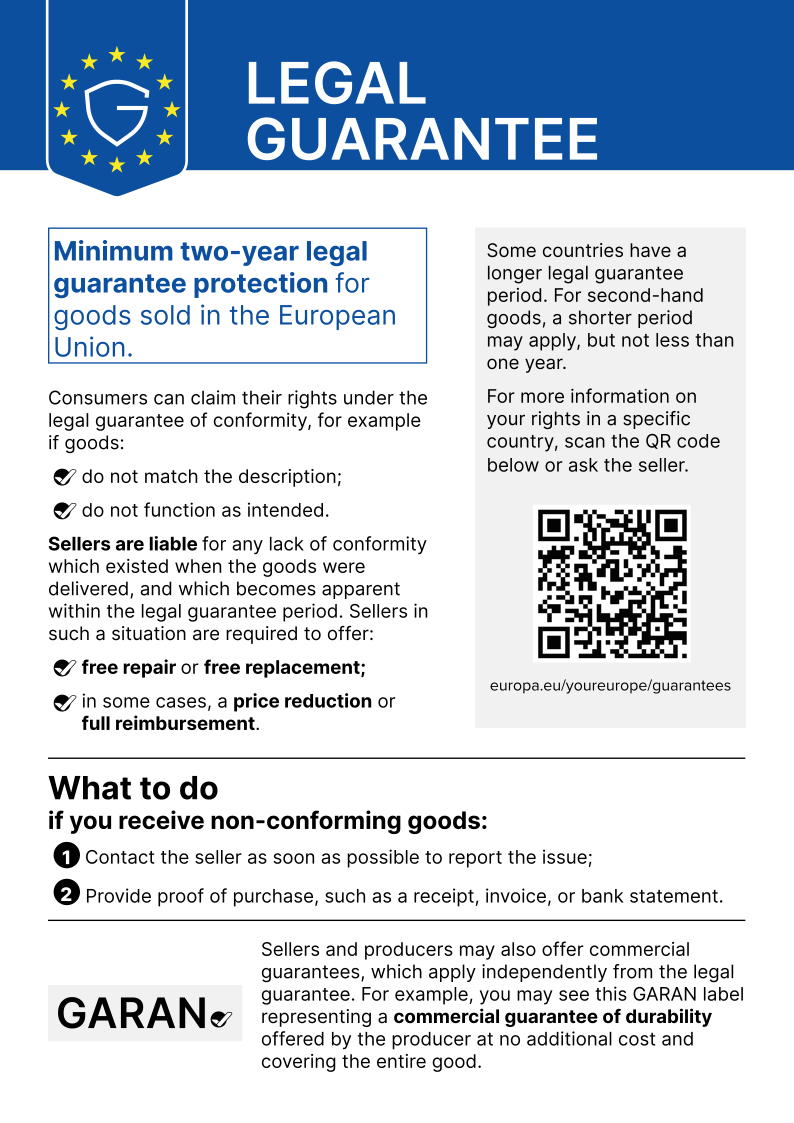
Pen SA300 incl. battery incl. batteries original suitable for Asus CZ1204F


plus shipping charges
- Standardlieferung 23. October - 27. October
- Expresslieferung 22. October
- bei Bestellung innerhalb 9 hrs 18 min




Suitable for USI-compatible devices
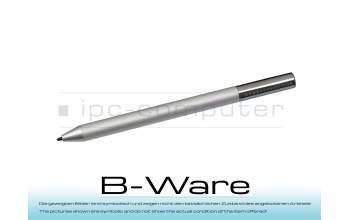
PEN50R Pen SA300 incl. battery b-stock
plus shipping charges
Product Info
Common data
- Condition
- New
- Color
- gray / silver
- Delivery includes
- 2x AAAA batteries
Technical Data
- Pen protocol
- USI
- Weight (g)
- 15 g
- Length (cm)
- 13.5 cm
- Diameter (mm)
- 9 mm
- Pressure levels
- 4096
- Power supply
- Battery
- Operating system
- ChromeOS
Asus Active Stylus SA300 incl. battery
According to ASUS, this stylus is fully compatible with the following ASUS models:C436FA
CM5500FDA
CX5500FEA
CM3200FVA
CX9400
CM5500
CM3200FM1A
CX9400CEA
C536FA
C436FA
The following ASUS notebooks are compatible with the pen according to the manufacturer's specifications, but may have limited functionality:
CM3000DVA
CZ1000DVA
CR1100FKA
CX5400FMA
CX3400FMA
CX5601FBA
Compatibility with other ASUS models to be released in the future possible.
Also cross-manufacturer compatible with common USI devices with ChromeOS.
You can find out whether your notebook supports the use of a USI pen in the documentation for your device or directly from the manufacturer. - Please note: Depending on the manufacturer and model series of the notebook, the function of the pen may be slightly limited (accuracy, pressure level, etc.)
Category
- Category
- Pens / Stylus
- Usage
- Laptop
Videos & Contributions
Chromebook ASUS Stylus Pen SA300 - USI Eingabestift Review
?️: https://www.ipc-computer.de/notebook-ersatzteile/pens/pen-90xb06hn-mto010-77556945?utm_source=YouTube+Notebook-Doktor&utm_medium=Produktvorstellung&utm_...
Learn more >
How do styluses work and what should be considered?

Accessories, suitable alternative products and recommendations
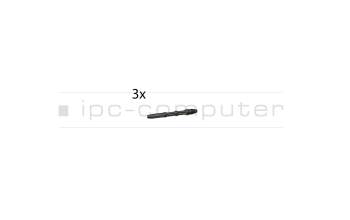
Asus 04190-00130600 Tip for pen - Pack of 3
plus shipping charges