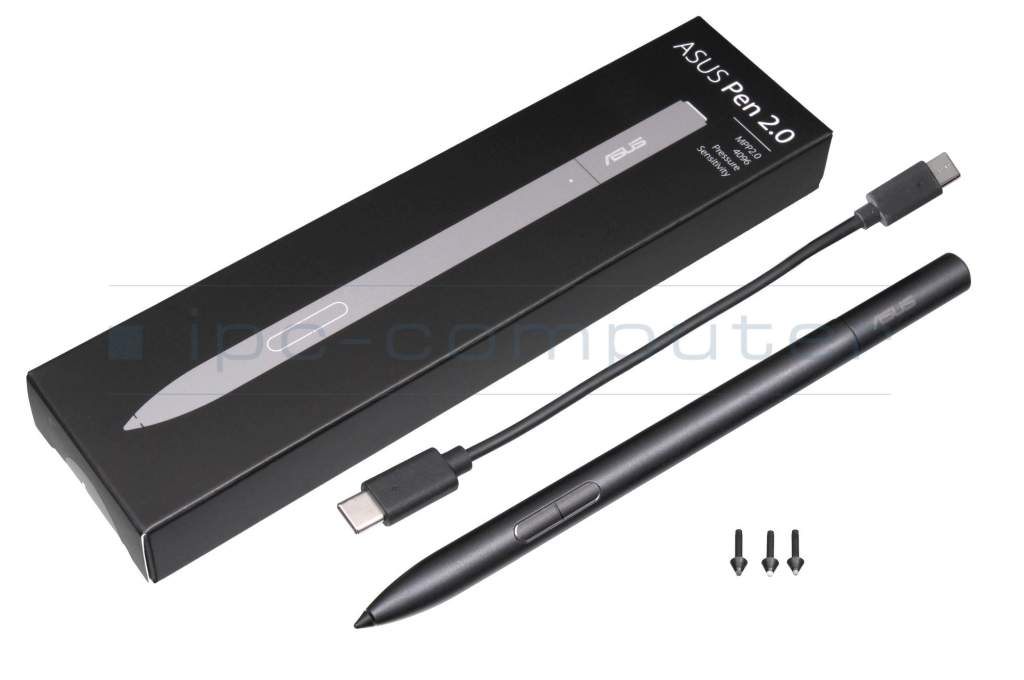
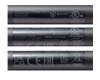
ASUS Pen 2.0 original suitable for Asus VivoBook Flip 12 TP203NA

plus shipping charges
- Standardlieferung 22. September - 23. September
- Expresslieferung 22. September
- bei Bestellung innerhalb 1 hrs 04 min




Note: Before using this Asus stylus for the first time, it must be fully charged. If the pen is discharged, it cannot be connected to your device's Bluetooth.
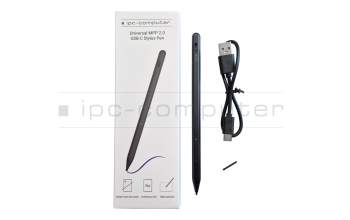
Universal MPP 2.0 Pen (USB-C) suitable for Asus VivoBook Flip 12 TP203NA
plus shipping charges
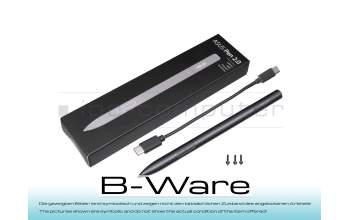
PEN66R Pen 2.0 SA203H b-stock
plus shipping charges
Product Info
Common data
- Condition
- New
- Color
- black
- Delivery includes
- 3x replacement tips / USB-C cable / manual
Technical Data
- Pen protocol
- MPP 2.0
- Weight (g)
- 16 g
- Length (cm)
- 16.5 cm
- Diameter (mm)
- 9 mm
- Number of buttons
- 3
- Tilt function
- yes
- Bluetooth
- yes
- Power supply
- USB-C
- Running time
- 140h
- Operating system
- Windows 10 / Windows 11
ASUS Pen 2.0 SA203H - Precision, creativity & productivity for touchscreen devices
The ASUS Pen 2.0 SA203H is a stylus for compatible ASUS touchscreen devices and enables fast, precise writing, drawing and highlighting in supported apps.
Natural writing feel
Thanks to Microsoft Pen Protocol (MPP) 2.0, the pen offers low latency and fast response. With 4096 pressure levels, precise lines are created, ideal for notes and sketches.
Powerful & fast charging
Up to 140 hours of battery life (depending on use) and USB-C fast charging in approx. 30 minutes.
Flexible & customizable
Four interchangeable tips (2H, H, HB, B) and a programmable function key for efficient work.
For school, study & business
Lightweight, compact and reliable - ideal for on the go.
Highlights
4096 pressure levels, MPP 2.0, USB-C fast charging, up to 140 hours battery life, 4 tips, Bluetooth, function button.
Compatibility
Compatible with many ASUS devices (e.g. B, G, H, UX, UM, UP, TP, TN series) and other MPP 2.0-capable devices. Can also be used with future ASUS models.
Note
Depending on the device and MPP version, functions may be restricted. Please check compatibility. Charge fully before first use (Bluetooth requires sufficient battery).
Manual: Download
Category
- Category
- Pens / Stylus
- Usage
- Laptop
Videos & Contributions
ASUS Pen 2.0 SA203H Stylus Pen Review
The 2nd version of the ASUS Pen is particularly impressive with its charging function via USB-C and the self-assignable extra button. The 3 replacement tips in different degrees of hardness round off the whole thing.
Learn more >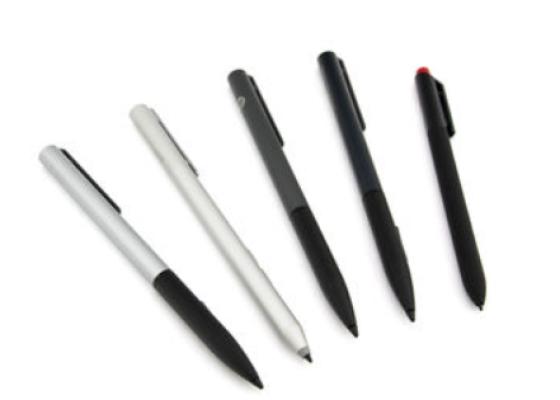
How do styluses work and what should be considered?
Important and useful informations about laptop Pens
FAQs specific to this article
This pen must be fully charged before first use in order for the top button for Bluetooth functions to work. If the pen is discharged, it cannot be connected to your device's Bluetooth.
Frequently asked questions about Pens

Accessories, suitable alternative products and recommendations
Asus 04190-00270700 Tip for Asus Pen 2.0 SA203H
plus shipping charges