Dell Inspiron 13 (5310) Pro Thunderbolt 4 Dock - WD25TB4 incl. 180W Netzteil

plus shipping charges
- Standardlieferung 5. May - 5. May
- Expresslieferung 5. May
- bei Bestellung innerhalb 20 hrs 45 min




Common data
- Condition
- New
Technical Data
- Connexion to the laptop
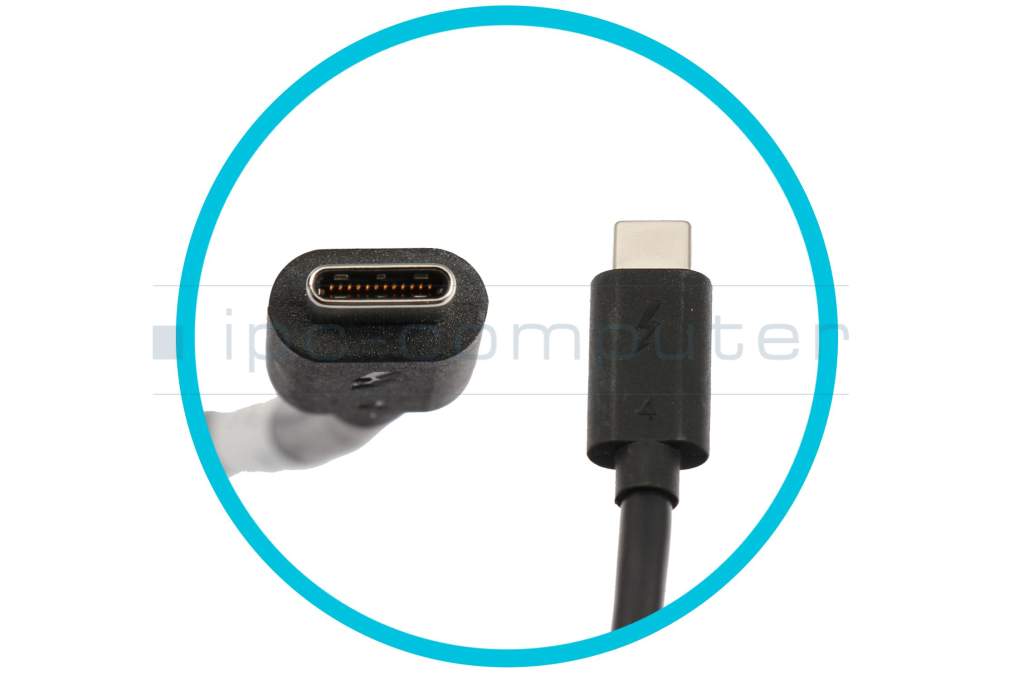
- Thunderbolt 4
- Connectors
-
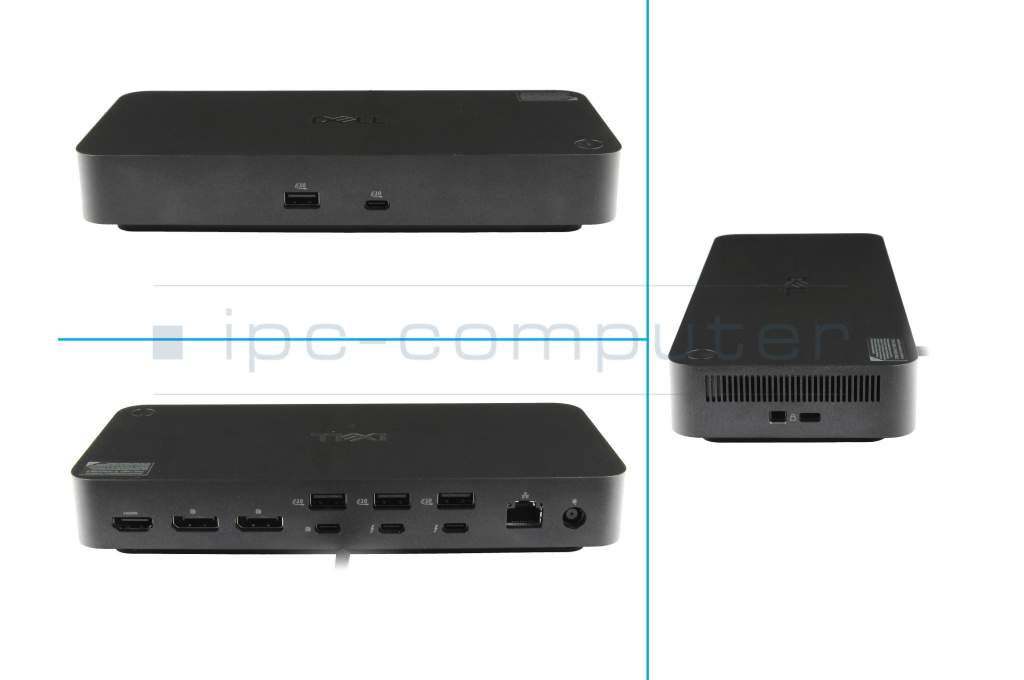
1x HDMI 2.1
1x Kensington-Lock
1x Noble Wedge Lock
1x RJ-45
1x USB-C
1x USB-C 3.2 Gen 2
2x DisplayPort 1.4
2x Thunderbolt 4
4x USB-A 3.2 Gen 2 - Max. resolution of external monitors
-
4x 4K - 3840x2160 @ 60Hz
4x QHD - 2560x1440 @ 60Hz
4x UHD - 3840x2160 @ 60Hz
4x WQHD 3440 × 1440 @ 60 Hz - Delivery includes
-
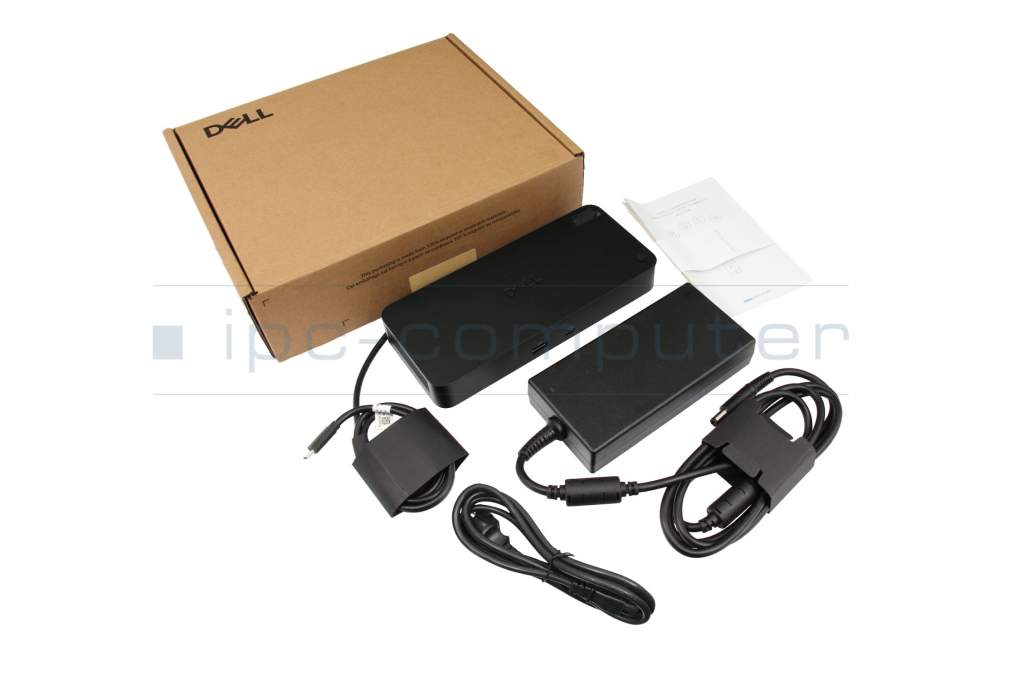
AC-Adapter
Installation manual
Port Replicator
Power cable - Included ac-adaptor
- 180W
- Compatible operating systems
-
ChromeOS
Linux
Linux / Debian
Linux / Red Hat Enterprise
Linux / Ubuntu
Mac OS
Windows 10 (32bit/64bit)
Windows 11 - Length / Width / Hight
- 20.5 cm / 9 cm / 3.5 cm
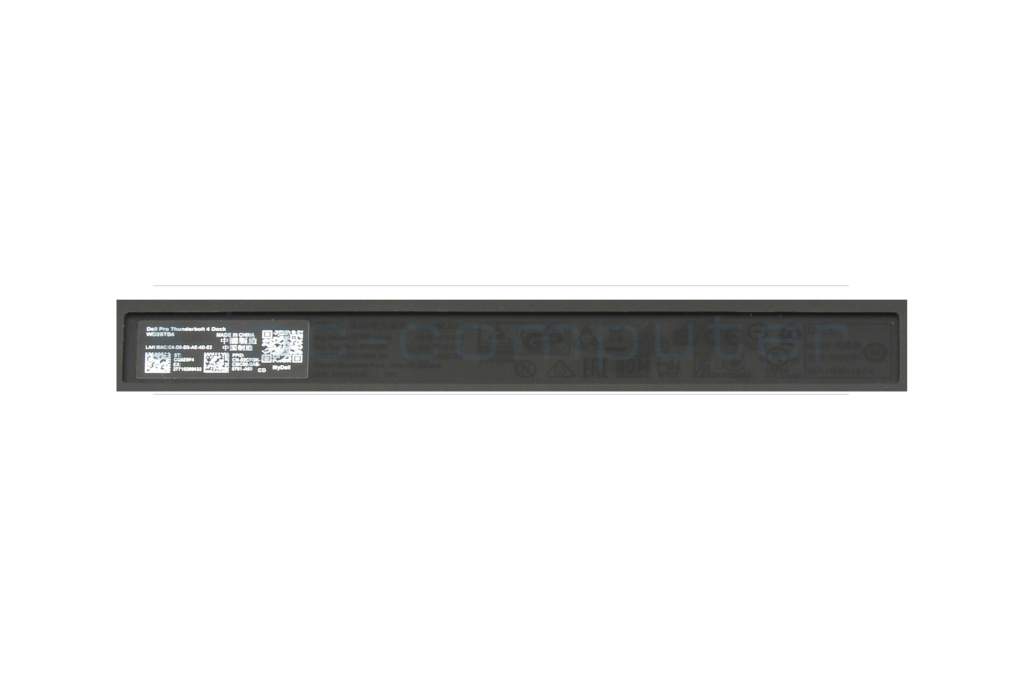
Dell Pro Thunderbolt 4 Dock – WD25TB4
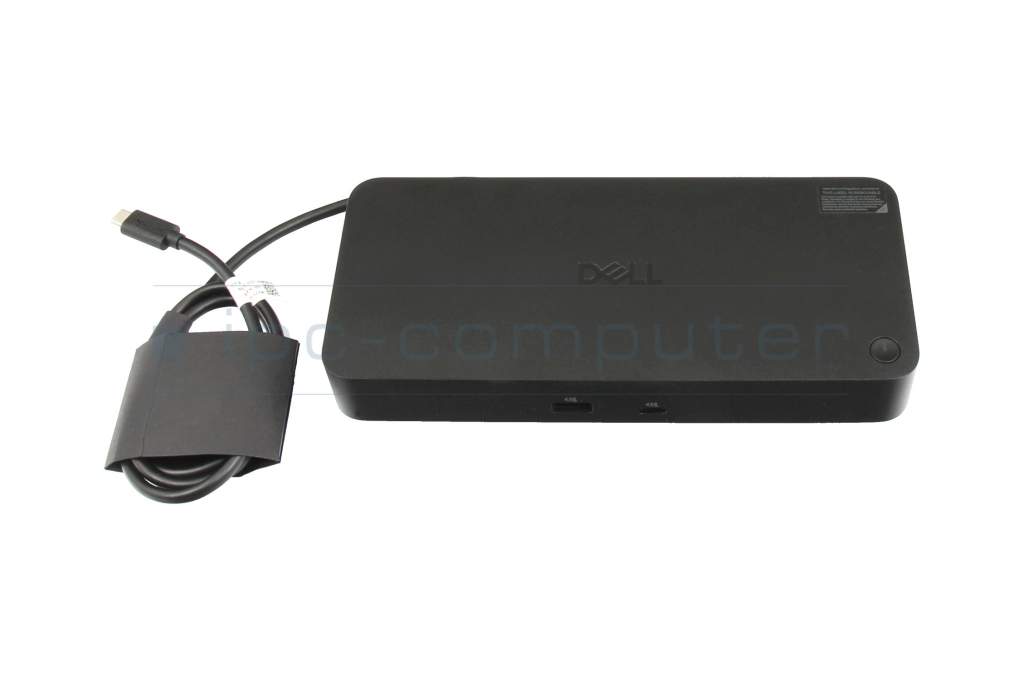
The Dell WD25TB4 Dock is a powerful and versatile docking station designed specifically for demanding workplaces. With generous connectivity, high image resolution, and extensive management features, it supports notebook and desktop PC applications alike. The dock provides stable power, simplifies connection management, and offers secure, wireless networking options for an efficient work environment.
General
- Model: Dell WD25TB4 docking station
- Color: Black
- Weight: 567 g
- Dimensions (H x W x D): 205 mm x 90 mm x 35.3 mm
- Scope of delivery: Docking station, power adapter, power cord, quick start guide, and safety information
- Security features: Kensington security slot, Noble Wedge security socket
Connectivity and interfaces
- Host interface: Thunderbolt 4 (2 ports)
- USB ports: 6 in total
- USB Type-A: 4 ports, USB 3.2 Gen 2
- USB Type-C: 2 ports, USB 3.2 Gen 2
- Network: 2.5 Gigabit Ethernet (RJ-45)
- Video outputs: 2 DisplayPort 1.4, 1 HDMI 2.1
- Total monitor outputs: 4 (maximum 8K @ 60Hz, or other resolutions depending on configuration)
- Cable length: 83 cm
Display and video resolution
- Supported screen modes:
-
- QHD @ 60Hz
- WQHD @ 60Hz
- 4K @ 60Hz (dual display, quad display)
- 5K @ 60Hz
- 6K @ 60Hz
- 8K @ 60Hz
- Maximum supported resolutions: 3840 x 2160 to 7680 x 4320 (8K)
- Video resolution details:
- QHD - 60 Hz (quad display)
- WQHD - 60 Hz (triple display)
- 4K - 60 Hz (dual display/quad display)
- 5K - 60 Hz (single display)
- 6K - 60 Hz (dual display)
- 8K - 60 Hz (single display)
Network and communication
- Ethernet: 2.5 Gigabit Ethernet
- Wi-Fi features: Support for Wi-Fi-to-LAN switch (connectivity based on software feature)
Power
- Included power adapter: 180W, compatible with Dell and non-Dell systems
- Power supply for Dell systems: 130W
- Power supply for non-Dell systems: 96W
Management and security
- Management features: Intel AMT over Thunderbolt (on select Intel vPro systems), MAC address forwarding, PXE boot, dock power button sync, wake-on-LAN, WLAN-to-LAN switch, kernel DMA protection, firmware updates (host and separation control), Dell Command Update (DCU)
- Security slots: Kensington security lock, Noble Wedge security socket
Software compatibility
- Supported operating systems: Windows 10, Windows 11, Ubuntu 24.04, macOS, ChromeOS 137, Red Hat Enterprise Linux 9.6
Mounting and design
- Dimensions (H x W x D): 205 mm x 90 mm x 35.3 mm
- Weight: 567 g
This dock offers reliable connectivity, flexible connection options, and advanced security.
Category
- Category
- Dockings
- Usage
- Laptop
Videos & Contributions
Using a laptop with a dock even when it is folded down
In this quick tip we show how you can work with a docking station and an external monitor even when your laptop is folded down.
Learn more >Which USB dock connector do I need for my notebook?
To choose the right docking station for your notebook, you should know which USB port you need. In this video, we will go into the differences and special features of the USB ports.
Learn more >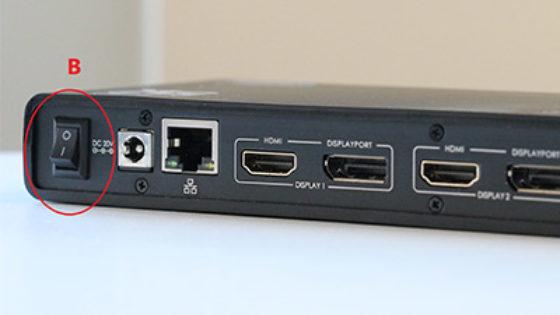
The "secret" with the power button
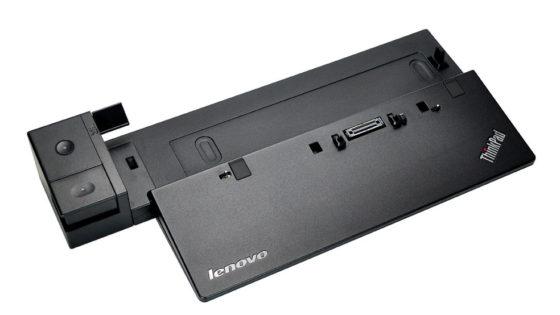
Docking station vs. port replicator

The power button does not activate the notebook?
Important and useful informations about laptop Docking stations
Frequently asked questions about Docking stations
All questions about Docking stations
Docking stations FAQ
Accessories, suitable alternative products and recommendations
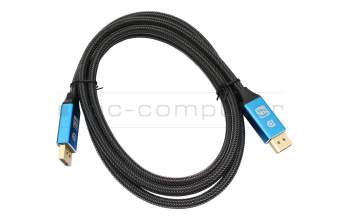
IPC-Computer KA001I 8K DisplayPort to DisplayPort
plus shipping charges
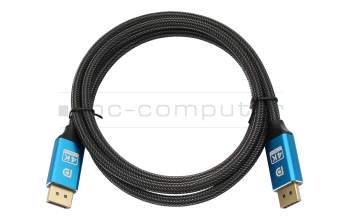
IPC-Computer KA002I 4K HDR DisplayPort to DisplayPort
plus shipping charges
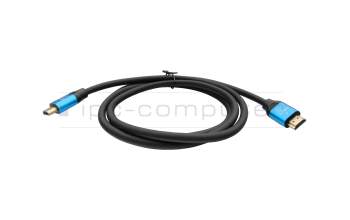
IPC-Computer KA003I 4K HDMI to HDMI
plus shipping charges