Fan (CPU) suitable for HP 14q-cs0000


plus shipping charges
- Standardlieferung 17. November - 19. November
- Expresslieferung 17. November
- bei Bestellung innerhalb 12 hrs 42 min




To replace the fan of the HP ProBook 470 G5, 455 G5, 450 G5 and 430 G5 model series, it is necessary to remove the top case and keyboard. It is not possible to replace the fan via the base plate, as is the case with other models.

Fan (CPU) original suitable for HP 14q-cs0000
plus shipping charges
Product Info
Common data
- Condition
- New
Technical Data
- Use
- CPU
- Cooler
- Yes
- Heatsink
- No
- Thermal paste included
- No
- Number of pins of the connection
- 4
Note
Depending on the manufacturer, model, and features, different fans or coolers may be installed. Therefore, before purchasing, carefully compare the design, mounting points, and connections with your existing component to ensure compatibility.
Category
- Category
- Cooler / Fan
- Usage
- Laptop
Videos & Contributions
HP ProBook 470 G5 von Innen - RAM, SSD, Akku, Lüfter wechseln - Anleitung
Ersatzteile für ihr HP ProBook 470 G5: https://www.ipc-computer.de/hp/notebook/probook-serie/probook-470-g5-serie/?utm_source=YouTube+Notebook-Doktor&utm_med...
Learn more >
Notebook cooling defective - fan is too loud
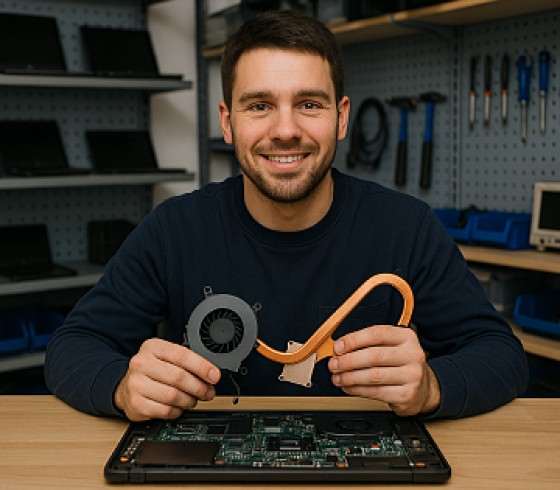
Replace the heatsink yourself? Here’s how to do it
Important and useful informations about laptop Cooler / Fan