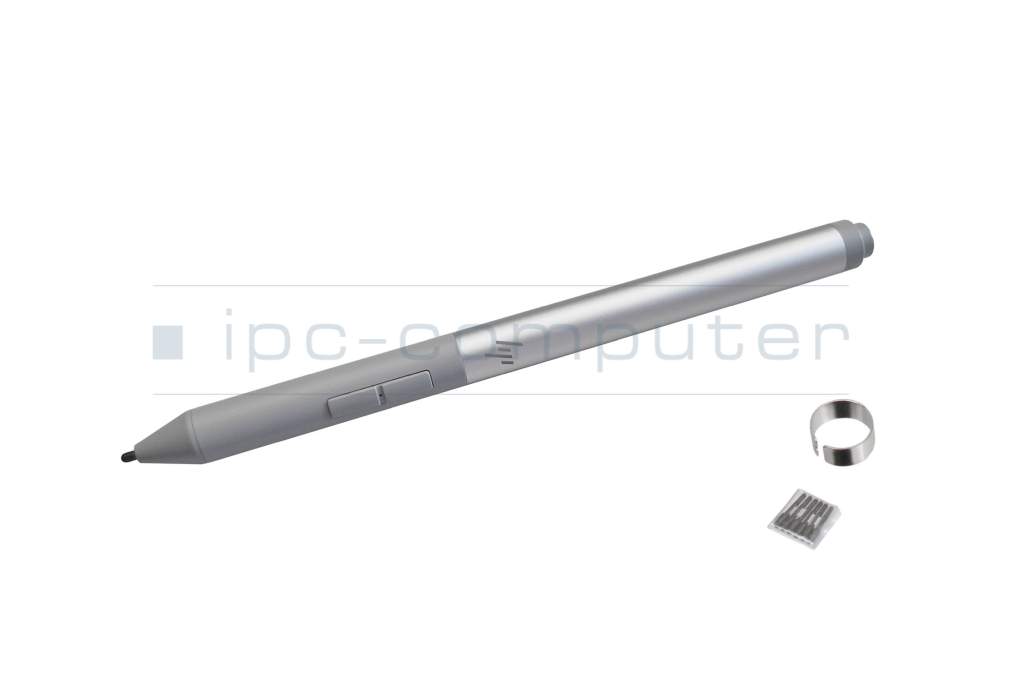
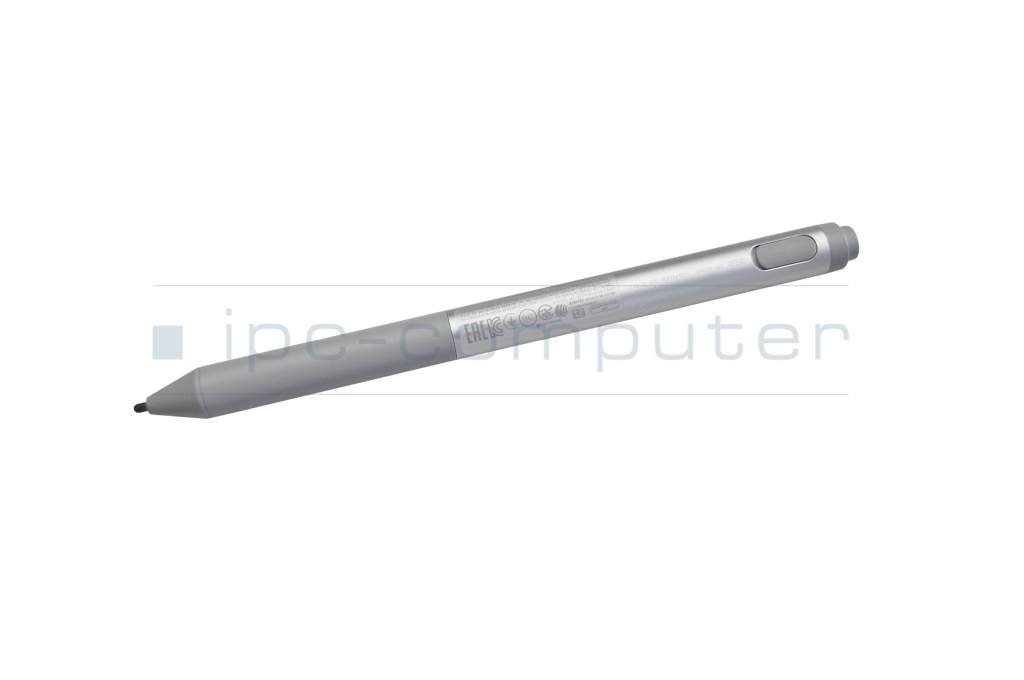
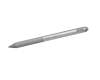
Active Pen G2 original suitable for HP EliteBook x360 1030 G2

plus shipping charges
- Standardlieferung 5. November - 9. November
- Expresslieferung 4. November
- bei Bestellung innerhalb 6 hrs 04 min




Common data
- Condition
- New
- Color
- gray / silver
- Delivery includes
- 7x replacement tips / tip removal tool
Technical Data
- Pen protocol
- AES 2.0 Wacom
- Weight (g)
- 15 g
- Length (cm)
- 14.8 cm
- Diameter (mm)
- 9 mm
- Number of buttons
- 3
- Pressure levels
- 4096
- Tilt function
- yes
- Bluetooth
- yes
- Power supply
- USB-C
- Operating system
- Windows 10 / Windows 11
The HP Active Pen G2 impresses with its elegant aluminum design and is pleasantly light in the hand with a weight of only 15 grams. With its three integrated buttons for erasing, clicking and highlighting and a long battery life, it is the ideal companion for school, work and everyday life.
- Low weight, comfortable in the hand and therefore longer relaxed writing
- Always ready for use thanks to rechargeable battery and long runtime
- Rechargeable via USB-C
- Customizable buttons and functions thanks to software
Scope of delivery: HP Active Pen G2, 7 tips (4x POM, 3x elastomer), retraction tool
Compatible operating systems: Windows 11, Windows 10, Windows 8
Pen protocol: AES 2.0
According to the manufacturer, this HP Active Pen G2 is compatible with the following models:
HP Elite x2 1013 G3
HP EliteBook x360 1030 G3
HP EliteBook x360 1030 G2
HP EliteBook x360 1040 G5
HP EliteBook x360 1020 G2
HP Pro x2 612 G2
Other models may be released in the future. For compatibility questions, please contact the manufacturer HP directly.
Instructions and further information on the pen can be found in the HP support area.
Category
- Category
- Pens / Stylus
- Usage
- Laptop
Videos & Contributions
How do styluses work and what should be considered?