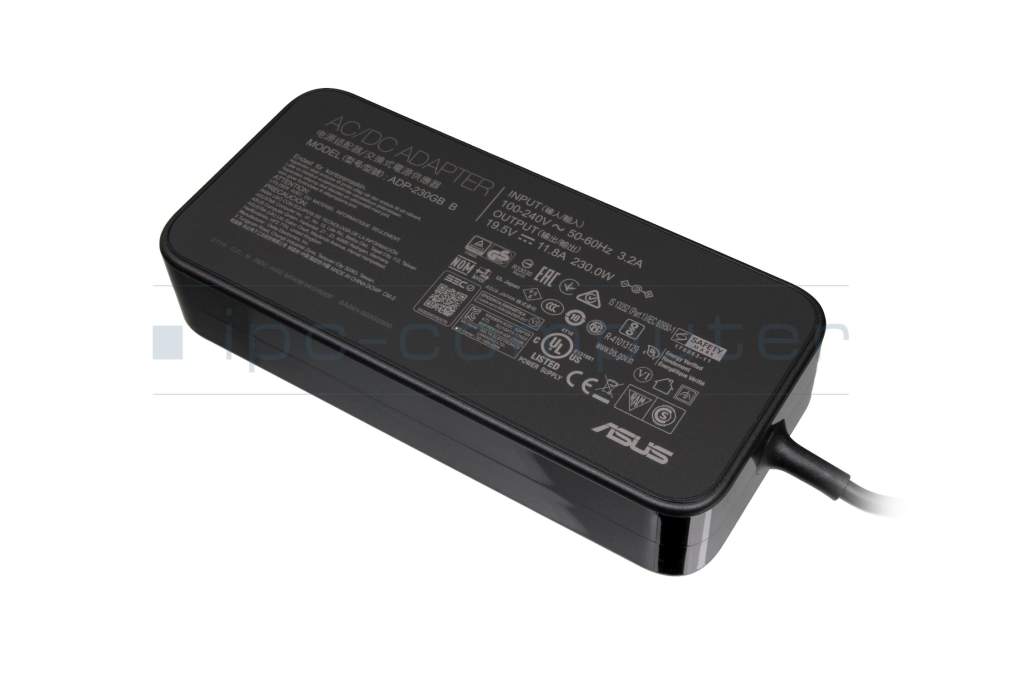
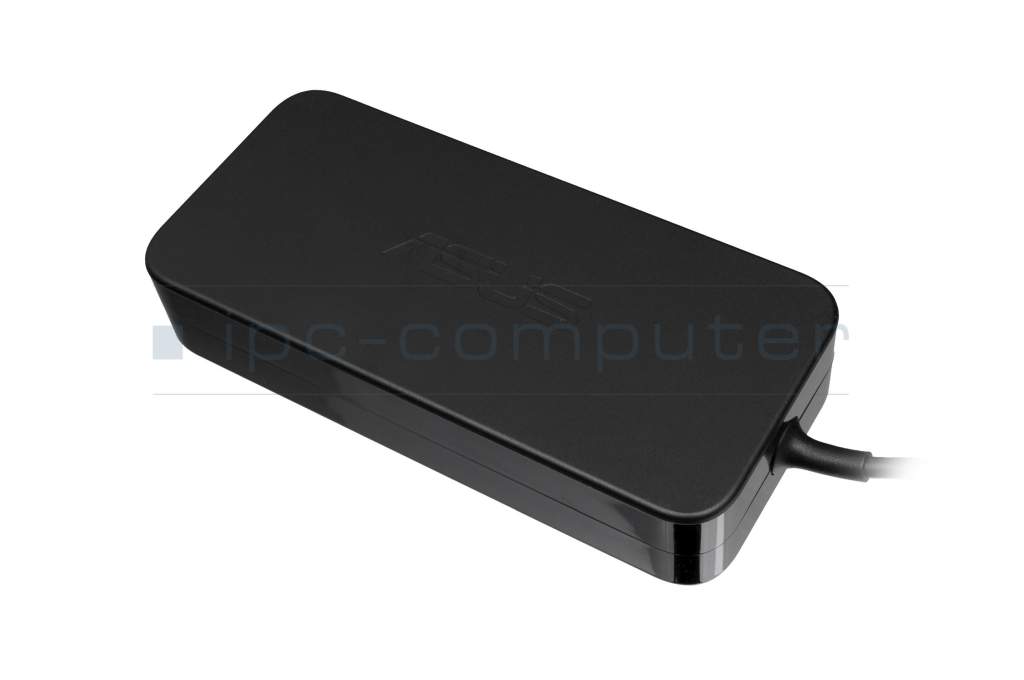
0A001-00392100 original Asus AC-adapter 230.0 Watt rounded


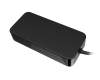
Kurzbeschreibung
- 19.5 Volt
- 11.8 Ampere
- 230.0 Watt
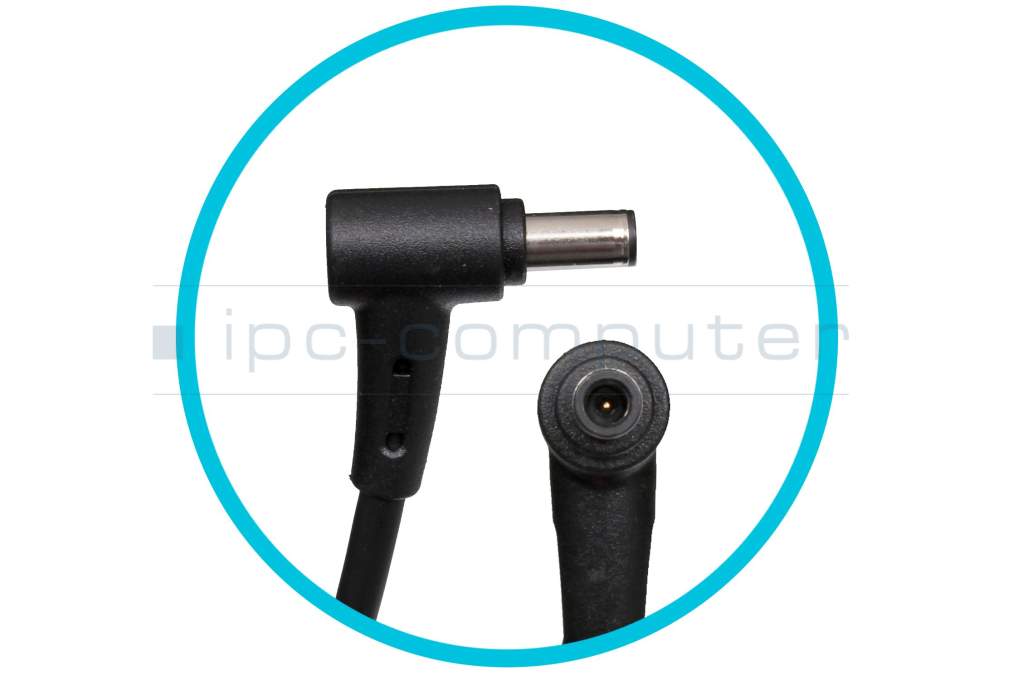
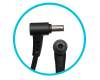
- Connector diameter outer / inner 6.0 mm / 3.7 mm
EOL
Nachfolge Produkte
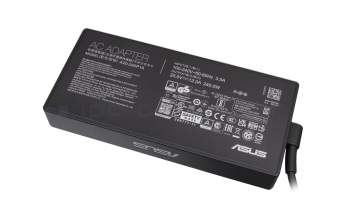
0A001-00972200 original Asus AC-adapter 240.0 Watt edged
In stock
8468$
incl. Tax (19%)
plus shipping charges
plus shipping charges
Substitute part numbers:
0A001-00391000
0A001-00972200 original Asus AC-adapter 240.0 Watt edged
In stock
8468$
incl. Tax (19%)
plus shipping charges
plus shipping charges
Product note
This product is EOL (End of Life)
Product Info
- Manufacturer
- Asus
- Item Number
- 0A001-00392100
- Sub-Partnumbers
- 0A001-00391000,
- Safety information
- Sicherheits- & Herstellerkontakt-Informationen
Common data
- Condition
- New
- Manufacturer
- Original directly from Asus
- Intended use
- Laptops
- Color
- black
- Design
- rounded
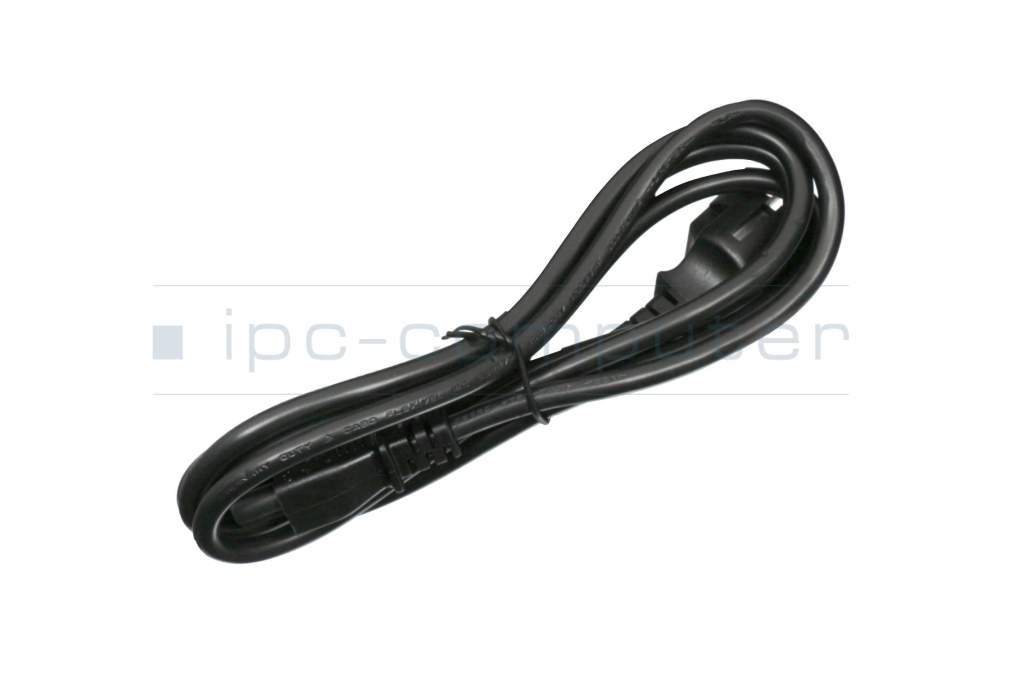
- Delivery includes
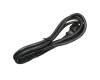
- incl. power cable (3-pole cable C13)
Technical Data
- Tension (volt)
- 19.5 Volt
- Amperage (ampere)
- 11.8 Ampere
- Output (watt)
- 230.0 Watt
- Input (volt)
- 100-240V / 50-60Hz
- Energy efficiency
- VI
Laptop Plug
- Connector type / shape
- round / 90° angeld
- Connector length (mm)
- 11.5 mm
- Connector diameter outer / inner
- 6.0 mm / 3.7 mm
- Connector with pin
- Yes
- Length of the connector cable (m) (ca.)
- 1.75 m
Weight & Meassurements
- Length / Width / Hight
- 170 mm / 85 mm / 35 mm
More Information
- Overload-, short-circuit- and overheat-protected
- yes
- Seal of approval
-
CCC
CE
NOM NYCE
PSE
Singapore Safety Mark
Technical Inspection Association (TÜV)
UL Listed
UL sustainability
Category
- Category
- AC-Adaptor
- Usage
- Laptop
- Excerpt of suitable models for P/N 0A001-00392100
- Asus ROG Zephyrus S GX531GX , Asus ROG Zephyrus M GU502GU , Asus ROG Zephyrus S GX502GW , Asus ROG Strix G G731GU , Asus ProArt Station PA90 , Asus ROG Strix SCAR GL703GS , Asus ROG Zephyrus M GU502GW , Asus ProArt StudioBook Pro 15 W500G5T , Asus TUF A15 FA506IV , Asus ROG Strix SCAR 15 G532LWS
You've found this article over a part number. We'll check if it's the correct sparepart for your machine. To do this, please insert the manufacturer and the name of the model in the order comment.
Videos & Contributions
Recognize defective notebook power supply - purchase advice
Notebook power supplies are essential for most technical aids in the office and at home. - With these "step-by-step" instructions we help to prevent bad purchases.
Learn more >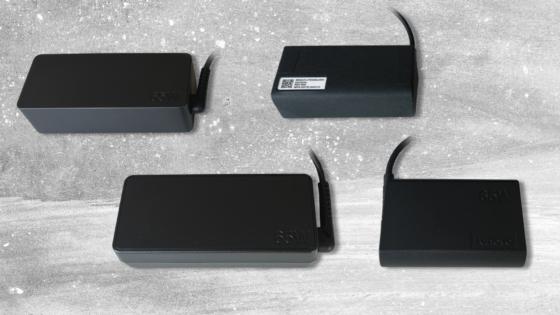
New notebook power supplies in various designs
Customers often wonder why their replacement power supply looks different from the original. Why you don't have to worry about compatibility and what advantages an alternative design offers.
Learn more >
Important and useful informations about laptop AC adapters
Frequently asked questions about AC adapters
All questions about AC adapters
AC adapters FAQ