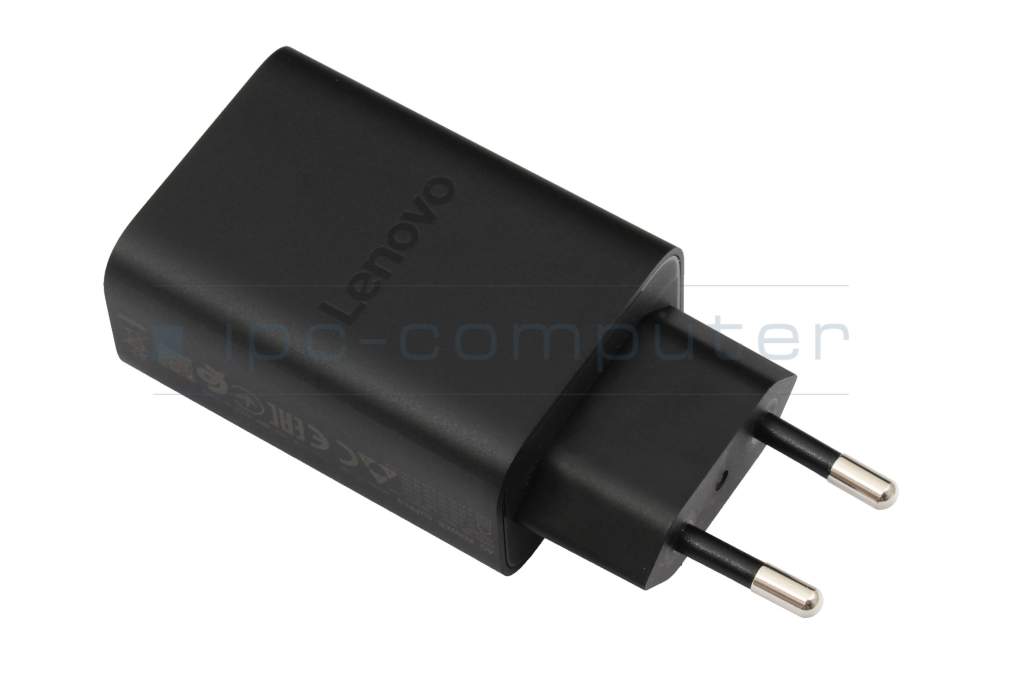
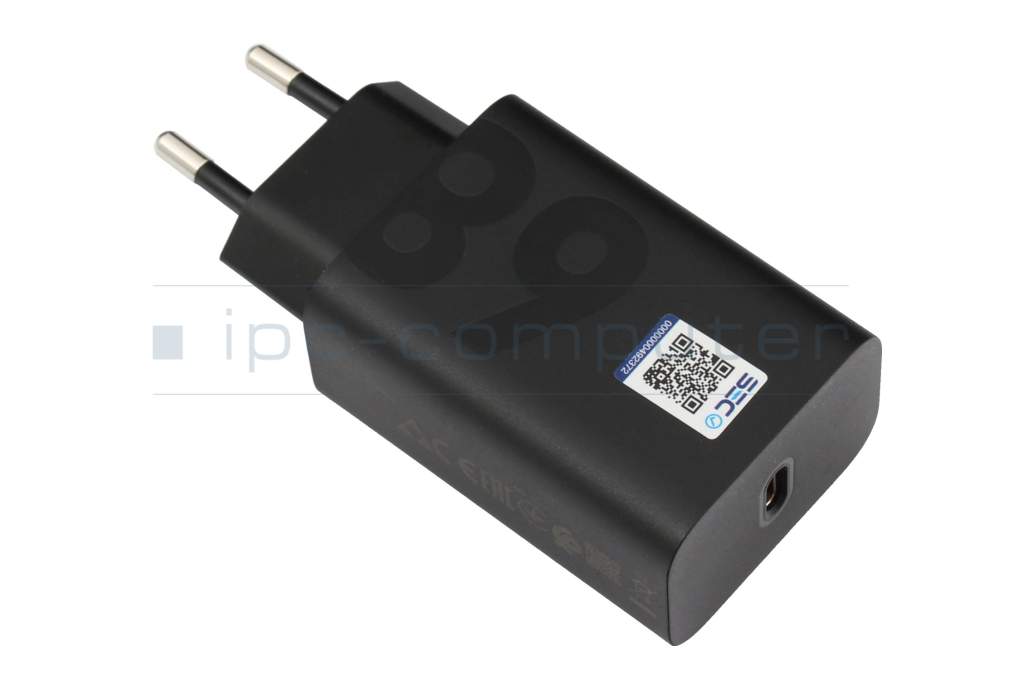
MC-682 original Lenovo USB-C GaN-AC-adapter 68.0 Watt EU wallplug

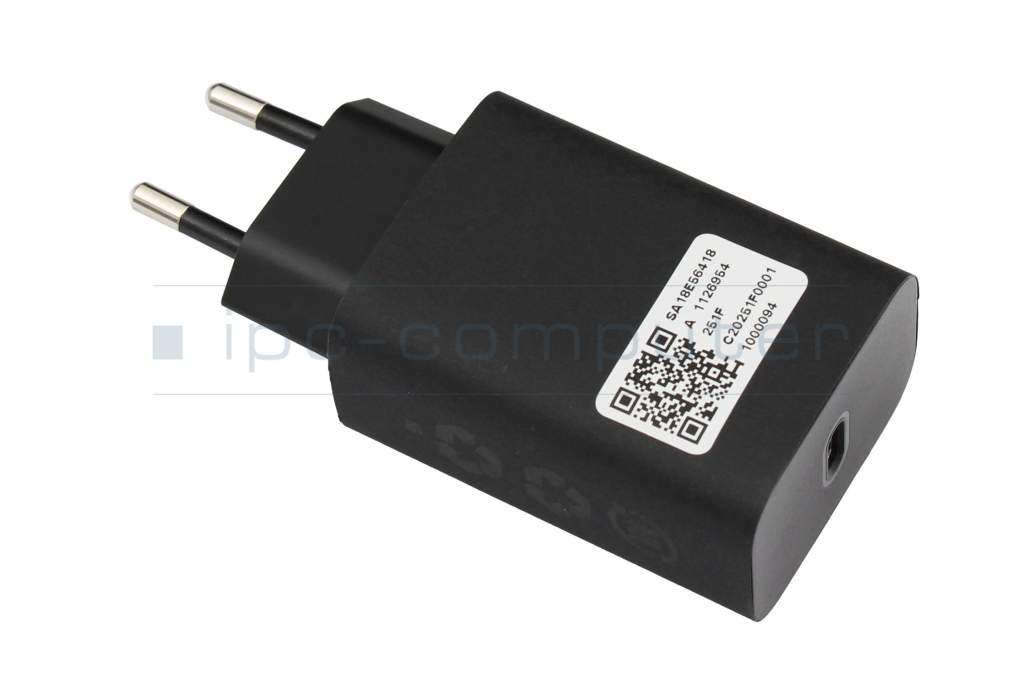


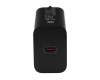
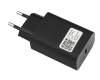


Kurzbeschreibung
- 20.0 Volt
- 3.4 Ampere
- 68.0 Watt
plus shipping charges
- Standardlieferung 15. September - 17. September
- Expresslieferung 15. September
- bei Bestellung innerhalb 16 hrs 52 min




Substitute part numbers:
SA18E08467, SA18D29848
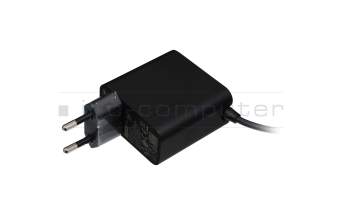
NTL65U USB-C AC-adapter 65.0 Watt EU wallplug
plus shipping charges
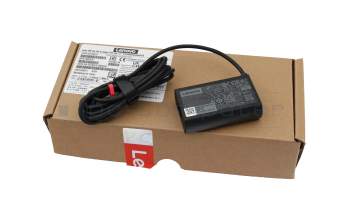
NT65L5 USB-C GaN-AC-adapter 65.0 Watt rounded
plus shipping charges
Product Info
- Manufacturer
- Lenovo
- Item Number
- MC-682
- Sub-Partnumbers
- SA18E08467, SA18D29848
- Safety information
- Sicherheits- & Herstellerkontakt-Informationen
Common data
- Condition
- New
- Manufacturer
- Original directly from Lenovo
- Color
- black
- Delivery includes
- (EU)
Technical Data
- Tension (volt)
- 20.0 Volt
- Amperage (ampere)
- 3.4 Ampere
- Output (watt)
- 68.0 Watt
- Technology
- GaN
- Additional output
-
11V / 6.2A / 68.2W
15V / 3A / 45W
20V / 3,4 / 68W
5V / 3A / 15W - Input (volt)
- 100-240V / 50-60Hz
- Energy efficiency
- VI
Laptop Plug
- Connector type / shape
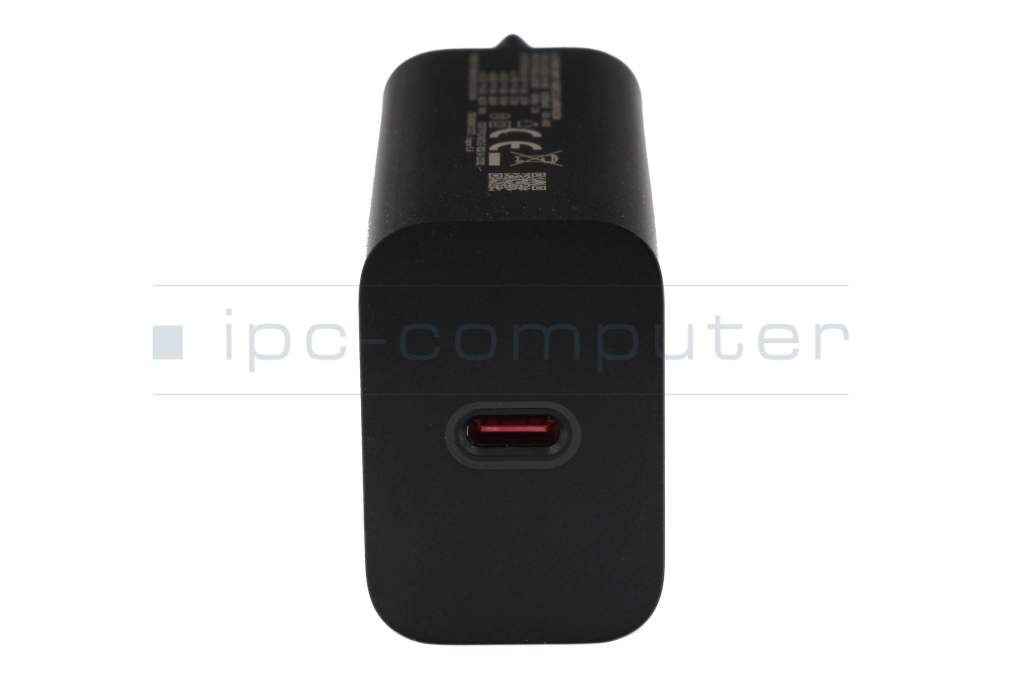
- USB-C / 180° straight
- Length of the connector cable (m) (ca.)
- 1.50 m
Weight & Meassurements
- Length / Width / Hight
- 95 mm / 2 mm / 42 mm
More Information
- Overload-, short-circuit- and overheat-protected
- yes
- Seal of approval
-
CE
EAC
Ukraine Safety
Lenovo 68W USB C Wall Charger - Fast Safe Compact
A charger for all Lenovo tablets and notebooks equipped with power supplies up to 65 watts.
The Lenovo 68W USB-C Wall Charger is Lenovo's most powerful USB-C charger for all compatible USB-C Power Delivery (PD) tablets and notebooks.
Highlights at a glance
- Powerful performance up to 68W
Charges your device in record time. Up to three times faster than conventional 15W or 20W chargers. - With 1.50 m USB-C power cable
The CE-certified USB-C to USB-C cable included in the scope of delivery ensures safe and fast power transmission. - Gallium Nitrite GaN technology
For a more compact design, higher efficiency and lower heat generation. - Safety features included
With integrated protection against overcharging, overvoltage and short circuit. Reliable protection for you and your device. - Universally applicable*
Compatible with a wide range of Lenovo tablets and notebooks including:
Lenovo Tab Extreme Tab P12 Pro Tab P11 Pro 2 Gen, Lenovo Tab M10 3 Gen and 5G Tab M11 M9 M8 4 Gen and many more models.
Scope of delivery
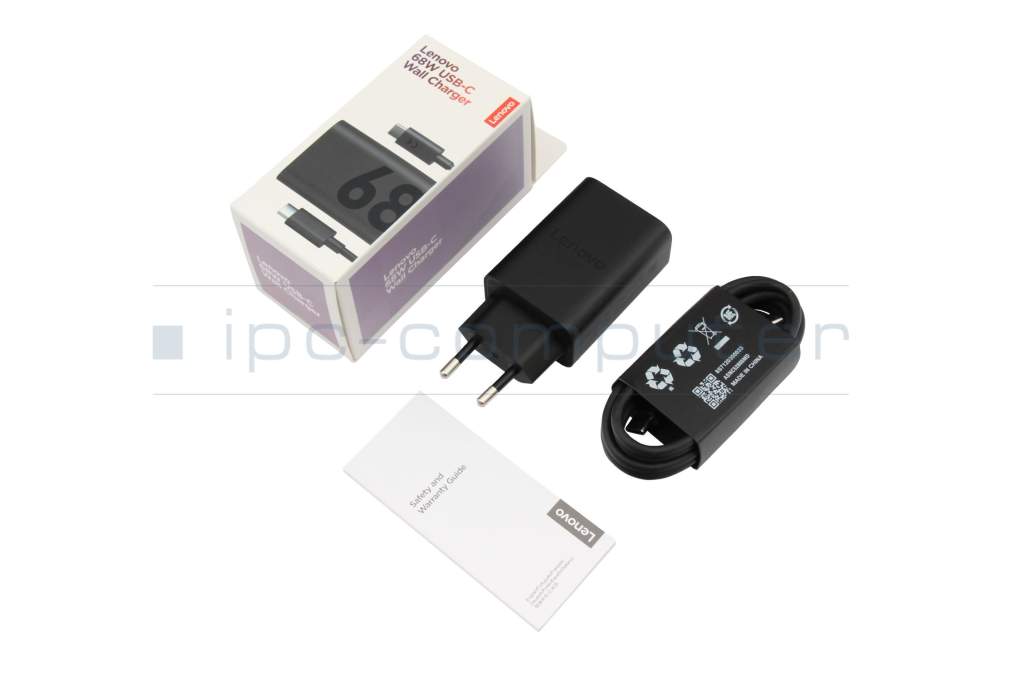
- 1 x Lenovo 68W USB C Wall Charger
- 1 x USB C to USB C charging cable 15 m 6A
- 1 x Safety and warranty guide
Buy now and minimize charging times with the power of Lenovo
Category
- Category
- AC-Adaptor
- Usage
- Laptop
- Excerpt of suitable models for P/N MC-682
- Lenovo Tab Extreme (ZACM/ZACF/ZACE) , Lenovo Yoga Tab Gen 2 (ZAJ0) , Lenovo Legion Tab (8.8", 3) (TB321FU) , Lenovo Tab Extreme (TB570FU/TB570ZU) , Lenovo Tab Extreme (ZACM/ZACF/ZACE) , Lenovo Yoga Tab Gen 2 (ZAJ0) , Lenovo Yoga Tab Plus Gen 2 (ZAHX)
You've found this article over a part number. We'll check if it's the correct sparepart for your machine. To do this, please insert the manufacturer and the name of the model in the order comment.
Videos & Contributions
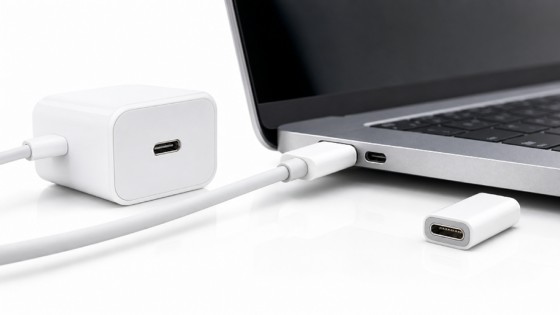
Not all USB-C power supplies are the same
Recognize defective notebook power supply - purchase advice
Notebook power supplies are essential for most technical aids in the office and at home. - With these "step-by-step" instructions we help to prevent bad purchases.
Learn more >Important and useful informations about laptop AC adapters
Frequently asked questions about AC adapters
All questions about AC adapters
AC adapters FAQ