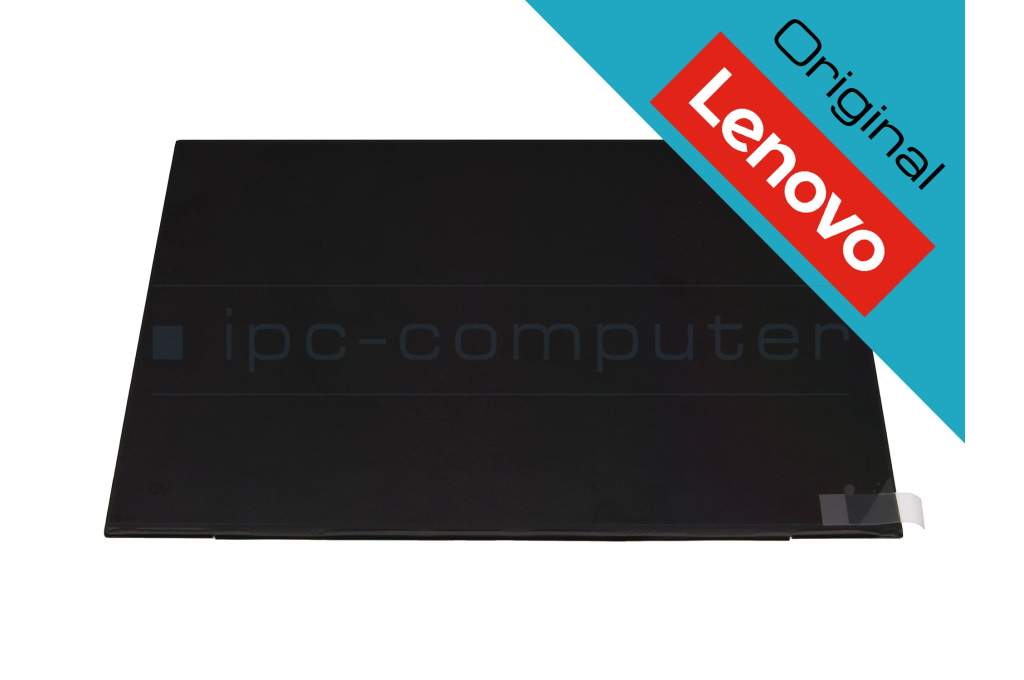
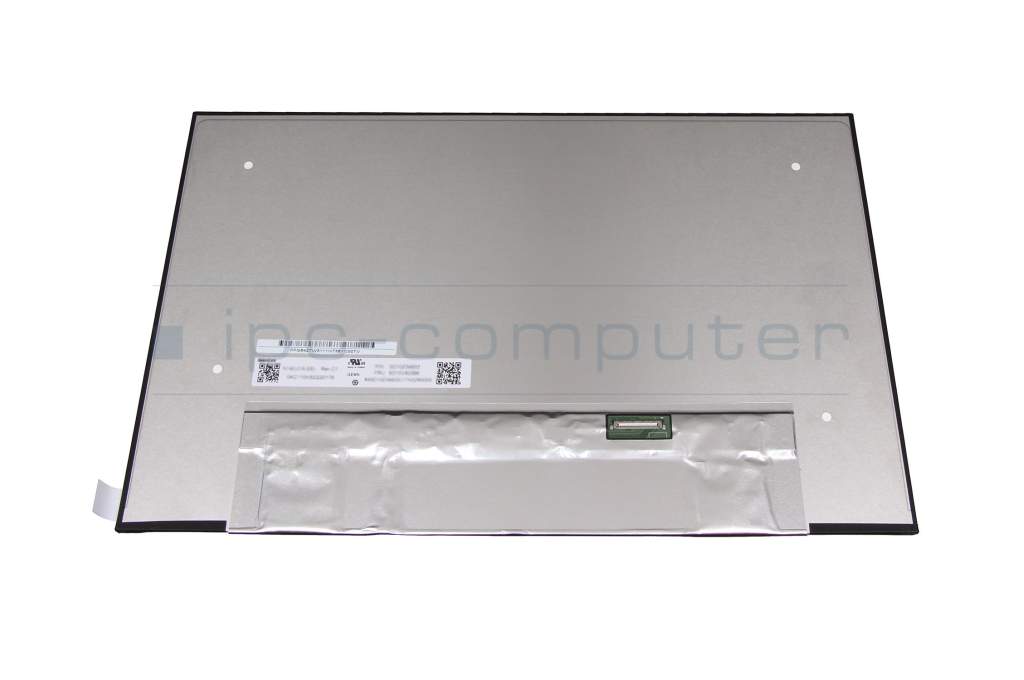
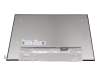
Alternative for Lenovo 5D10V82506 IPS display (1920x1200) matt 60Hz (Non-Touch)

plus shipping charges
- Standardlieferung 25. August - 27. August
- Expresslieferung 25. August
- bei Bestellung innerhalb 21 hrs 58 min




Installation in our repair shop
Please note: Different displays (touch & non-touch) may be installed depending on the laptop configuration. This display does not have a touch function (non-touch).
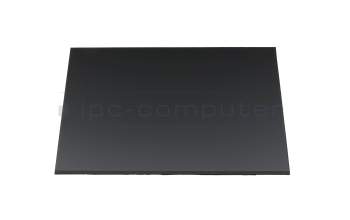
N140JCA-EEL Innolux IPS Display 1920x1200 matt 60Hz
plus shipping charges
Product Info
- Manufacturer
- Lenovo
- Item Number
- 5D10V82506
- Primary Partnummer
- 5D10V82501
- Safety information
- Sicherheits- & Herstellerkontakt-Informationen
The offered manufacturer number is an alternative (substitute) to the spare part number you are looking for.
Common data
- Condition
- New
Technical Data
- Size
- 14.0 Zoll / 35.6 cm
- Resolution
- 1920x1200 / WUXGA
- Panel
- IPS
- Surface
- matt
- Frame rate
- 60Hz
- Backlight
- LED
- Brightness
- 300 cd/m²
- Length / Width
- 30.6 cm / 19.7 cm
- Thickness
- slimline
- Brackets
- no bracket
Display connection
- Position of display connector
- bottom right
- Width of display connector
- 2.0 cm
- Number of pins
- 30
- Display Control
- eDP
Is your display defective and you are afraid to replace it yourself?
No problem, in some cases this is actually the right decision. Because in most cases it is not enough to simply open the notebook case, a lot more is required. So before your notebook unintentionally suffers even greater damage, simply send it to us and our competent technicians will replace your display in the shortest possible time. In this way, you only pay a slightly higher price compared to ordering a display without installation and are also on the safe side when it comes to possible damage during the display repair. And the most important thing - you only have to do without your laptop for just under 5 days (including return shipment). 95% of all display repairs are carried out within 24 hours.
Advantages of display repair:
- 24 hour replacement and repair service - fast & reliable
- No risk thanks to our IPC solution promise
- Repair only by experienced notebook technicians
Hochwertige Original Displays von Lenovo sind immer passgenau, funktionssicher und in überzeugender Spitzenqualität.
Beim Erwerb eines Original-Lenovo-Displays können Sie sicher sein, ein Notebook-Ersatz-Display zu erhalten, das mit den genau zu Ihrem Notebook passenden Befestigungs-Vorrichtungen (Brackets) ausgestattet ist. Sollte Ihr neues Display jedoch keine Brackets enthalten, bieten wir Ihnen optional hochwertige Displayklebestreifen an, um eine sichere und stabile Montage zu gewährleisten. Damit garantieren wir nicht nur die Kompatibilität Ihres Displays, sondern auch eine problemlose Installation für ein optimales Nutzungserlebnis.
This display offered here has no touch function (non-touch).
The following models are available with different displays (touch & non-touch):
T14s Gen 4 (Type 21F6, 21F7) P14s Gen 3 (Type 21J5, 21J6) P14s Gen 3 (Type 21AK, 21AL)
Category
- Category
- Displays
- Usage
- Laptop
- Excerpt of suitable models for P/N 5D10V82506
- Lenovo ThinkPad E14 Gen 5 (21JK/21JL) , Lenovo ThinkPad E14 Gen 5 (21JR/21JS) , Lenovo ThinkPad P14s Gen 4 (21HF/21HG) , Lenovo ThinkPad T14 Gen 3 (21AH/21AJ) , Lenovo ThinkPad T14 Gen 3 (21CF/21CG) , Lenovo ThinkPad T14 Gen 4 (21HD/21HE) , Lenovo ThinkBook 14 G4+ IAP (21CX) , Lenovo ThinkPad P14s G3 (21AK/21AL) , Lenovo ThinkPad P14s G3 (21J5/21J6) , Lenovo ThinkPad T14s G3 (21BR/21BS)
You've found this article over a part number. We'll check if it's the correct sparepart for your machine. To do this, please insert the manufacturer and the name of the model in the order comment.
Videos & Contributions
Laptop Display FAQ
In this video we answer the most important questions about laptop displays.
Learn more >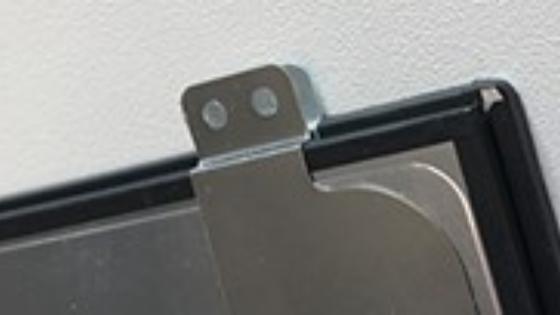
6 important reasons for buying an original display

IPS display difference to TN notebook display?
Important and useful informations about laptop Displays
Frequently asked questions about Displays
All questions about Displays
Displays FAQ
Accessories, suitable alternative products and recommendations
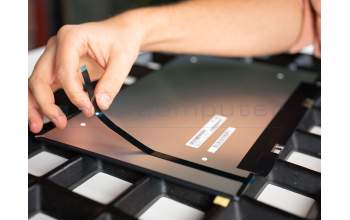
IPC-Computer STRIP1 Display adhesive strips, double-sided - Kit
plus shipping charges
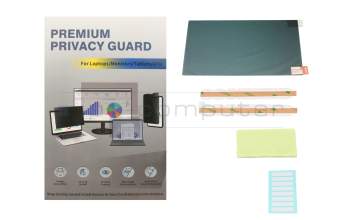
IPC-Computer ZDF002 Premium privacy film 14 inch
plus shipping charges