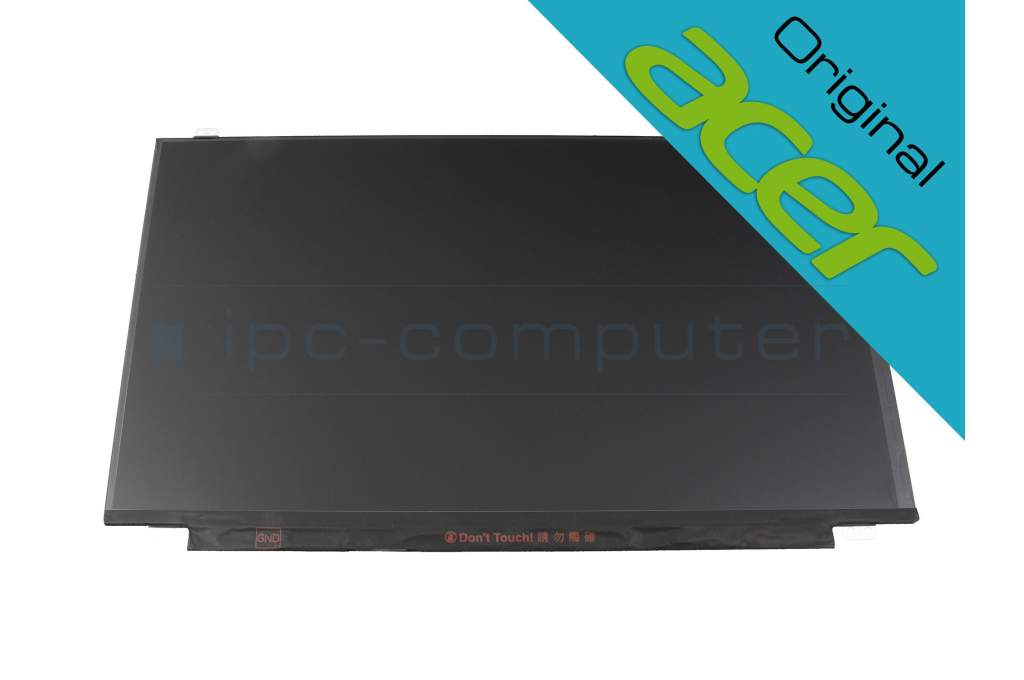
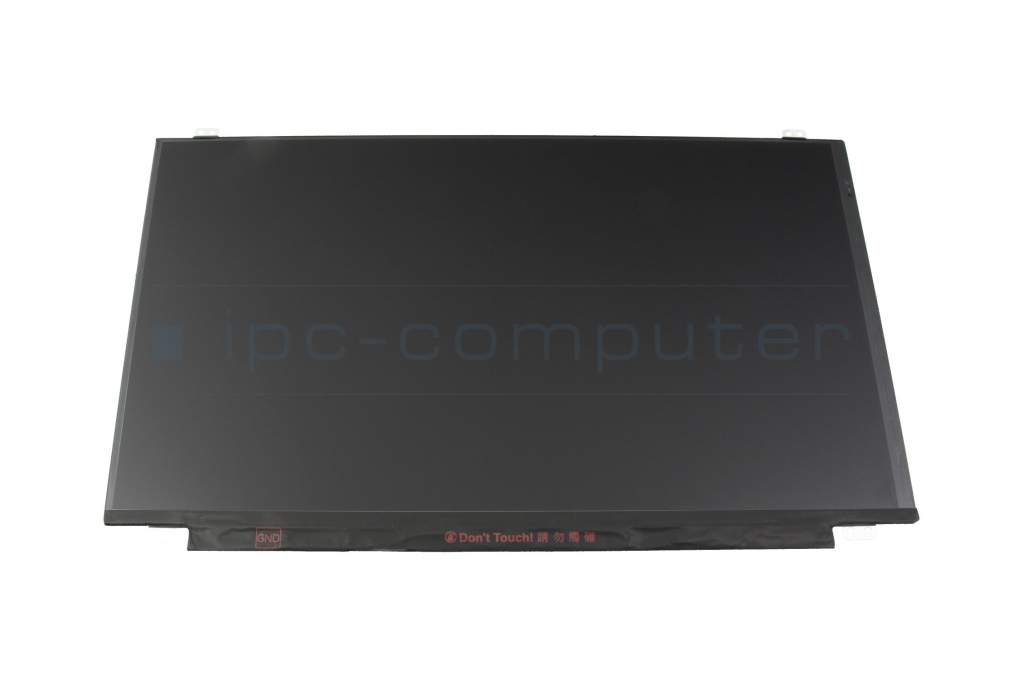
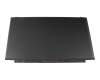
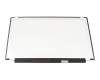
Acer KL.15605.049 original IPS display (1920x1080) matt 144Hz (with bracket)

plus shipping charges
- Standardlieferung 2. October - 6. October
- Expresslieferung 2. October
- bei Bestellung innerhalb 20 hrs 46 min




Installation in our repair shop
Substitute part numbers:
AU Optronics B156HAN07.1 HW2A, KL15605049, AU Optronics B156HAN07.1 H/W:2A
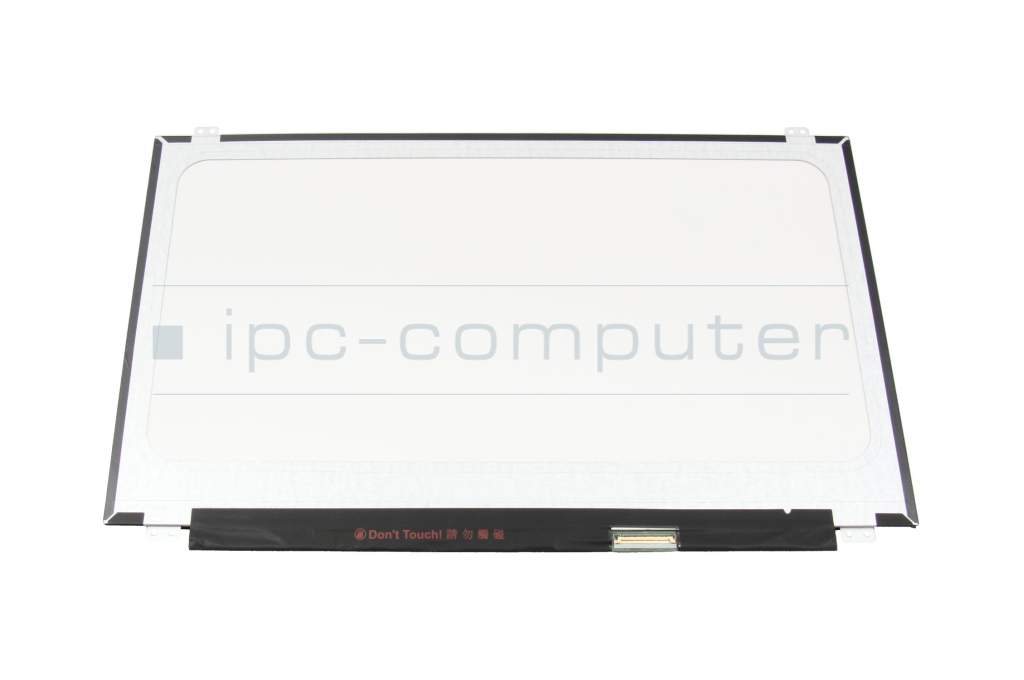
The manufacturer installs different displays (60+144Hz) for the same models. This display connector has 40 pins for a 144Hz display. Please check carefully when selecting whether these features match your display.
- Manufacturer
- Acer
- Item Number
- KL.15605.049
- Sub-Partnumbers
- B156HAN07.1 HW2A, KL15605049, B156HAN07.1 H/W:2A
- Safety information
- Sicherheits- & Herstellerkontakt-Informationen
Common data
- Condition
- New
Technical Data
- Size
- 15.6 Zoll / 39.6 cm
- Resolution
- 1920x1080 / FHD
- Panel
- IPS
- Surface
- matt
- Frame rate
- 144Hz
- Backlight
- LED
- Length / Width
- 35.9 cm / 22.3 cm
- Thickness
- slimline
- Brackets
- top / bottom
Display connection
- Position of display connector
- bottom right
- Width of display connector
- 2.5 cm
- Number of pins
- 40
- Display Control
- eDP
Is your display defective and you are afraid to replace it yourself?
No problem, in some cases this is actually the right decision. Because in most cases it is not enough to simply open the notebook case, a lot more is required. So before your notebook unintentionally suffers even greater damage, simply send it to us and our competent technicians will replace your display in the shortest possible time. In this way, you only pay a slightly higher price compared to ordering a display without installation and are also on the safe side when it comes to possible damage during the display repair. And the most important thing - you only have to do without your laptop for just under 5 days (including return shipment). 95% of all display repairs are carried out within 24 hours.
Advantages of display repair:
- 24 hour replacement and repair service - fast & reliable
- No risk thanks to our IPC solution promise
- Repair only by experienced notebook technicians
Hochwertige Original Displays von Acer sind immer passgenau, funktionssicher und in überzeugender Spitzenqualität.
Beim Erwerb eines Original-Acer-Displays können Sie sicher sein, ein Notebook-Ersatz-Display zu erhalten, das mit den genau zu Ihrem Notebook passenden Befestigungs-Vorrichtungen (Brackets) ausgestattet ist. Sollte Ihr neues Display jedoch keine Brackets enthalten, bieten wir Ihnen optional hochwertige Displayklebestreifen an, um eine sichere und stabile Montage zu gewährleisten. Damit garantieren wir nicht nur die Kompatibilität Ihres Displays, sondern auch eine problemlose Installation für ein optimales Nutzungserlebnis.
Category
- Category
- Displays
- Usage
- Laptop
- Excerpt of suitable models for P/N KL.15605.049
- Acer Nitro 5 (AN515-52) , Acer Nitro 5 (AN515-53) , Acer Nitro 5 (AN515-52) , Acer Predator Helios 300 (PH315-51)
You've found this article over a part number. We'll check if it's the correct sparepart for your machine. To do this, please insert the manufacturer and the name of the model in the order comment.
Videos & Contributions
Laptop Display FAQ
In this video we answer the most important questions about laptop displays.
Learn more >
IPS display difference to TN notebook display?
Important and useful informations about laptop Displays
Frequently asked questions about Displays
All questions about Displays
Displays FAQ
Accessories, suitable alternative products and recommendations
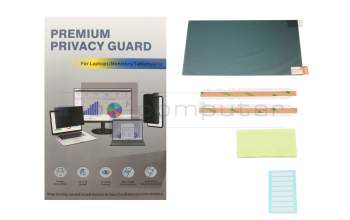
IPC-Computer ZDF003 Premium privacy film 15.6 inch
plus shipping charges