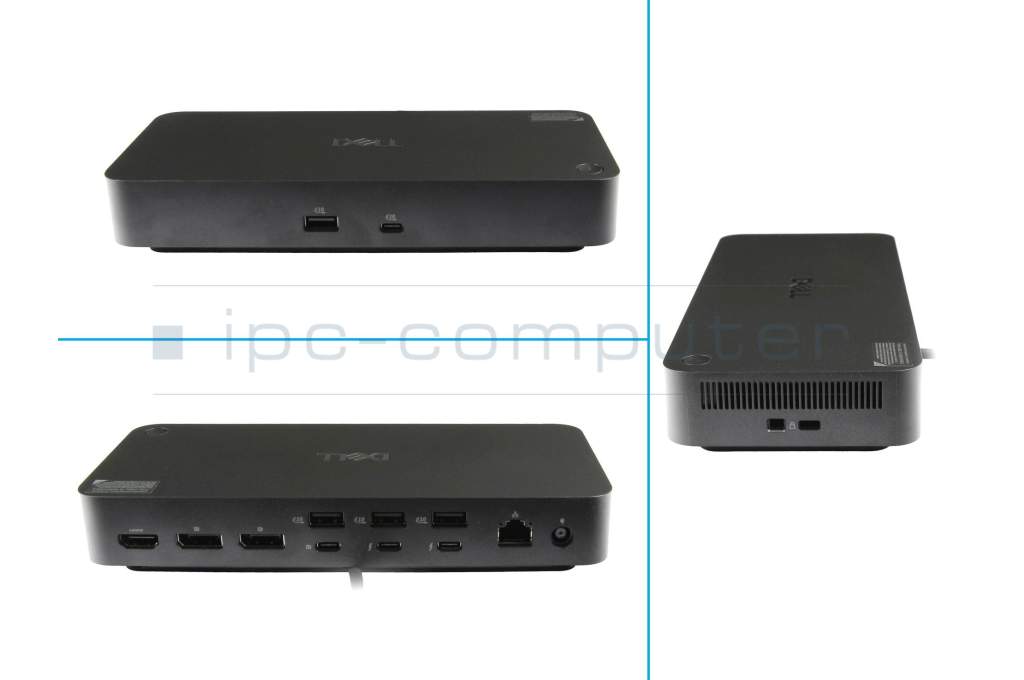
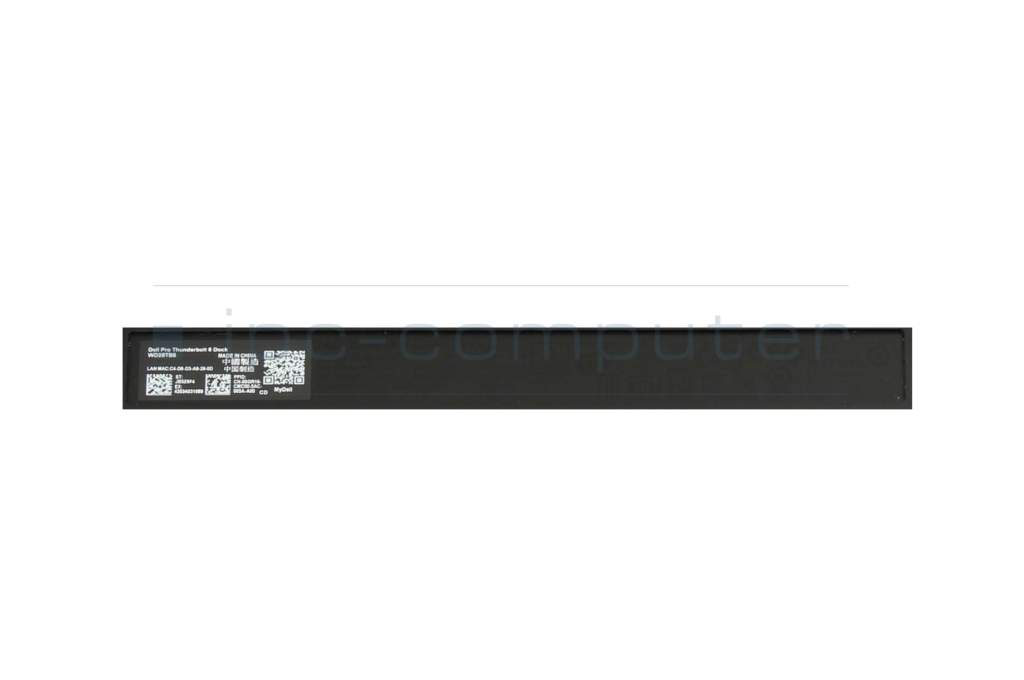
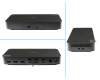
Dell 03V016 Pro TB5 Dock – WD25TB5 incl. 330W Netzteil

plus shipping charges
- Standardlieferung 23. September - 25. September
- Expresslieferung 23. September
- bei Bestellung innerhalb 17 hrs 15 min




Substitute part numbers:
K23A, K23A003
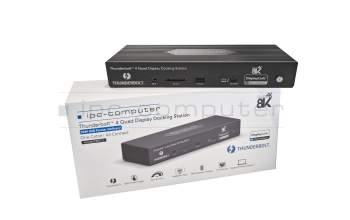
PRIPC2 IPC-Computer TB4 Quad-Display Docking Station incl. 160W ac-adapter
plus shipping charges
Product Info
- Manufacturer
- Dell
- Item Number
- 03V016
- Sub-Partnumbers
- K23A, K23A003
- Safety information
- Sicherheits- & Herstellerkontakt-Informationen
The offered manufacturer number is an alternative (substitute) to the spare part number you are looking for.
Common data
- Condition
- New
Technical Data
- Connexion to the laptop
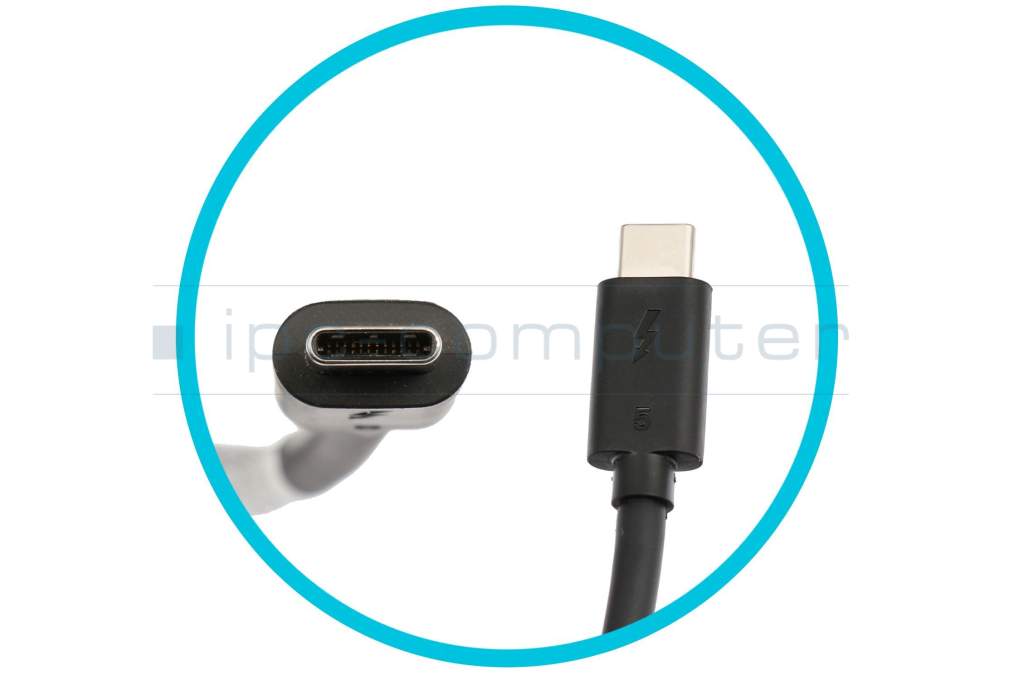
- Thunderbolt 5
- Connectors
-
1x DC-In (Power supply)
1x Ethernet (RJ-45)
1x HDMI 2.1
1x Kensington-Lock
1x Noble Wedge Lock
1x USB-C 3.2 Gen 2
1x USB-C 3.2 Gen 2 + DisplayPort
2x DisplayPort 2.1
2x Thunderbolt 5
4x USB-A 3.2 Gen 2 - Max. resolution of external monitors
-
1x 5K - 3440x1440 @ 60Hz
1x 8K - 7680x4320 @ 60Hz
2x 4K - 3840x2160 @ 60Hz
2x 6K - 6144 x 3456 @ 60Hz
3x 4K - 3840x2160 @ 120Hz
3x 4K - 3840x2160 @ 60Hz
3x WQHD - 3440x1440 @ 60 Hz
4x 4K - 3840x2160 @ 120Hz
4x 4K - 3840x2160 @ 60Hz
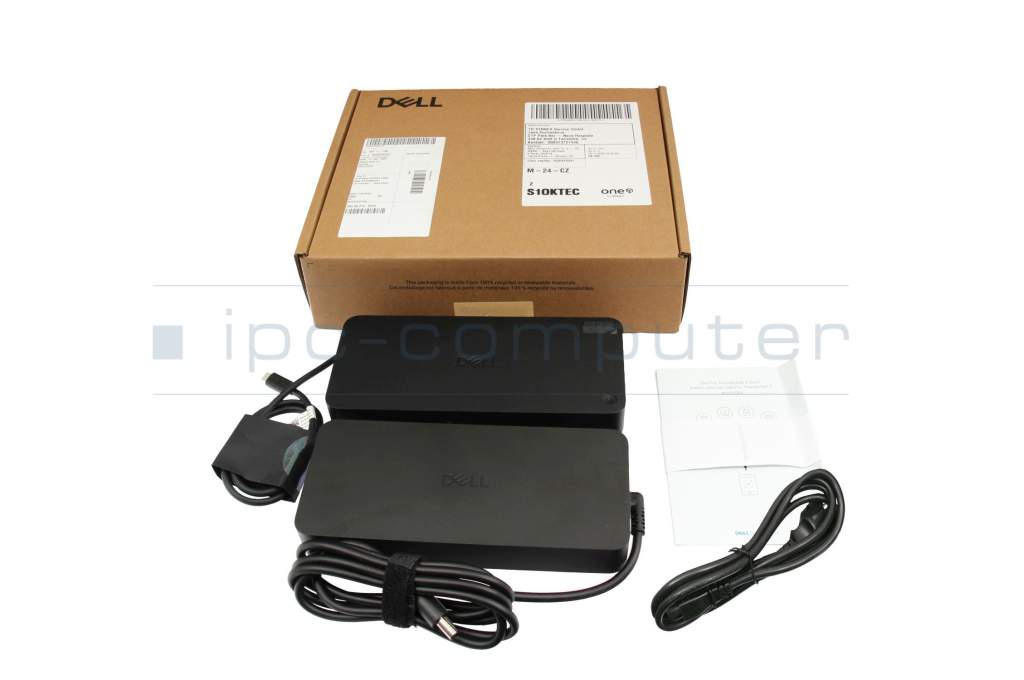
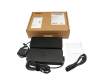
4x QHD - 2560x1440 @ 60Hz - Delivery includes
-
AC-Adapter
Manual
Pocket
Port Replicator
Power cable
Safety Information - Included ac-adaptor
- 330W
- Compatible operating systems
-
ChromeOS
Linux
Linux / Debian
Linux / Red Hat Enterprise
Linux / Ubuntu
Mac OS
Windows 10 (32bit/64bit)
Windows 11 - Length / Width / Hight
- 20.5 cm / 9 cm / 3.5 cm
Vorteile
Lösen Sie eingeschränkte Anschlussmöglichkeiten schnell und sicher mit diesem Port Replikator und verbinden Sie auf einfache Weise eine Maus, Drucker, weitere USB-Geräten. Spiegeln oder Erweitern Sie Ihren Desktop auf mehrere externe Monitore. Hier finden Sie den vollständigen Bericht über weitere Vorteile.Mit einem USB-C-Anschluss benötigen Sie nicht nur kein zusätzliches Netzteil zum Betrieb des Notebooks, Sie können mit dem vorhandenen Port Replikator sogar Ihren Akku aufladen. Beachten Sie aber, dass über den USB-C Anschluss maximal eine Leistungsaufnahme von 100 Watt möglich ist. Sollte Ihr Notebook eine höhere Leistungsaufnahme haben, benötigen Sie weiterhin das Netzteil des Notebooks für den Betrieb.
Dell Pro Thunderbolt 5 Dock WD25TB5 – Elegant Connection Solution for Professional Demands
The Dell Pro Thunderbolt 5 Dock offers a versatile and powerful docking station designed specifically for professional users requiring high data transfer speeds and flexible connectivity options. Equipped with cutting-edge Thunderbolt 5 technology, the dock allows multiple devices to be connected simultaneously while delivering impressive video and data transmission. Its sleek design and durable construction make it an ideal companion for modern workplaces.
Connections / Ports
- 1 x Thunderbolt 5 (USB-C) port
- 1 x USB-C 10GbE (for network connection)
- 2 x USB-A 10Gbps (e.g., for peripherals)
- 1 x USB-C 10Gbps (additional data/accessory port)
- 1 x 3.5 mm stereo audio jack
- 1 x Headphone jack
- 1 x SD Card Reader (supports various formats)
- 1 x Kensington Lock Slot
- USB-C Power Delivery (up to 240W) for compatible laptops
Video resolution details and supported display modes
- Supports up to three 4K displays simultaneously at 60Hz
- 8K output at 30Hz (with compatible monitors and graphics cards)
- Supports HDR formats
- Supported display modes: extended, dual solutions, mirror mode
- Supported Display Modes
- QHD @ 60Hz
- WQHD @ 60Hz
- 4K @ 60Hz
- 5K @ 60Hz
- 6K @ 60Hz
- 8K @ 60Hz
- 4K @ 120Hz
Supported Resolutions- 3840 x 2160
- 5120 x 2160
- 2560 x 1440
- 3440 x 1440
- 7680 x 4320
- 6144 x 3456
Management features
- Firmware and software updates via Dell Management Tools
- Ethernet management via built-in 10GbE port
- Compatible with Dell Command | Monitor for monitoring and remote management
- Support for customizable LED status indicators
Power supply
- 240W Power Delivery via Thunderbolt 5 USB-C
- Energy-efficient, cool design
- No external power adapter needed for compatible laptops supporting Power Delivery
Package contents
- Dell Pro Thunderbolt 5 Dock WD25TB5
- 240W Power Adapter
- Thunderbolt 5 Cable
- Quick Start Guide and Warranty Card
Maximize flexibility and performance at your workspace with the Dell Pro Thunderbolt 5 Dock.
Category
- Category
- Dockings
- Usage
- Laptop
- Excerpt of suitable models for P/N 03V016
- Alienware 16 Area-51 AA16250 , Alienware 18 Area-51 AA18250 , Dell Pro Max 18 Plus MB18250 , Dell 16 Premium DA16250 , Dell Pro Max 14 Premium MA14250
You've found this article over a part number. We'll check if it's the correct sparepart for your machine. To do this, please insert the manufacturer and the name of the model in the order comment.
Videos & Contributions
Using a laptop with a dock even when it is folded down
In this quick tip we show how you can work with a docking station and an external monitor even when your laptop is folded down.
Learn more >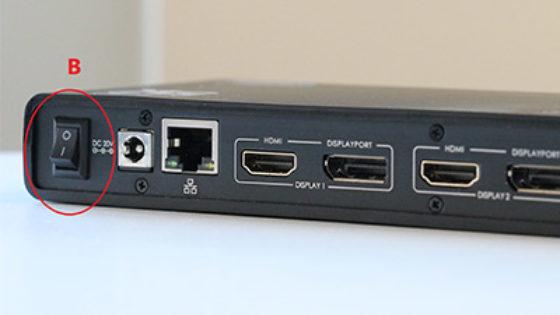
The "secret" with the power button
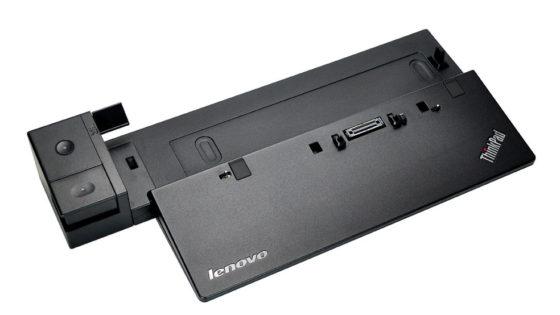
Docking station vs. port replicator

The power button does not activate the notebook?
Important and useful informations about laptop Docking stations
Frequently asked questions about Docking stations
All questions about Docking stations
Docking stations FAQ
Accessories, suitable alternative products and recommendations
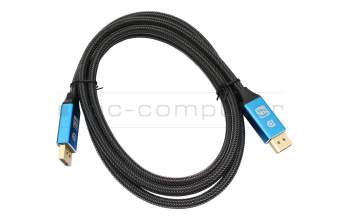
IPC-Computer KA001I 8K DisplayPort to DisplayPort
plus shipping charges
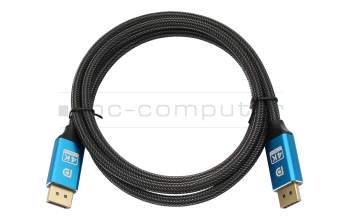
IPC-Computer KA002I 4K HDR DisplayPort to DisplayPort
plus shipping charges
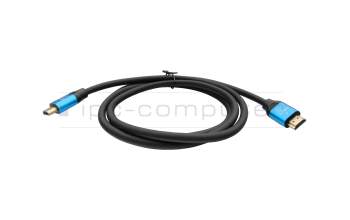
IPC-Computer KA003I 4K HDMI to HDMI
plus shipping charges