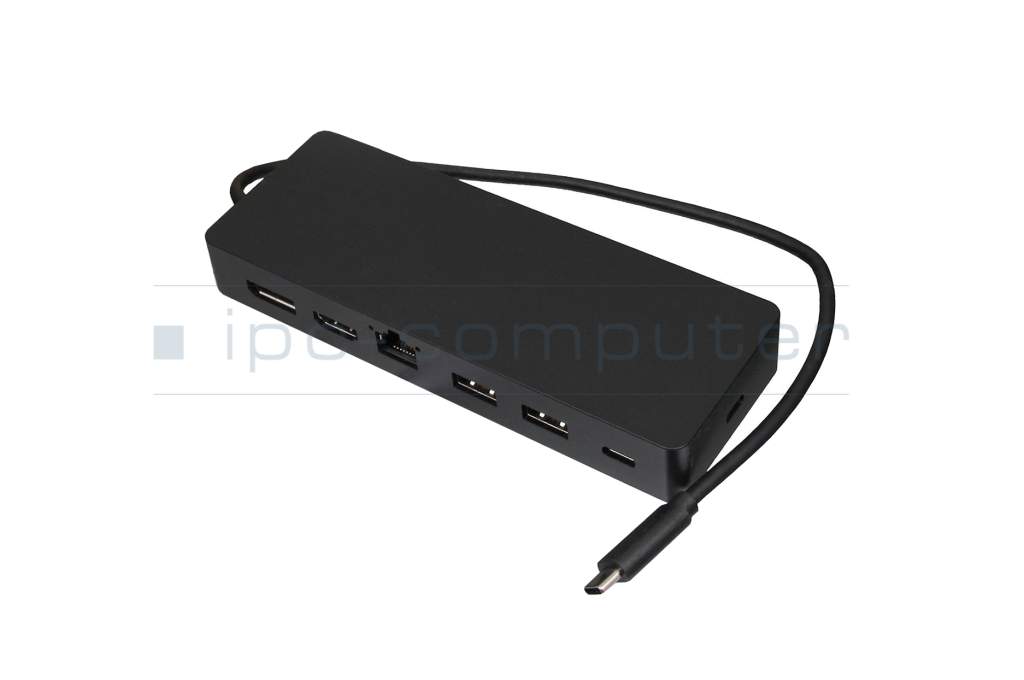
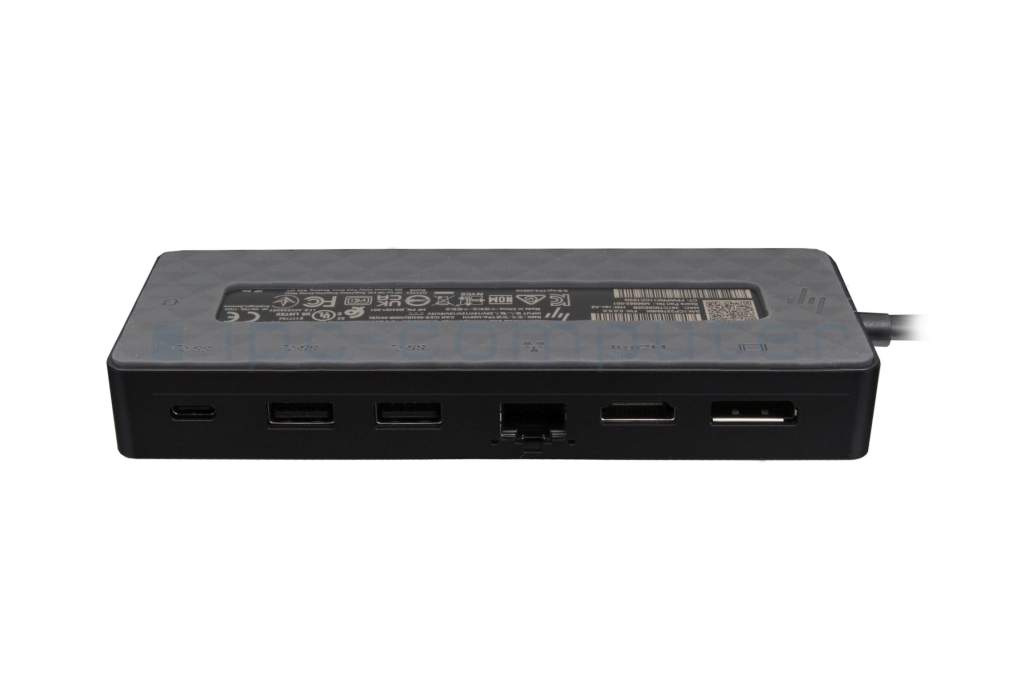
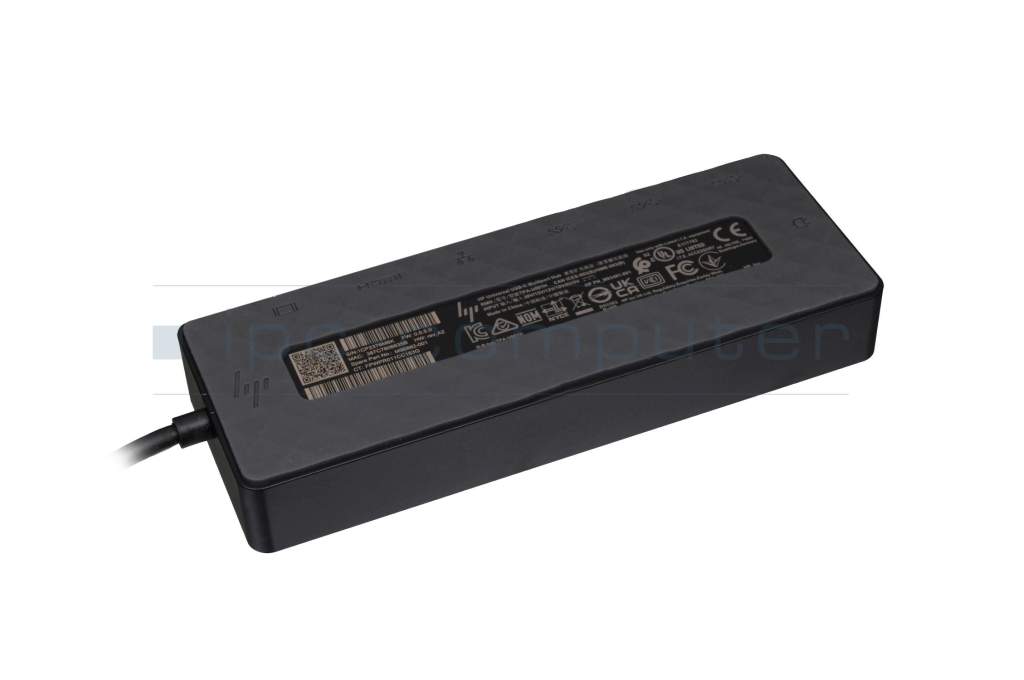
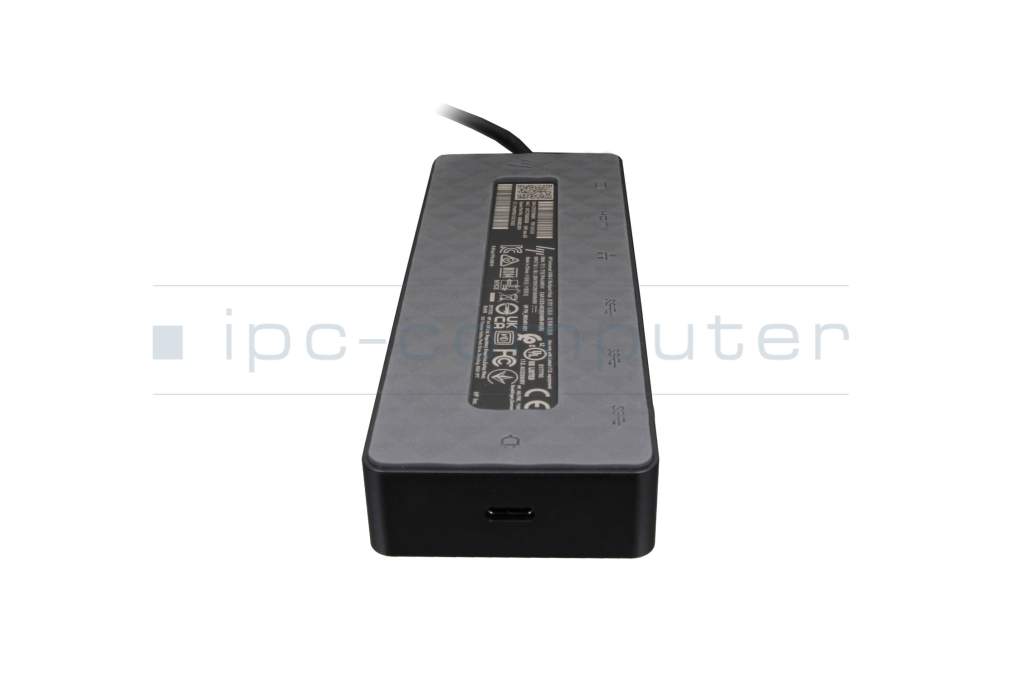
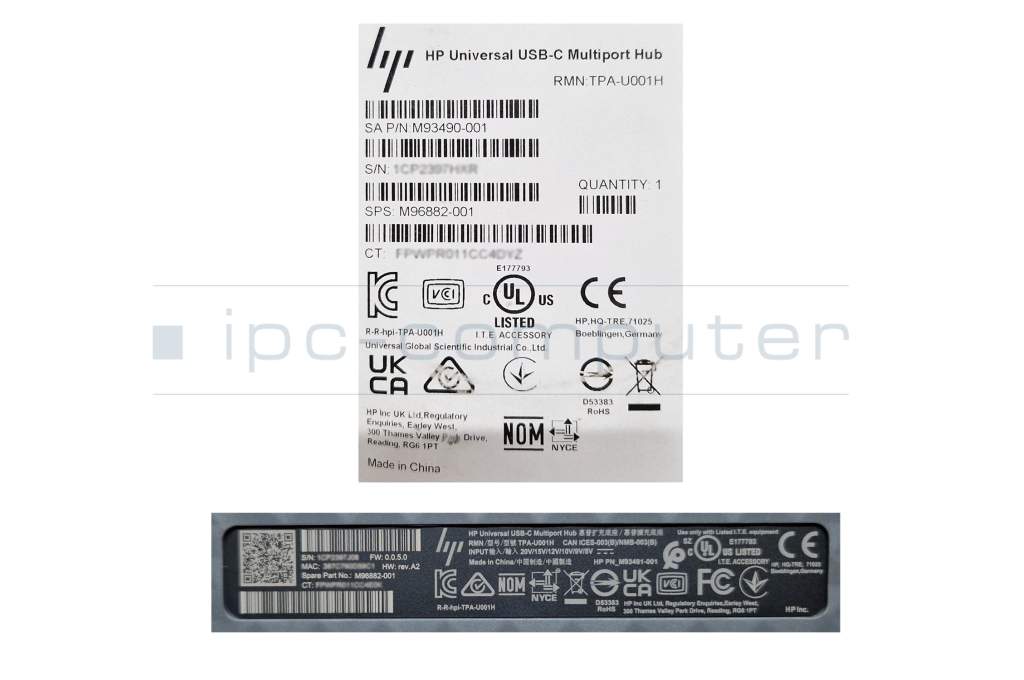
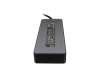
HP FPWPRO11CC0DQ6 Universal USB-C multiport hub Docking Station

plus shipping charges
- Standardlieferung 30. June - 1. July
- Expresslieferung 30. June
- bei Bestellung innerhalb 1 hrs 25 min




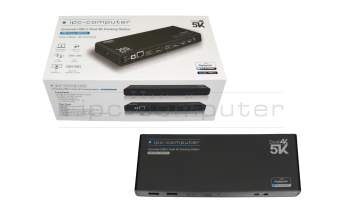
PRIPC1 IPC-Computer Dual 4K Hybrid-USB Docking Station incl. 130W ac-adapter
plus shipping charges
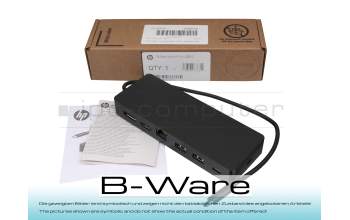
PRHP4R HP Universal USB-C multiport hub Docking Station b-stock
plus shipping charges
Product Info
- Manufacturer
- HP
- Item Number
- FPWPRO11CC0DQ6
- Primary Partnummer
- M96882-001
- Safety information
- Sicherheits- & Herstellerkontakt-Informationen
Common data
- Condition
- New
Technical Data
- Connexion to the laptop
- USB-C 3
- Connectors
-
1x DisplayPort
1x Ethernet (RJ-45)
1x HDMI
1x USB-C 3.2 Gen 1
1x USB-C PowerDelivery
2x USB-A 3.2 Gen 1 - Max. resolution of external monitors
- 2x UHD - 3840x2160
- Delivery includes
-
Docking Station
Manual
Safety Information - Compatible operating systems
-
ChromeOS
Mac OS
Windows 10 (32bit/64bit)
Windows 11 - Length / Width / Hight
- 15 cm / 5.5 cm / 2.2 cm
With just a USB-C cable, you can connect this universal dock to your PC.
It can display high-quality 4K resolutions through HDMI 2.0 and DisplayPort 1.2 connections and supports Windows®, macOS, and Chrome OS®.
You can connect any video, data or network connection with the seven multi-functional ports. This handy, lightweight and small dock tends to be underrated. It's ideal for mobile working on the go and can manage all your needed devices easily and remotely.
Specifications:
4K - 60 Hz (single display)
4K - 30 Hz (dual display)
Designed for:
HP OMEN by HP Laptop 16-b0004nl,16-b0504la,16-b1003ns,16-b1010nl,16-b1022ns,16-k0391nd,16-k0704nz,16-k0730nz,16-k0764nz,16-k0950nz,17-ck1004ns
HP Victus by HP Laptop 15-fa0750nz,15-fb0020nr,15-fb0350nd,15-fb0400nz,15-fb0882nd,16-d0001na,16-d1023nl,16-d1033ns,16-e0037na,16-e0044nl,16-e0058nl
HP 470 G9 Notebook
HP Chromebook x360 14a-ca0097nr
HP Elite c640 G3 Chromebook
HP EliteBook 655 G9 Notebook
HP ENVY laptop 16-h0720nz, 16-h0950nz
HP ENVY x360 Laptop 15-ey0365nd, 15-ey0404nz
HP Pro x360 Fortis 11 G9 Notebook
HP ProBook 445 G9 Notebook
Category
- Category
- Dockings
- Usage
- Laptop
- Excerpt of suitable models for P/N FPWPRO11CC0DQ6
- HP Victus 16-e1000 , HP ZBook Fury 15 G8 , HP Victus 15-fb0000 , HP Envy 13-ba1000 , HP Elite mt645 G7 Mobile Thin Client , HP Envy x360 2in1 15-ew0000 , HP ZBook Firefly 15 G8 , HP ZBook Firefly 14 G9 , HP Envy x360 15-fh0000 , HP ProBook 650 G8
You've found this article over a part number. We'll check if it's the correct sparepart for your machine. To do this, please insert the manufacturer and the name of the model in the order comment.
Videos & Contributions
Using a laptop with a dock even when it is folded down
In this quick tip we show how you can work with a docking station and an external monitor even when your laptop is folded down.
Learn more >Which USB dock connector do I need for my notebook?
To choose the right docking station for your notebook, you should know which USB port you need. In this video, we will go into the differences and special features of the USB ports.
Learn more >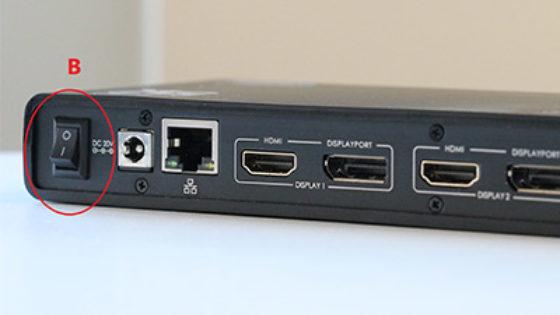
The "secret" with the power button
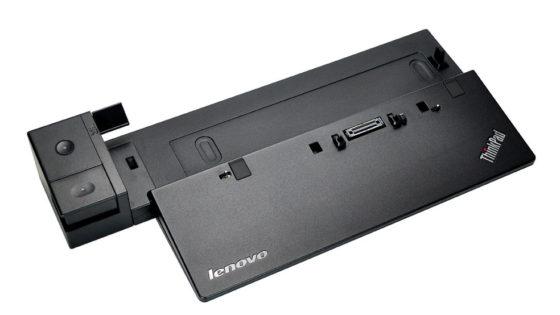
Docking station vs. port replicator

The power button does not activate the notebook?
Important and useful informations about laptop Docking stations
Frequently asked questions about Docking stations
All questions about Docking stations
Docking stations FAQ
Accessories, suitable alternative products and recommendations
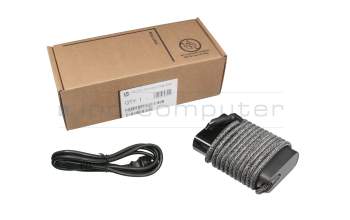
671R3AA#ABB original HP USB-C AC-adapter 65.0 Watt rounded
plus shipping charges
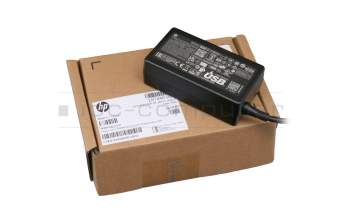
1P3K6AA original HP USB-C AC-adapter 65.0 Watt normal
plus shipping charges
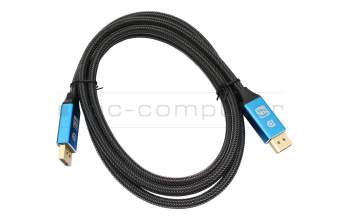
IPC-Computer KA001I 8K DisplayPort to DisplayPort
plus shipping charges
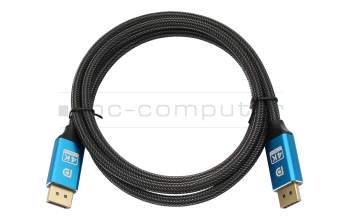
IPC-Computer KA002I 4K HDR DisplayPort to DisplayPort
plus shipping charges
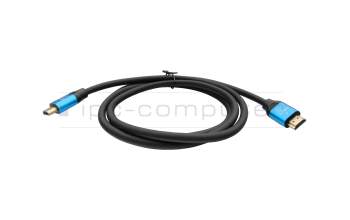
IPC-Computer KA003I 4K HDMI to HDMI
plus shipping charges