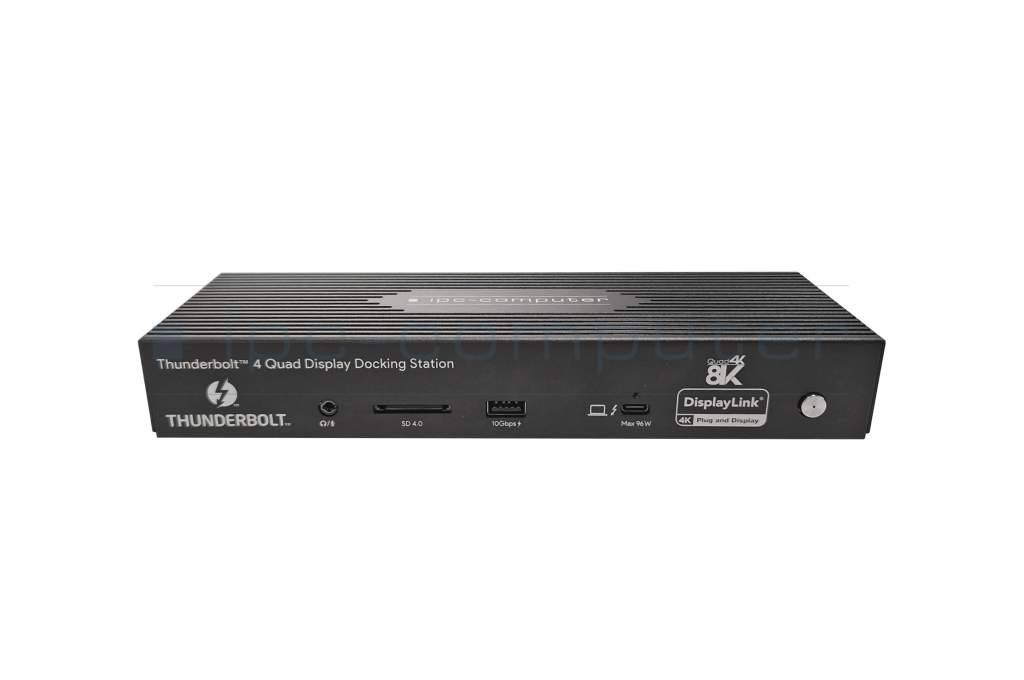
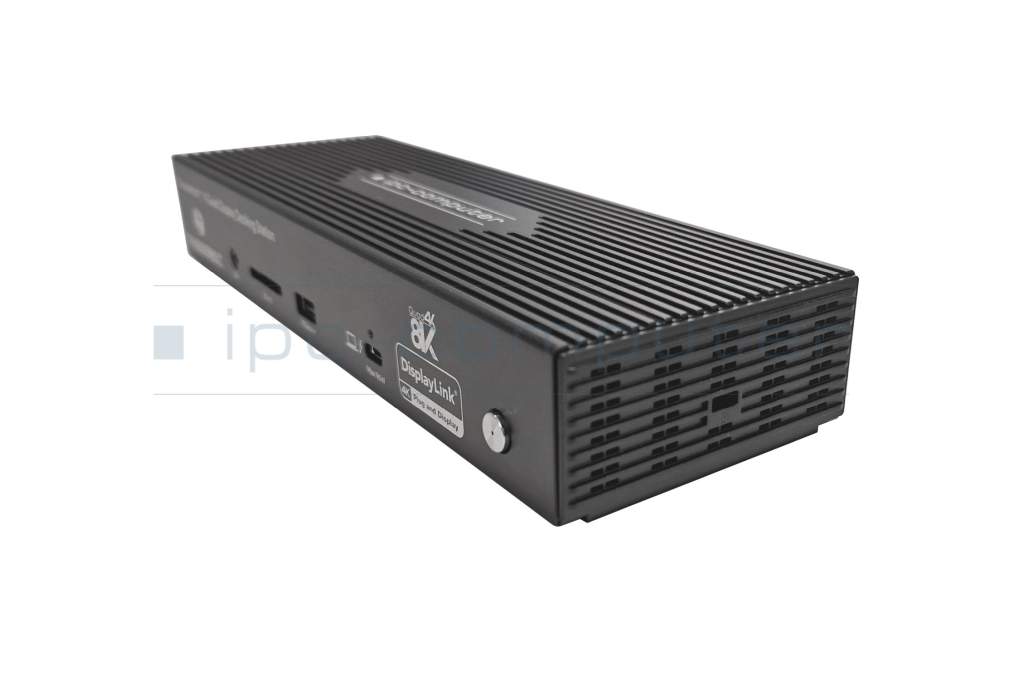
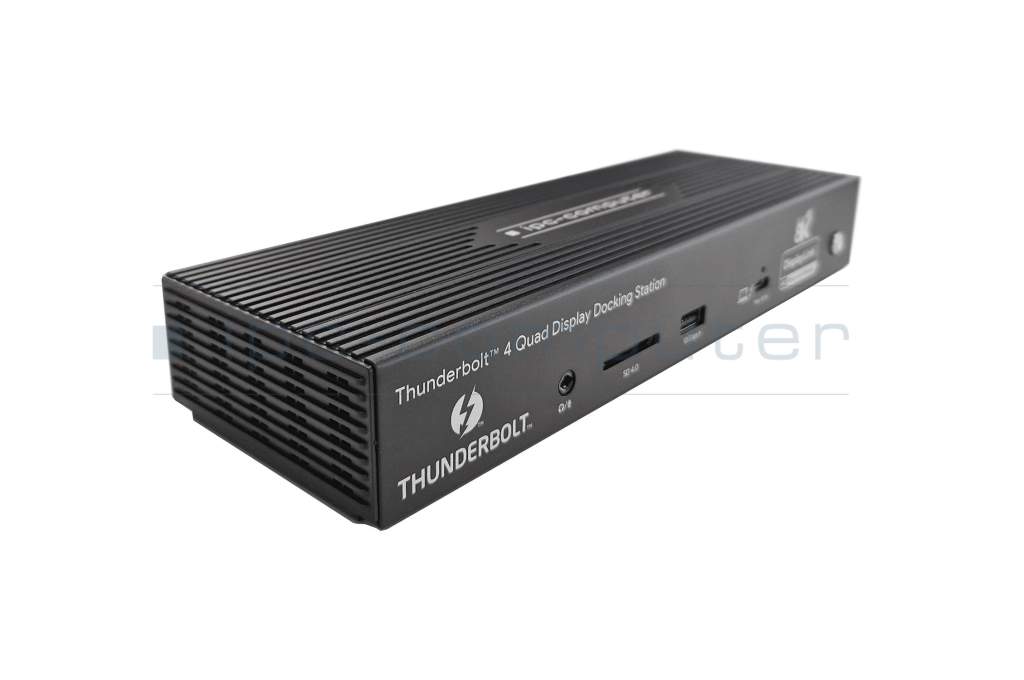
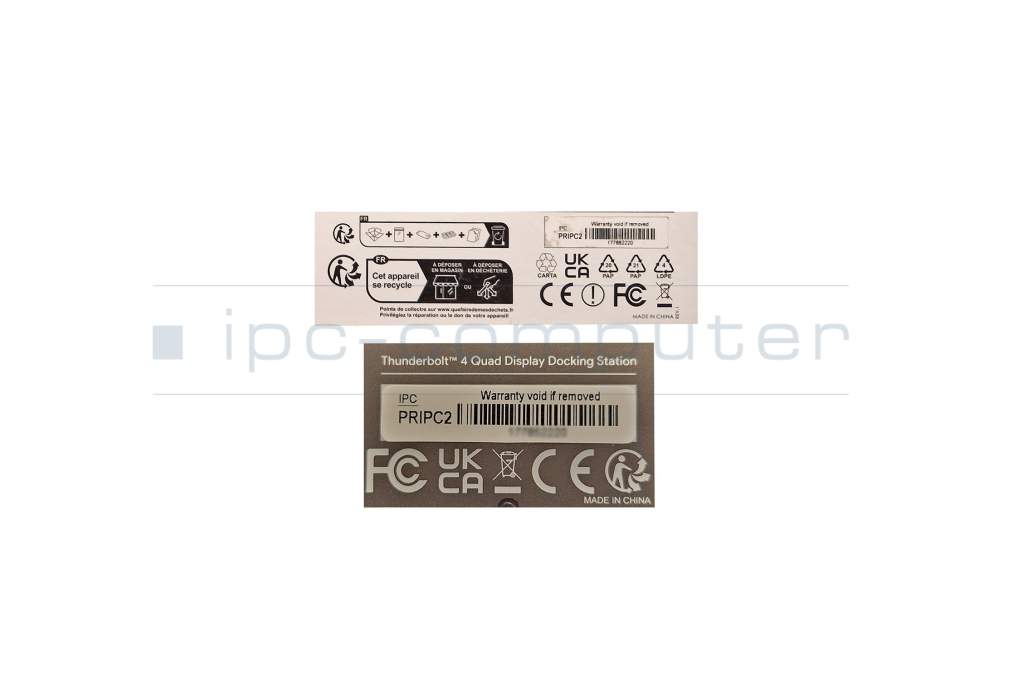
PRIPC2 IPC-Computer TB4 Quad-Display Docking Station incl. 160W Netzteil
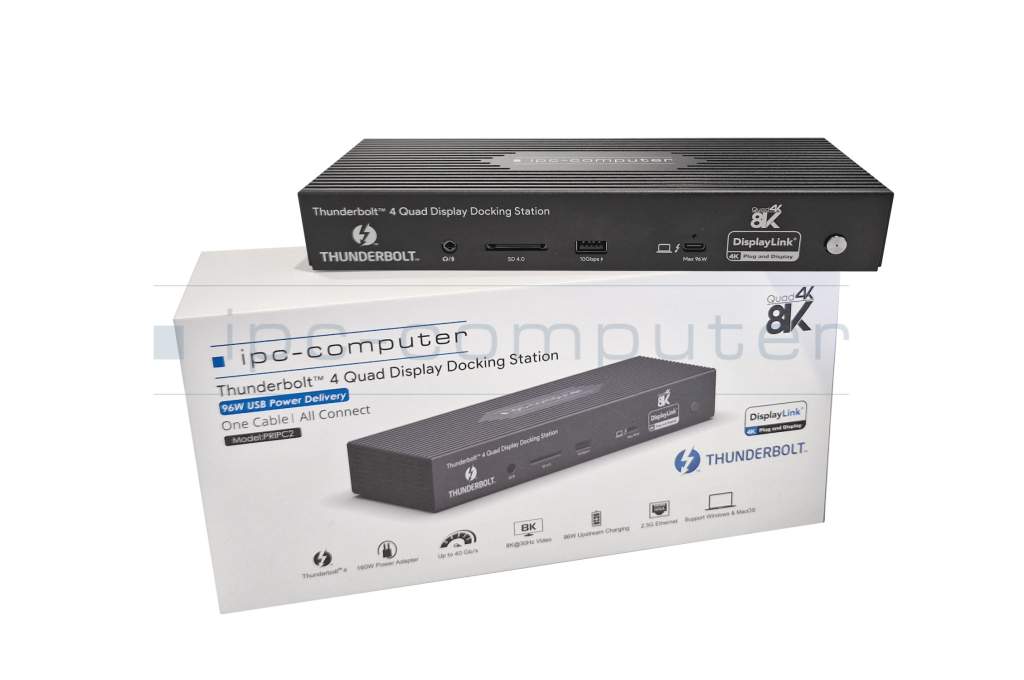


plus shipping charges
- Standardlieferung 19. October - 20. October
- Expresslieferung 19. October
- bei Bestellung innerhalb 16 hrs 42 min




- Manufacturer
- IPC-Computer
- Item Number
- PRIPC2
- Safety information
- Sicherheits- & Herstellerkontakt-Informationen
Common data
- Condition
- New
Technical Data
- Connexion to the laptop
- Thunderbolt 4
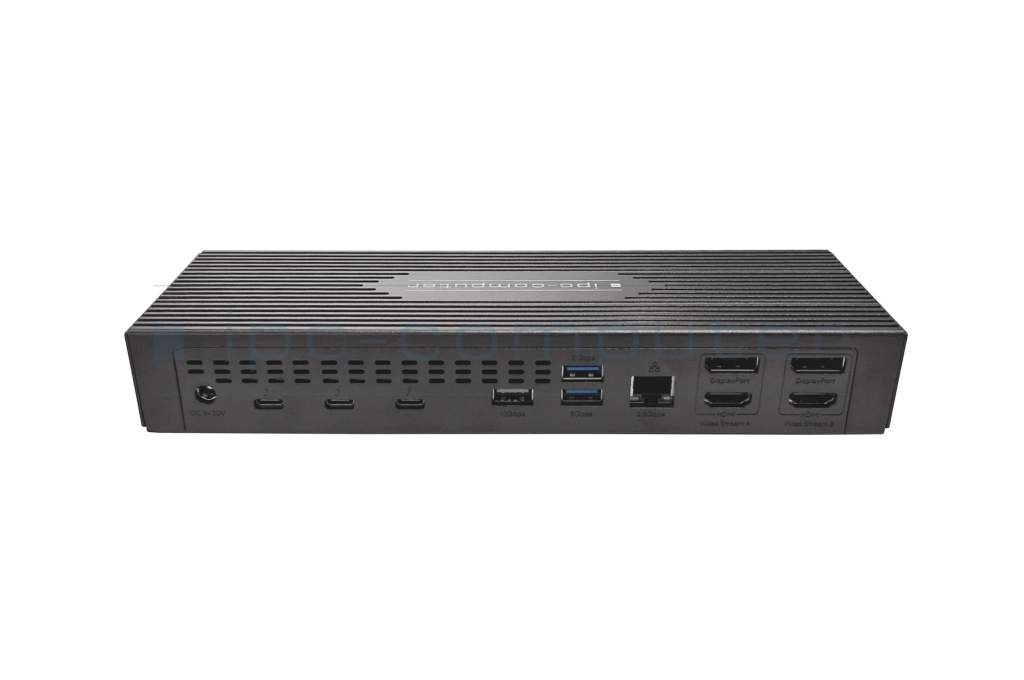
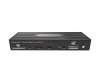
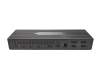
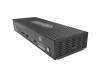
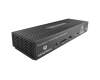
- Connectors
-
1x Audio-Combo
1x DC-In (Power supply)
1x Ethernet RJ-45 2.5Gbps
1x Host Thunderbolt 4
1x Kensington-Lock
1x SD card reader 4.0
2x DisplayPort 1.2
2x HDMI 2.0
2x USB-A 3.2 Gen 1
2x USB-A 3.2 Gen 2
3x Thunderbolt 4 - Max. resolution of external monitors
-
1x 8K - 7680x4320 @ 30Hz
2x 4K2K - 4096x2160 @ 60Hz
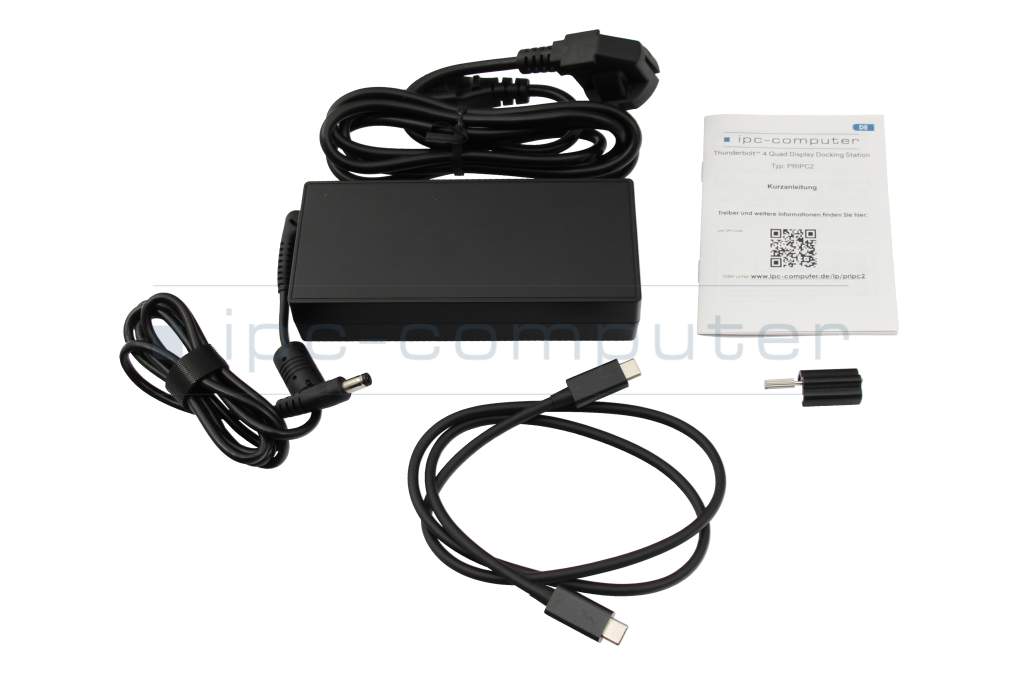
4x UHD - 3840x2160 @ 60Hz - Delivery includes
-
AC-Adapter
Docking Station
Manual
Thunderbolt cable - Included ac-adaptor
- 160W
- Compatible operating systems
-
Linux / Ubuntu
Mac OS
Windows 10 (32bit/64bit)
Windows 11 - Length / Width / Hight
- 21 cm / 8.3 cm / 3.2 cm
Vorteile
Lösen Sie eingeschränkte Anschlussmöglichkeiten schnell und sicher mit diesem Port Replikator und verbinden Sie auf einfache Weise eine Maus, Drucker, weitere USB-Geräten. Spiegeln oder Erweitern Sie Ihren Desktop auf mehrere externe Monitore. Hier finden Sie den vollständigen Bericht über weitere Vorteile.Benefits
- Incredible performance: Enjoy lightning-fast data transfers at speeds of up to 40 Gbps and expand your workspace with up to four 4K displays.
- Uncompromising connectivity: With 3 Thunderbolt 4 ports, 2 USB-A 3.2 ports, 2 USB-A 3.0 ports, 1 2.5 Gigabit Ethernet port and an SD card reader, this docking station has everything you need for maximum productivity.
- No more tangled cables: Connect all your accessories to your laptop with just a single Thunderbolt 4 cable and enjoy a tidy and organized desk.
- Support for MacOS, Ubuntu & Windows: This docking station is compatible with all major operating systems, so you can use it seamlessly with your laptop.
- Fast charging: Supply your laptop with up to 96 watts of power and charge your battery in no time.
- Backward compatibility: The docking station works not only with Thunderbolt 4, but also with Thunderbolt 3 and USB-C ports that support DisplayLink.
No compromises with Thunderbolt 4
Our Thunderbolt 4 docking station offers you the latest Thunderbolt 4 technology that allows you to push the boundaries of connectivity. Experience incredible speeds of up to 40 Gbit/s, connect multiple 4K displays or even an 8K display and charge your device with up to 96 watts at the same time - all with a single cable. Get the most out of your laptop with a Thunderbolt 4 port and experience a whole new dimension of productivity and efficiency.
4x 4K displays
Expand your workspace with up to four 4K displays and enjoy razor-sharp images and smooth movements. The docking station enables the simultaneous use of four external monitors. This gives you more space for your applications and allows you to work on multiple projects at the same time. (The connection for 4 displays is made via 2 HDMI or DisplayPort ports and 2 Thunderbolt 4 ports)
MacOS, Ubuntu & Windows
Whether you use a Macbook, Ubuntu or a Windows laptop, this docking station is compatible with all common operating systems. Simply connect your laptop and immediately enjoy the benefits of Thunderbolt 4 technology.
Power supply
Thanks to the Power Delivery function, you can supply your laptop with up to 96 watts of power and charge your battery in no time. This means you can stay productive all day without having to worry about the power supply.
Display configuration options
1 monitor:
Thunderbolt 4 - up to 8K@30Hz
DisplayPort (DP1.2) - up to 4K@60Hz
HDMI2.0 - up to 4K@60Hz
2 monitors:
2x Thunderbolt 4 - twice 4K@60Hz
Thunderbolt 4 (8K@30Hz) + DisplayPort (4K@60Hz)
Thunderbolt 4 (8K@30Hz) + HDMI (4K@60Hz)
2x DisplayPort (DP1.2) - up to 4K@60Hz
2x HDMI2.0 - up to 4K@60Hz
DisplayPort + HDMI - up to 4K@60Hz
4 monitors:
Dual Thunderbolt 4 (4K@60Hz) + dual DP or HDMI (4K@60Hz)
**Due to Apple restrictions, MacBooks with Apple M1/M2/M3 processors only support 1 external display via Thunderbolt. For 2 external displays, you need an Apple Macbook with an M1 Pro, M2 Pro or M3 Pro processor.
Drivers for the Universal Thunderbolt 4 Port Replicator from IPC-Computer can be found at the following link: Download
Category
- Category
- Dockings
- Usage
- Laptop
- Excerpt of suitable models for P/N PRIPC2
- HP ZBook 17 G3 , Dell Latitude 12 (7275) , Lenovo ThinkPad T580 (20L9/20LA) , HP ZBook 15v G5 , Lenovo ThinkPad P1 Gen 1 (20MD/20ME) , Lenovo ThinkPad T490s (20NX/20NY) , Asus ExpertBook B9 B9450FA , MSI P75 Creator 9SE/9SG/9SD/9SF (MS-17G1) , Asus ZenBook 14 UM425IA , Asus ZenBook 14 UX425JA
You've found this article over a part number. We'll check if it's the correct sparepart for your machine. To do this, please insert the manufacturer and the name of the model in the order comment.
Videos & Contributions
Using a laptop with a dock even when it is folded down
In this quick tip we show how you can work with a docking station and an external monitor even when your laptop is folded down.
Learn more >Which USB dock connector do I need for my notebook?
To choose the right docking station for your notebook, you should know which USB port you need. In this video, we will go into the differences and special features of the USB ports.
Learn more >How to connect 4 monitors to MacBook M1, M2, or M3 chip
With the IPC-Computer Thunderbolt 4 Dock, you can connect up to four external displays via HDMI, DisplayPort, and Thunderbolt.
Learn more >The best THUNDERBOLT 4 docking station for 4 monitors on MacBook and Windows laptop!
In this video, you will see the setup, available ports, and a few typical use cases.
Learn more >2 Monitore am Linux Ubuntu Notebook verbinden - So gehts!
Display Link Treiber:https://www.synaptics.com/products/displaylink-graphics/downloadsPRIPC1 Dual 4K Hybrid-USB Docking Station:https://www.youtube.com/watch...
Learn more >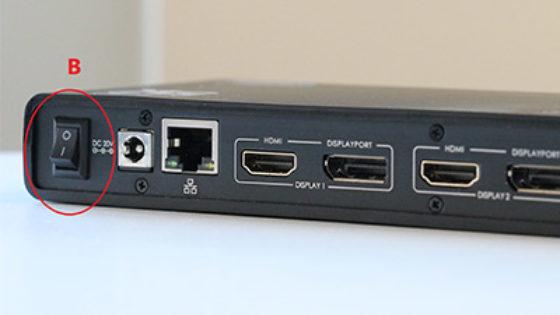
The "secret" with the power button

The power button does not activate the notebook?
Important and useful informations about laptop Docking stations
Frequently asked questions about Docking stations
All questions about Docking stations
Docking stations FAQ
Accessories, suitable alternative products and recommendations
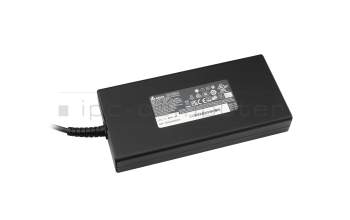
ADP-180TB HY original Delta Electronics AC-adapter 180.0 Watt slim (5.5/2.5)
plus shipping charges
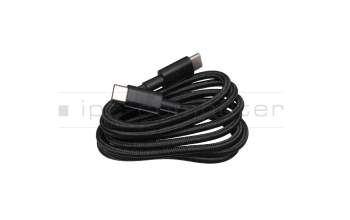
14016-00176500 original Asus USB-C data / charging cable black 1,20m
plus shipping charges
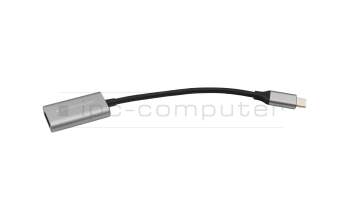
IPC-Computer USBC25 USB-C to HDMI adapter
plus shipping charges
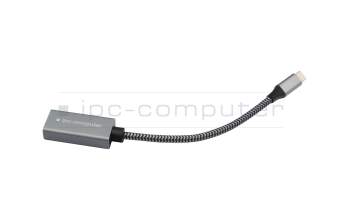
IPC-Computer USBC26 USB-C to DP adapter
plus shipping charges
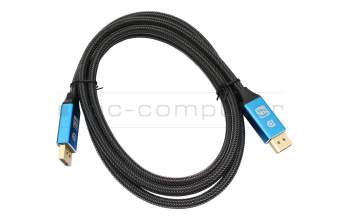
IPC-Computer KA001I 8K DisplayPort to DisplayPort
plus shipping charges
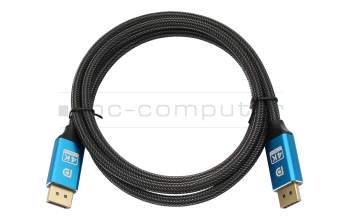
IPC-Computer KA002I 4K HDR DisplayPort to DisplayPort
plus shipping charges
IPC-Computer KA003I 4K HDMI to HDMI
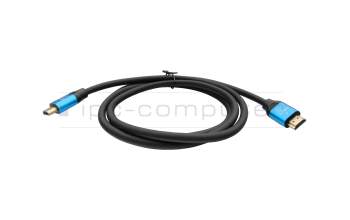
plus shipping charges
USBC27 IPC-Computer Thunderbolt data / charging cable black 0,80m
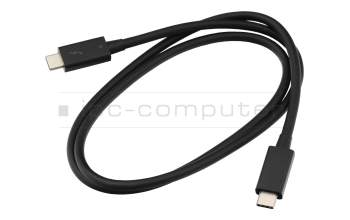
plus shipping charges