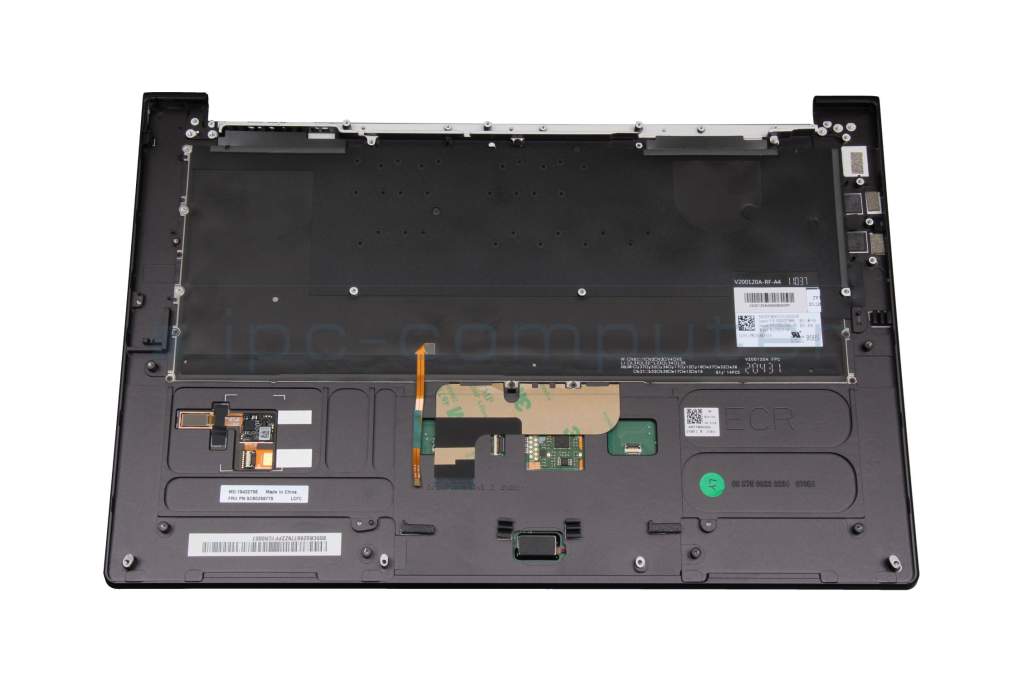
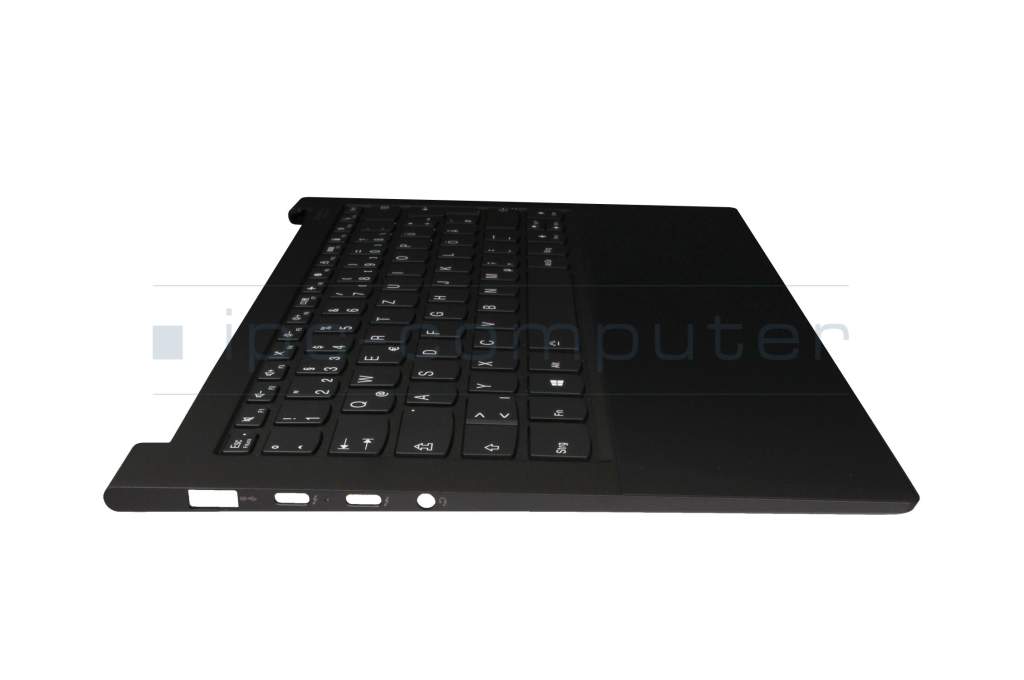
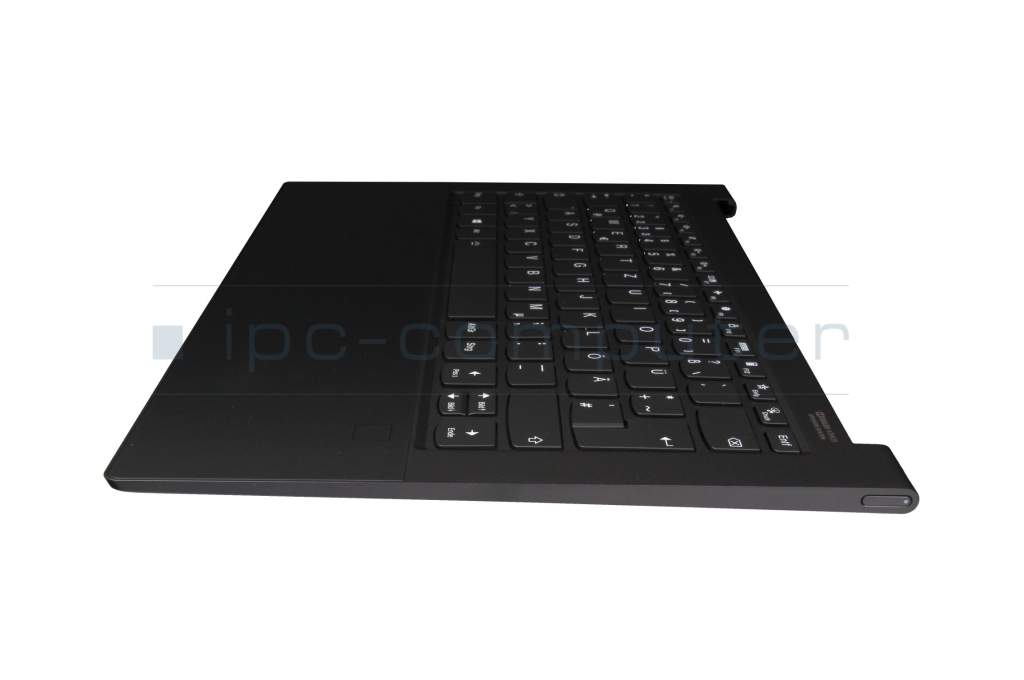
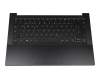
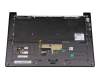
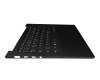
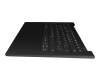
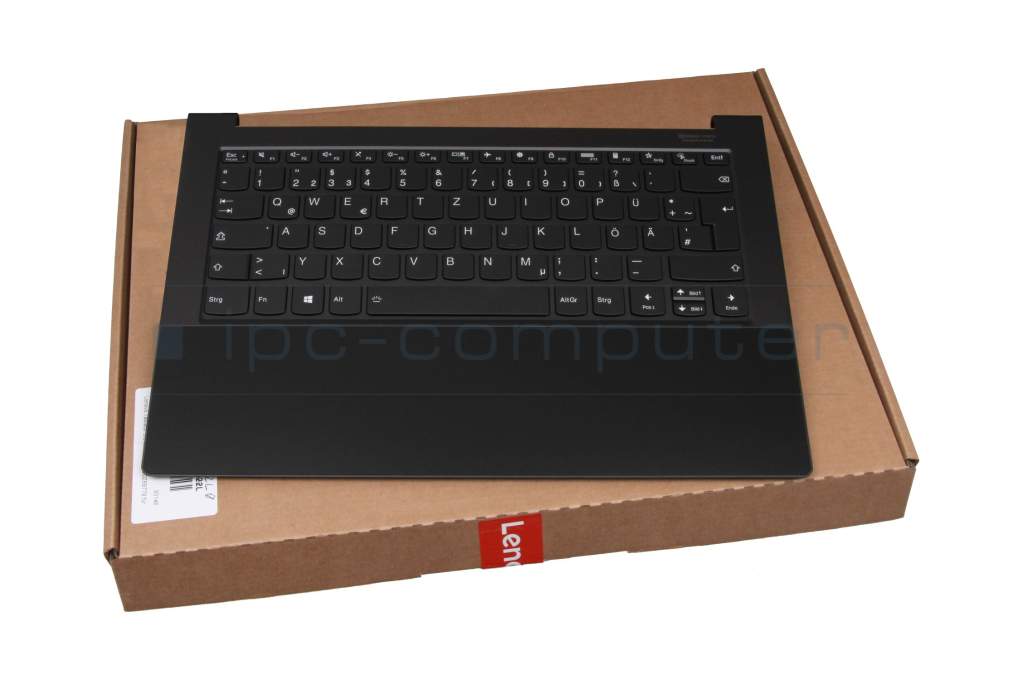
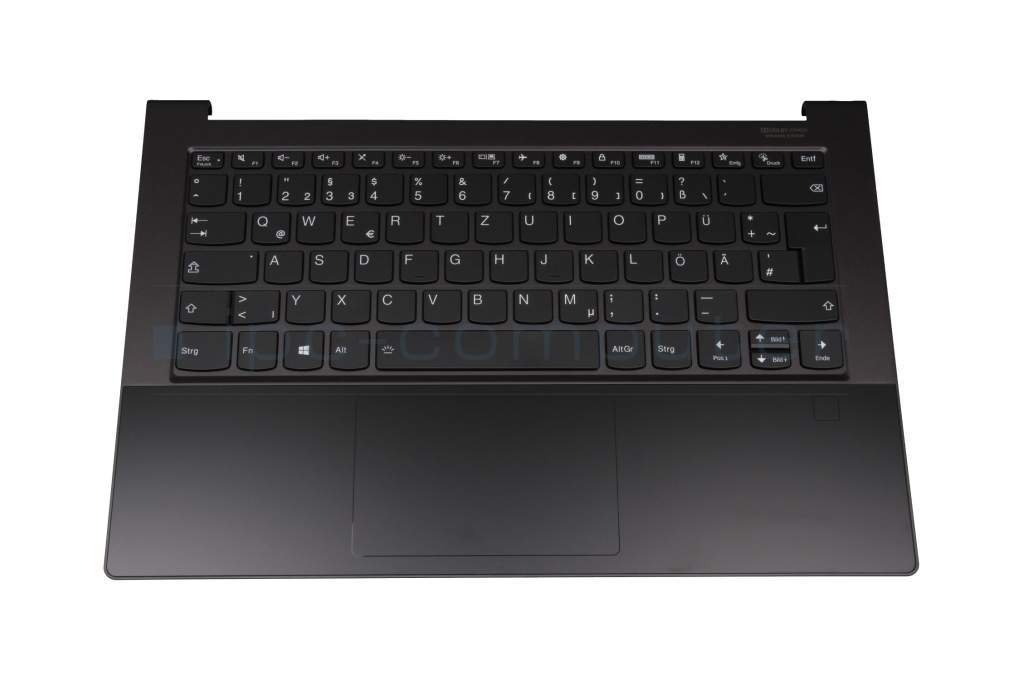
V200120AK1-GR original Sunrex keyboard incl. topcase DE (german) black/black with backlight
47096$
incl. Tax (19%)
plus shipping charges

  • 30 Tage Rückgabe & Lösungsversprechen
  • Original Produkt

3 pieces from external supplier warehouse.Delivery time about 1 - 2 weeks


Installation in our repair shop

Manufacturer
Lenovo
Item Number
V200120AK1-GR
Primary Partnummer
5CB0Z69779
Safety information
Sicherheits- & Herstellerkontakt-Informationen

The offered manufacturer number is an alternative (substitute) to the spare part number you are looking for.

Common data

Condition
New
Manufacturer
Original directly from Lenovo
Layout
DE (german)
Color of keyboard caps
black matte
Case-Color
black

More Information

Backlight
Yes

Note

Category

Category
Keyboard
Usage
Laptop
Excerpt of suitable models for P/N V200120AK1-GR
Lenovo Yoga 9-14ITL5 (82BG)

You've found this article over a part number. We'll check if it's the correct sparepart for your machine. To do this, please insert the manufacturer and the name of the model in the order comment.

How to identify my notebook model?

Videos & Contributions

Laptop keyboard FAQ

In this video we answer the most important questions about laptop keyboards.

Learn more >
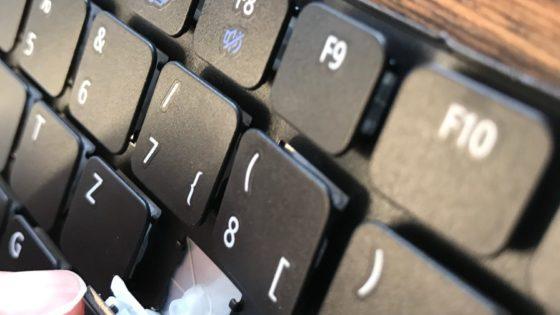
Can I buy individual key caps for my keyboard?

Can I buy individual key caps for my keyboard?

Not a week goes by without a customer asking us whether we can offer or sell individual keycaps or the retaining clips underneath.
Learn more >
The most common types and installation variants

The most common types and installation variants

When it comes to repairing notebooks, notebook keyboards are one of the most popular components. There are many possible causes of damage to the notebook keyboard.
Learn more >
Notebook keyboard original or replica?

Notebook keyboard original or replica?

The big notebook brands such as HP, DELL, Lenovo, ACER, Asus do not produce notebook keyboards themselves. These are bought in from a handful of OEM keyboard manufacturers in China.
Learn more >

Notebook connectors - this is how a change works

This video shows the functionality of various connectors in the notebook as an example.

Learn more >

Important and useful informations about laptop Keyboards

Frequently asked questions about Keyboards

  • Can I buy individual keycaps for my defective laptop keyboard?

    No, unfortunately this is not possible. Even if it seems more sustainable to replace just a single key, laptop manufacturers and specialist retailers such as IPC Computer do not offer individual keycaps or retaining clips.

    There are many reasons for this:

    • laptop manufacturers only produce and sell keyboards as a complete unit. Individual keys are not included in their spare parts logistics.
    • There are thousands of different keyboard models. Even within a single model series, there may be different suppliers whose keycaps, retaining clips and colors are not compatible with each other.
    • Sometimes different keyboards are installed in different batches of the same laptop model.
    • Managing every single key is technically and logistically not economically feasible for either manufacturers or retailers.
  • Can I get a keyboard with a Numpad for my laptop?

    Unfortunately, you can only install keyboards in your laptop that are designed exactly for your housing. A model with a numeric keypad is significantly wider and therefore does not fit mechanically into a device that was originally designed without a numpad. Similarly, a keyboard without a numpad would be too small for a larger case and could not be attached securely.

    If you still need a numeric keypad, an external USB solution is the best choice. In our store you will find a selection of suitable external keyboards and accessories that you can easily connect.

  • How can I protect my keyboard from defects?

    To protect your laptop keyboard from defects in the long term, you can achieve a lot with a few simple but effective measures:

    1. Keep liquids away:
      Drinks should never be allowed near the laptop. Even a small drop can cause short circuits or stick contact surfaces under the keys.
    2. Clean regularly:
      Dust, crumbs and dirt can settle under the keys and impair their mechanics. The keyboard can be cleaned gently with compressed air spray or a soft brush.
    3. Use a keyboard protection film or cover:
      A custom-fit silicone film provides effective protection against dust and liquids without significantly altering the typing experience.
    4. Ensure gentle handling:
      Type with normal pressure and avoid resting heavy objects (e.g. the balls of your hands or books) on the keyboard.
    5. Protect during transportation:
      Close the laptop completely before transportation and use a padded bag to protect it against shocks and pressure loads - especially in the area of the keyboard and display.
    6. Regularly check for foreign objects:
      If individual keys stick or are stiff, the keyboard should be checked and, if necessary, carefully cleaned before major damage occurs.
    7. Professional cleaning or maintenance:
      For older devices, professional keyboard cleaning in a workshop may be advisable to check the contacts and key mechanism.

    Tip: For stationary use, it is advisable to close the laptop and use an external USB keyboard.

  • My keyboard no longer works, what could be the reason?

    If the keyboard on your laptop no longer responds, both software errors and hardware defects are possible causes. Here is an overview of what you can check yourself and when a visit to the workshop is advisable.

    What you can check yourself:

    • Visually check for dirt, dust or liquid residue on and between the keys.
    • Test with an external USB keyboard to determine whether the fault lies with the internal keyboard.
    • Check whether special keys such as NumLock, Fn or a keyboard lock are activated.
    • Check the operating system (e.g. device manager) to see if the keyboard is recognized correctly or if there is a driver error.

    What the laptop workshop should do:

    • Professional diagnosis in the event of a suspected hardware defect (e.g. defective ribbon cable or mainboard connection).
    • Replacement of the keyboard with an original spare part according to the exact model designation.
    • Repair or cleaning in the event of liquid or contact damage.
    • Measurement of electrical signal paths and testing of the power supply.
    • Final functional check and quality test after repair or replacement.

    You can easily register your repair order using our online form so that our technicians can take care of your device as quickly as possible. If you would like to carry out the replacement yourself, you can find the right original keyboard for your model directly in our store.

All questions about Keyboards

loader