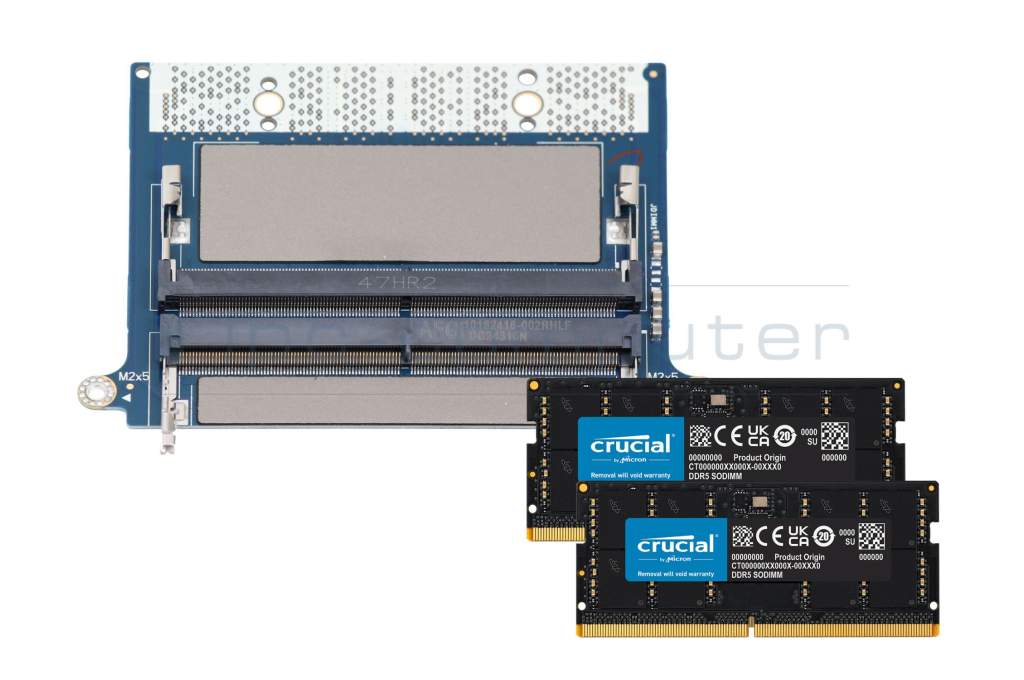
Substitute for Dell CAMM ADAPTER memory 64GB DDR5-RAM CAMM (Dell) CAMM Adapter Kit Crucial 5600Mhz 64GB
plus shipping charges
Substitute part numbers:
RN12H
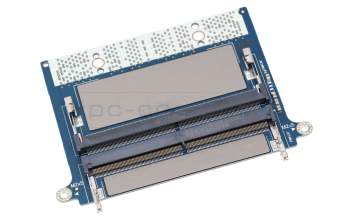
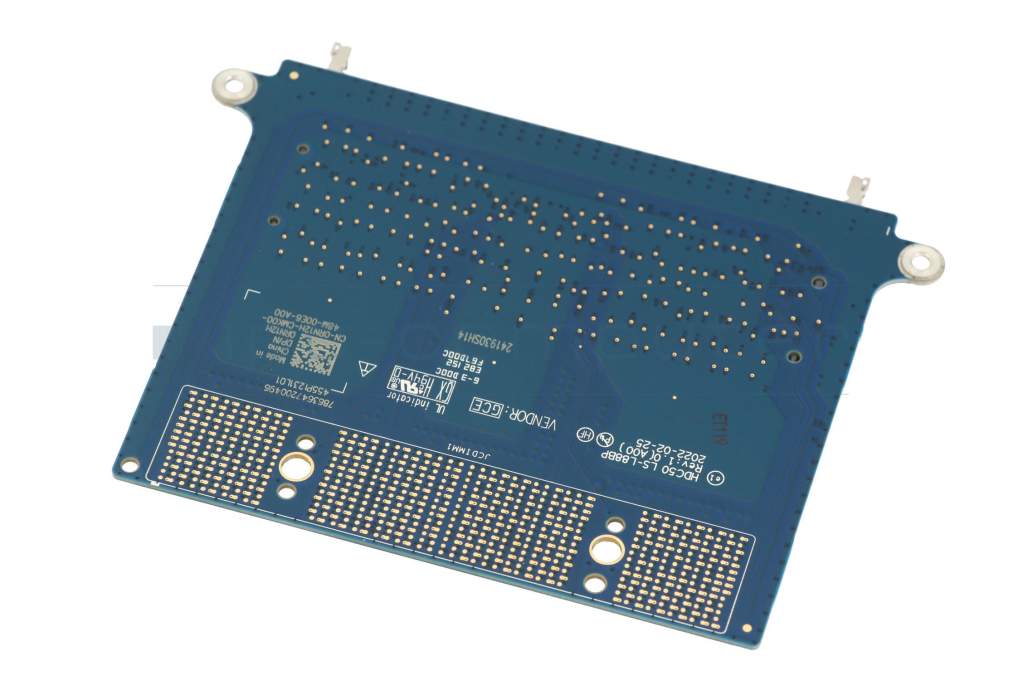
RN12H original Dell CAMM Adapter for 2x SO-DIMM DDR5 RAM
plus shipping charges
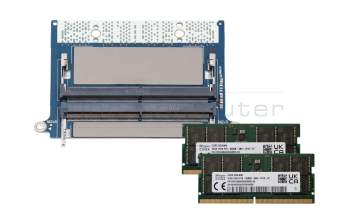
Substitute for Dell CAMM ADAPTER memory 64GB DDR5-RAM CAMM (Dell) CAMM Adapter Kit SK Hynix 5600Mhz 64GB
plus shipping charges
Product Info
- Manufacturer
- IPC-Computer
- Item Number
- CAMM ADAPTER
- Sub-Partnumbers
- RN12H
- Safety information
- Sicherheits- & Herstellerkontakt-Informationen
Common data
- Condition
- New
- Manufacturer
- IPC-Computer
Technical Data
- Capacity
- 64GB
- Type
- CAMM (Dell) DDR5-RAM
- Memory module
- PC5-5600
- Frequency (MHz)
- 5600 MHz
Cost-effective 64GB memory upgrade for Dell CAMM systems – kit includes 2x DDR5 5600Mhz 32GB
Discover the smart solution for your CAMM-based laptop: the original Dell circuit board for easy replacement of CAMM with standard DDR5 SO-DIMM memory!
The CAMM (Compression Attached Memory Module) standard was originally developed by Dell and is currently not widely used – which is why CAMM memory is so expensive. But now there is a cost-effective alternative!
With this original circuit board from Dell, you can easily upgrade your system to standard DDR5 SO-DIMM memory – without the need for expensive special modules. Benefit from the following advantages:
- Full compatibility: Supports 2x DDR5 SO-DIMM memory with 5,200 MHz or 5,600 MHz
- Maximum flexibility: Use standard memory that you can easily upgrade or replace at any time
- Significantly cheaper than CAMM modules – with the same performance!
Installation is straightforward: simply remove the back cover of your laptop, replace your existing CAMM module with this adapter, and insert the two DDR5 SO-DIMM memory modules supplied. Step-by-step instructions can be found in your system's service manual.
Reduce your upgrade costs – without compromising on performance.
Get the original solution now and make your system fit for the future!
This adapter is compatible with the following Dell workstation laptops:
Precision 7670
Precision 7680
Precision 7770
Precision 7780
Category
- Category
- Memory / RAM
- Usage
- Laptop
- Excerpt of suitable models for P/N CAMM ADAPTER
- Dell Precision 16 (7670) , Dell Precision 17 (7770) , Dell Precision 16 (7680) , Dell Precision 17 (7780)
You've found this article over a part number. We'll check if it's the correct sparepart for your machine. To do this, please insert the manufacturer and the name of the model in the order comment.
Videos & Contributions
Does the RAM fit my device?
If you are unsure whether the RAM module fits your notebook, this video provides a short and clear answer to all important questions about compatibility.
Learn more >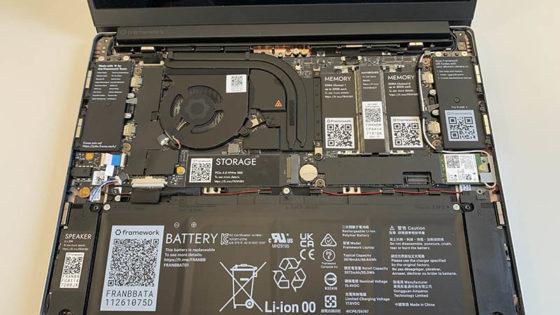
Is it worth it? - Upgrading the main memory
Swap or expand laptop RAM / main memory
The exchange is child's play, even laypeople without technical knowledge can play. In this video we show how to do it.
Learn more >Important and useful informations about laptop Memory
Frequently asked questions about Memory
- Can I install different RAM modules, than the ones already installed
You can install RAM from a different manufacturer, as long as the specifications are the same.
For example, when your computer currently has a DDR3 SO-DIMM module with a speed of 1600MHz installed, you should only use DDR3 SO-DIMMs with a 1600 MHz speed to upgrade/replace your RAM. It is possible to use different frequencies but the system will then use the speed of the slowest RAM module.

- Does the MHz specification have to match
From DDR4 onwards, the MHz no longer play a role in the compatibility.
- What speed does my RAM run at
In Windows 10 open the Task-Manager (Control+Shift+Escape), then click on more details in the bottom left corner. Select the tab performance and click on RAM Now you will be able to see many values about your RAM including its speed.

- Where can I see how much memory I have installed in Windows 10
To see how much memory you have installed in your PC, you first need to open the Task-Manager. The you click on "more details" in the bottom left corner. Now choose Performance in the menu on the top, afterwards select Memory from the menu on the left. The you will not only be shown the amount of Memory in your System, but also further details, like how many slots are occupied. If there still is a free slot, you can easily double your memory by installing another one of the same modules already installed.

- Why does my notebook show less RAM, than I have installed
It could because you installed a 32-Bit operating system, since they can only address up to 4 GB of RAM. Additionally, other system components like your graphics card also need RAM. That is why if you have 4GB installed you won’t be able to utilize every last MB of it.
A 64-bit operating system can address more than 4GB of RAM. So, you can install more than 4GB even in an older Notebook, provided the rest of the hardware supports it too.
- Windows crashes all the time and shows Bluescreens, is my RAM broken
There can be many reasons for your operating system crashing but bluescreens are often a clear sign for defective RAM. Error messages like "pci.sys could not be found" also hint at faulty RAM.
You can use a memory test to check your RAM for faults. These can be found on every Ubuntu installation CD under "Memtest".
On www.ubuntu.com you can download an image of this CD, burn it o a CD and boot your PC from it to execute the Memtest on it.
Or you could bring your laptop to a technician, who can fix the fault for you.
All questions about Memory
