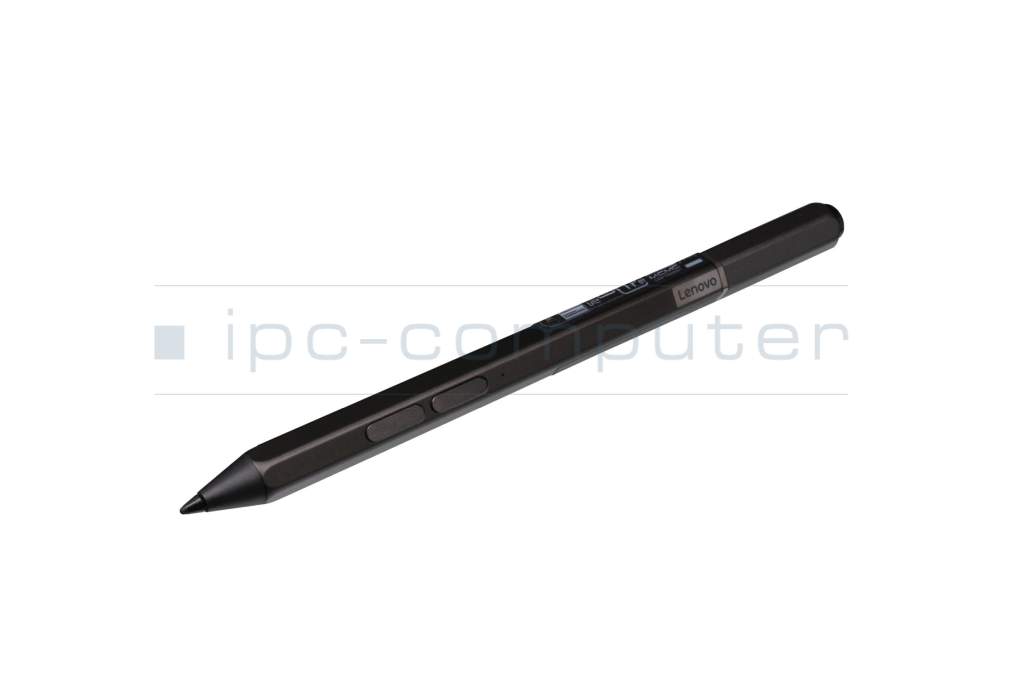
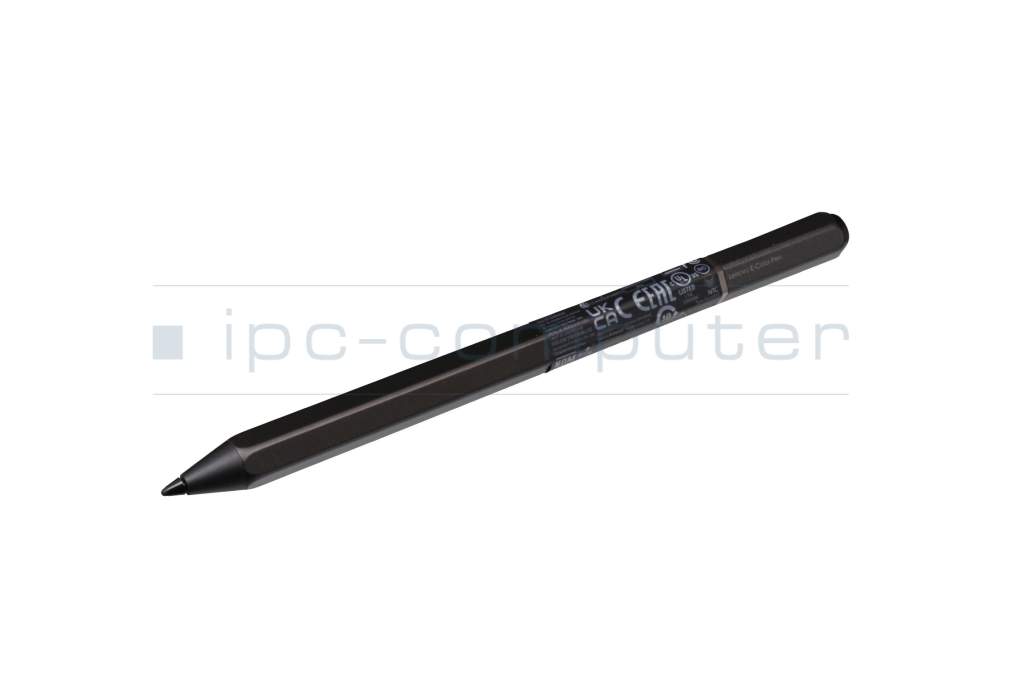
RCPLELE20-1551 original Lenovo E-Color Pen

plus shipping charges




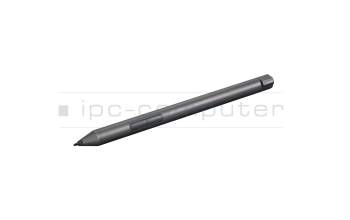
4X81C66286 original Lenovo Digital Pen 2 incl. batteries
plus shipping charges
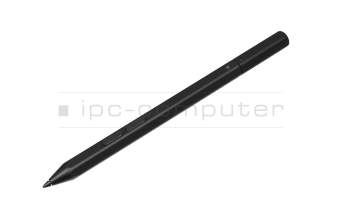
5D10V82360 original Lenovo Mod Pen
plus shipping charges
Product Info
- Manufacturer
- Lenovo
- Item Number
- RCPLELE20-1551
- Primary Partnummer
- 5T70Z85090
- Safety information
- Sicherheits- & Herstellerkontakt-Informationen
Common data
- Condition
- New
- Color
- black
Technical Data
- Pen protocol
- AES 2.0 Wacom
- Weight (g)
- 20 g
- Length (cm)
- 15 cm
- Diameter (mm)
- 9.5 mm
- Number of buttons
- 3
- Bluetooth
- yes
- Power supply
- USB-C
- Running time
- 15 Days
- Operating system
- Windows 10 / Windows 11
Lenovo E-Color Pen – Creativity Redefined
With its high pressure sensitivity of 4096 levels and tilt detection, it is ideal for a natural writing and drawing experience.
- The three configurable buttons ensure productive work.
- Color recognition of lenses on the web or in documents. Right-click, hold down the upper barrel button, and tap the screen in supporting applications for color recognition. The Color Pen is compatible with Adobe Suite and Wacom Bamboo Paper.
The Lenovo E-Color Pen supports fast Bluetooth pairing, offering classic, modern, and digital ease of use.
The port for charging via a USB-C cable (not included) is located at the end of the pen and is protected by a dust cap.
Compatible with the following Lenovo touchscreen models as well as laptops and tablets from other manufacturers with Wacom protocol:
ThinkBook Plus G3 IAP
Yoga Duet 7-13IML05
Yoga Duet 7-13ITL6
Yoga Duet 7-13ITL6-LTE
Yoga 6 13ALC7
Yoga 7 14IAL7
Yoga 7 14ARB7
Yoga 7 16IAP7
Yoga 7 16IAH7
Yoga 9 14IAP7
IdeaPad Flex 5 14ALC7
IdeaPad Flex 5 14IAU7
IdeaPad Flex 5 16IAU7
Compatibility with other models released in the future is possible.
Category
- Category
- Pens / Stylus
- Usage
- Laptop
- Excerpt of suitable models for P/N RCPLELE20-1551
- Lenovo Yoga 7 16IAP7 (82QG) , Lenovo Yoga 7 14ARB7 (82QF) , Lenovo 300w 2in1 G5 (83LF) , Lenovo ThinkBook Plus G3 IAP (21EL) , Lenovo Yoga Duet 7-13ITL6 (82Q7) , Lenovo Yoga Duet 7 -13ITL6 (82MA) , Lenovo Yoga 7 14IAL7 (82QE) , Lenovo Yoga Duet 7-13IML05 (82AS) , Lenovo Yoga 7 16IAP7 (82QG) , Lenovo Yoga 7 14ARB7 (82QF)
You've found this article over a part number. We'll check if it's the correct sparepart for your machine. To do this, please insert the manufacturer and the name of the model in the order comment.
Videos & Contributions
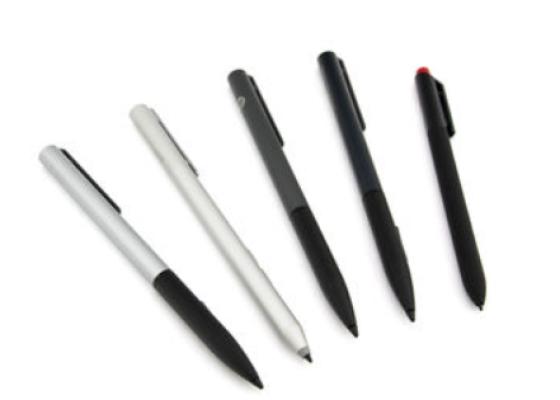
How do styluses work and what should be considered?