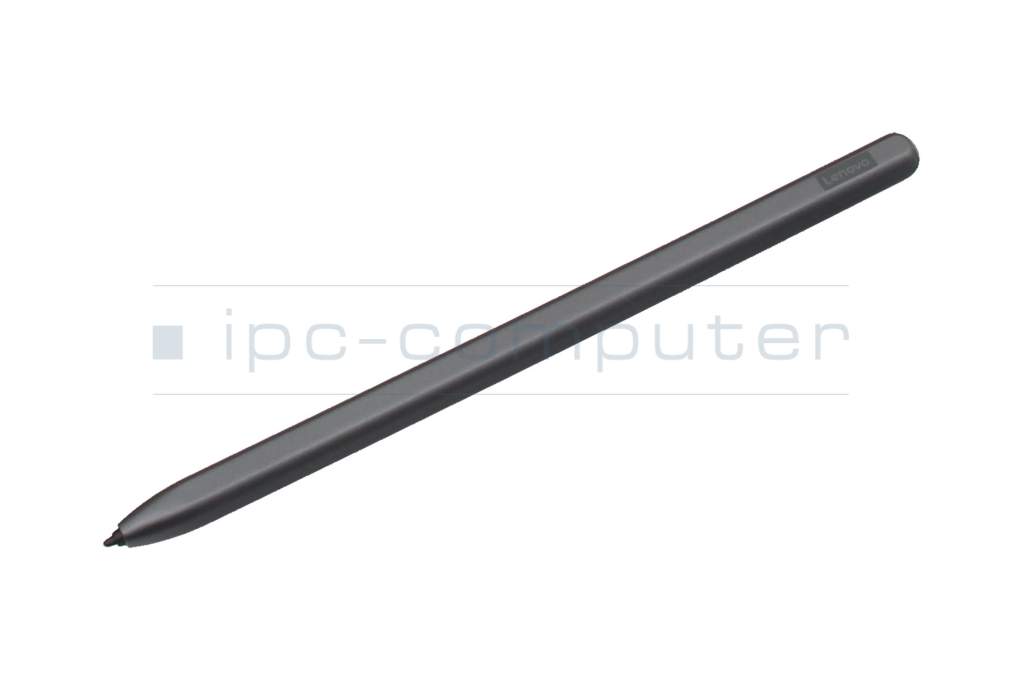
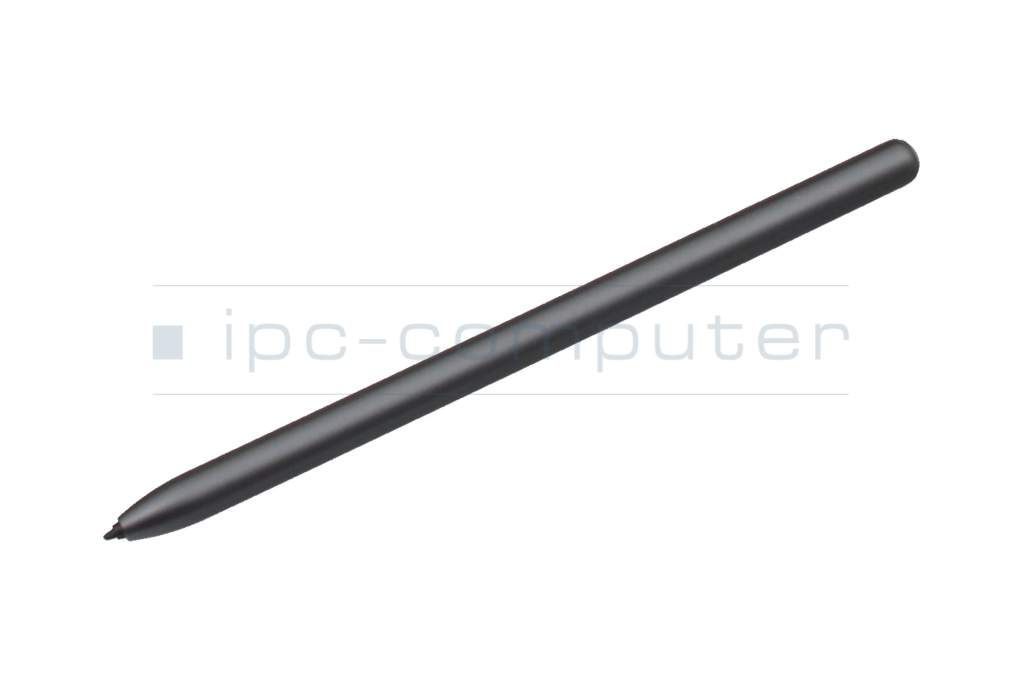
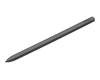
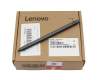
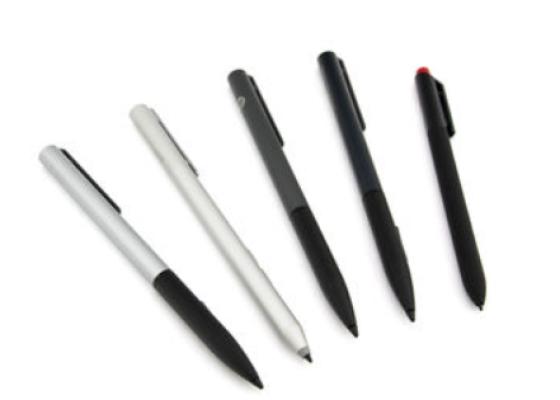
ZG38C05737 original Lenovo Smart Paper Pen

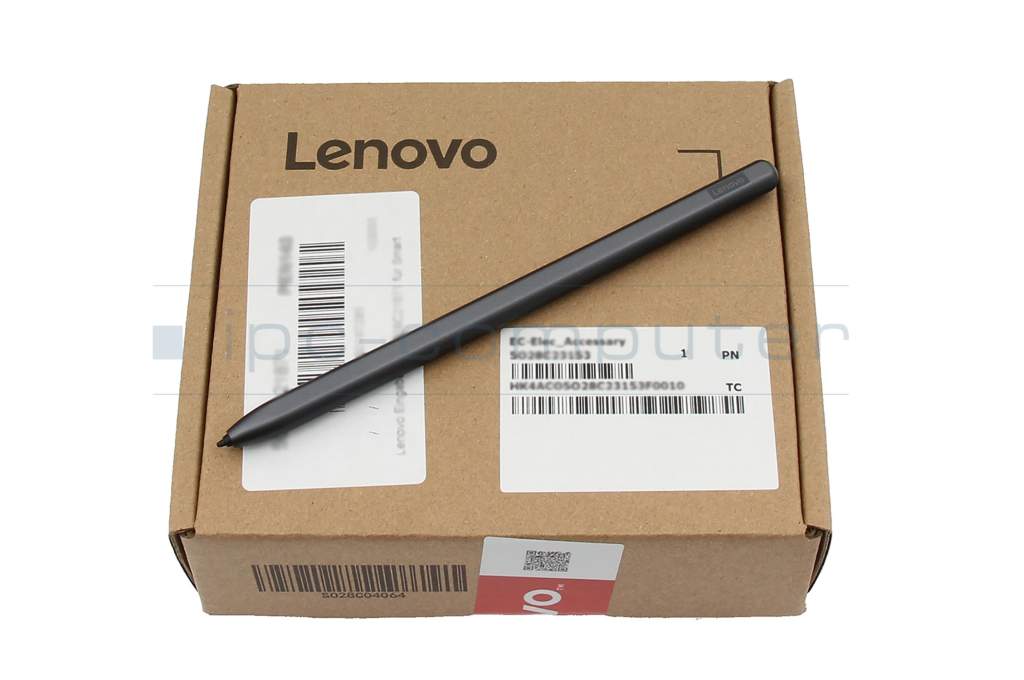




Substitute part numbers:
26383-00018 CS, SP101FU
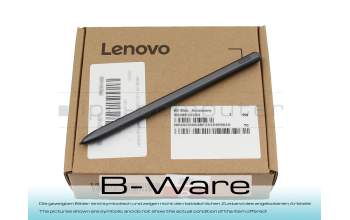
PE143R SP101FU b-stock
plus shipping charges
Product Info
- Manufacturer
- Lenovo
- Item Number
- ZG38C05737
- Sub-Partnumbers
- 26383-00018 CS, SP101FU,
- Safety information
- Sicherheits- & Herstellerkontakt-Informationen
Common data
- Condition
- New
- Color
- gray
Technical Data
- Pen protocol
- EMR Wacom
- Weight (g)
- 16 g
- Length (cm)
- 14.4 cm
- Diameter (mm)
- 7 mm
- Pressure levels
- 4096
- Tilt function
- yes
- Bluetooth
- yes
- Power supply
- Wireless Charging
Passiv Stylus
Es werden keine Batterien benötigt! Arbeiten Sie entspannt ohne Unterbrechung. Kein lästiges laden oder wechseln von Batterien nötig.
The Lenovo Smart Paper Pen offers a particularly natural writing and drawing experience - almost like on real paper. Thanks to modern Wacom EMR technology, the pen works completely without batteries or pairing and is ready to use at any time. Simply pick it up and get started straight away.
With 4096 pressure levels and integrated tilt detection, the stylus is ideal for precise note-taking, sketching and creative work. The EMR technology ensures particularly responsive and precise input, which is particularly appreciated with digital note-taking devices.
Highlights & advantages
- Wacom EMR technology - no battery, no pairing required
- Ready to use immediately - simply write & draw
- 4096 pressure levels for maximum precision
- Tilt detection for realistic shading
- Natural writing feel like on paper
- Supports wireless charging & Bluetooth functions
Technical specifications
- Color: Grey
- Pen protocol: Wacom EMR
- Pressure levels: 4096
- Tilt function: Yes
- Bluetooth: Yes
- Power supply: Wireless charging
- Length: 14.4 cm
- Diameter: 7 mm
- Weight: approx. 16 g
Conclusion
The Lenovo Smart Paper Pen is the perfect choice for anyone looking for an authentic writing experience, maximum precision and immediate readiness for use. Ideal for digital note-taking, creative work and productive thinking - without the need for charging.
Category
- Category
- Pens / Stylus
- Usage
- Laptop
- Excerpt of suitable models for P/N ZG38C05737
- Lenovo Smart Paper (SP101FU) Type ZAC1/ZAC0
You've found this article over a part number. We'll check if it's the correct sparepart for your machine. To do this, please insert the manufacturer and the name of the model in the order comment.
Videos & Contributions
How do styluses work and what should be considered?