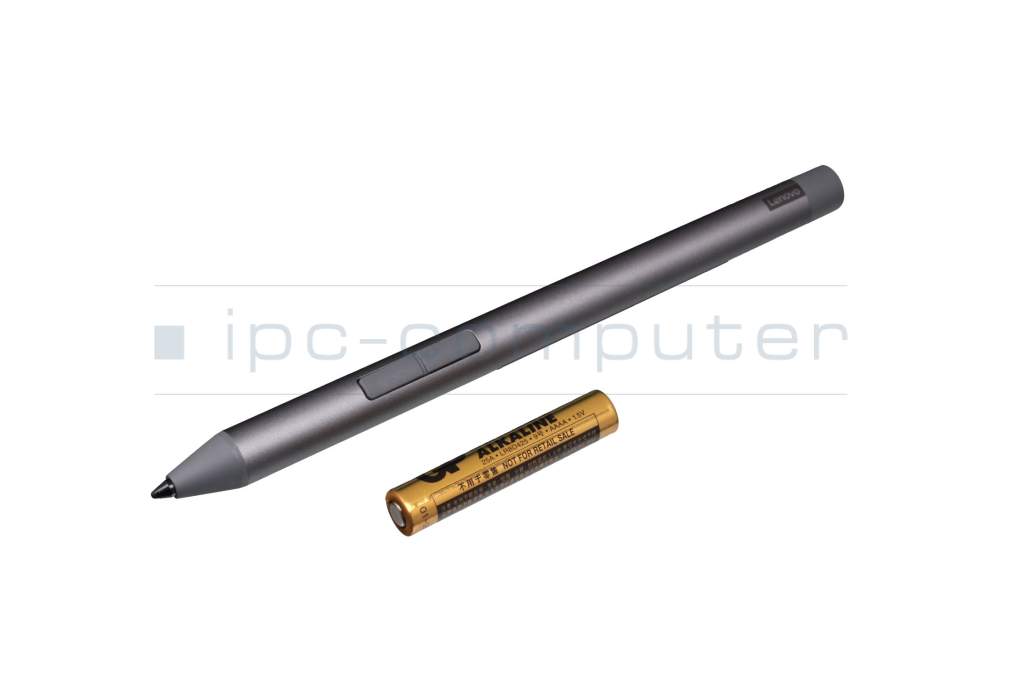
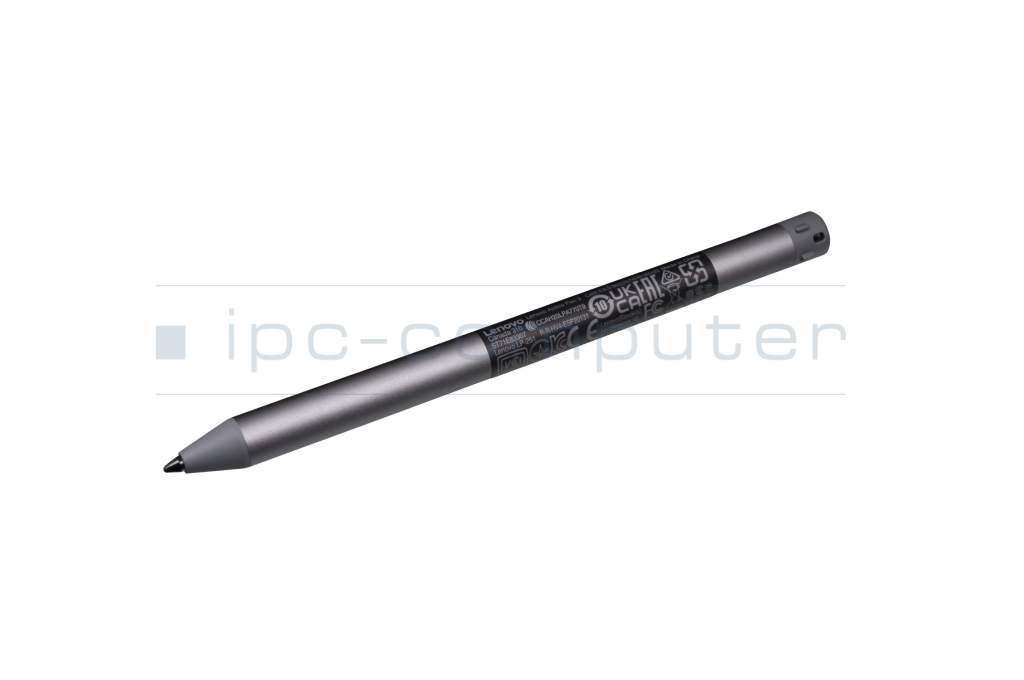
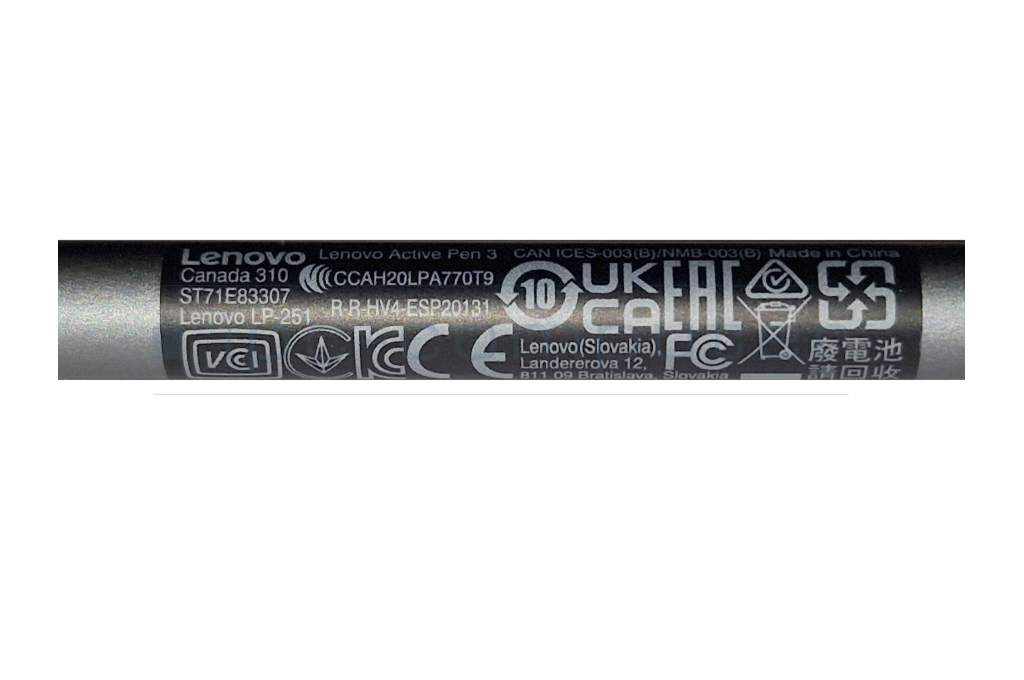
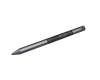
ZG38C06290 original Lenovo Active Pen 3 incl. battery

plus shipping charges
- Standardlieferung 26. August - 28. August
- Expresslieferung 26. August
- bei Bestellung innerhalb 22 hrs 50 min




Note: To switch between the supported protocols, the two function buttons must be pressed and held simultaneously for 25 seconds.
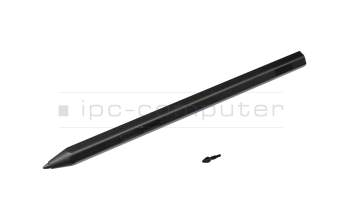
5T71E83304 original Lenovo Precision Pen 2 (black)
plus shipping charges
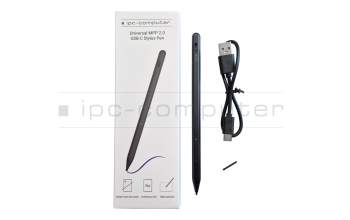
PEN129 IPC-Computer Universal MPP 2.0 Pen (USB-C)
plus shipping charges
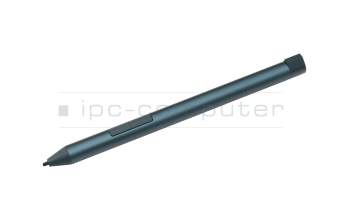
GX81N91321 original Lenovo Digital Pen 3 blue incl. battery
plus shipping charges
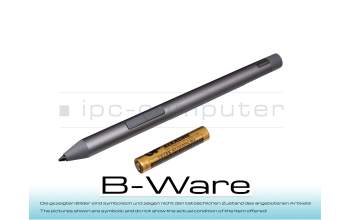
PEN78R Active Pen 3 incl. battery b-stock
plus shipping charges
GX81N91321 original Lenovo Digital Pen 3 blue incl. battery
plus shipping charges
Product Info
- Manufacturer
- Lenovo
- Item Number
- ZG38C06290
- Primary Partnummer
- ZG38C03408
- Safety information
- Sicherheits- & Herstellerkontakt-Informationen
The offered manufacturer number is an alternative (substitute) to the spare part number you are looking for.
Common data
- Condition
- New
- Color
- gray
- Delivery includes
- 1x AAAA battery
Technical Data
- Pen protocol
- AES 2.0 Wacom / MPP 2.0 / WGP
- Weight (g)
- 18 g
- Length (cm)
- 14 cm
- Diameter (mm)
- 9.5 mm
- Number of buttons
- 2
- Pressure levels
- 4096
- Tilt function
- yes
- Power supply
- Battery
- Running time
- 1000h
- Operating system
- Windows 10 / Windows 11
Lenovo's Active Pen 3 with ergonomic design has two customizable function keys. With a weight of 18 grams (including battery), the pen provides a pleasant writing experience and is in no way inferior to a conventional pen with its 4096 pressure levels.
Note: To switch between the supported protocols, the two function buttons must be pressed and held simultaneously for 25 seconds.
Compatible with the following Lenovo models as well as notebooks and tablets from other manufacturers with MPP 2.0, WGP or AES 2.0 protocol:
IdeaPad Duet 5 12IAU7 - Type 82TQ
Tab P11 (TB-J606F, TB-J606L) - Type ZA82, ZA83, ZA7X, ZA7Y, ZA7R, ZA7S, ZA7T
Tab P11 5G (TB-J607, TB-J607Z) - Type ZA8Y
Tab P11 Plus (TB-J616F, TB-J616, TB-J616X)/ Moto Tab G70 - Type ZA9N, ZA9R, ZA9W, ZA9X, ZA94, ZA96, ZA9L, ZAA1
Tab P11 Pro (TB-J706F, TB-J706, TB-J706L) - Type ZA8L, ZA8M, ZA7C, ZA7D
Smart Tab M10 FHD Plus (TB-X606, TB-X606FA) - Type ZA9V
Tab K10 (TB-X6C6, TB-X6C6F, TB-X6C6X, TB-X6C6L, TB-X6C6NBF, TB-X6C6NBL, TB-X6C6NBX) - Type ZA8N, ZA8S, ZA8T, ZA9K, ZA9J, ZA8R, ZA8U, ZAAA, ZAAB, ZA8V
Yoga Tab 11 (YT-J706, YT-J706F, YT-J706X) - Type ZA8W, ZA8X
Yoga Tab 13 (LYT-K606, YT-K606F) - Type ZAA7, ZA8E
Tab M10 Plus 3rd Gen (TB128XU/TB125XX/TB128XX)
The following tablets are only compatible with this pen when purchased together with it:
Tab M10 FHD Plus (TB-X606, TB-X606F) - Type ZA6H
Tab M10 FHD Plus (TB-X606V, TB-X606, TB-X606X) - Type ZA8J, ZA6J
Tab M10 Plus 3rd Gen (TB125, TB125FU, TB128-TB128FU) / Moto Tab g62 - Type ZAAK, ZAAJ, ZAAS, ZAAT, ZAAM, ZAAN
Category
- Category
- Pens / Stylus
- Usage
- Laptop
- Excerpt of suitable models for P/N ZG38C06290
- Lenovo Yoga 920-13IKB (80Y7/80Y8/81TF) , Lenovo ThinkPad P52 (20MA/20M9) , Lenovo IdeaPad C340-14IWL (81N4) , Lenovo IdeaPad Flex-14IWL (81SQ) , Lenovo Tablet 10 (20L4) , Lenovo IdeaPad C340-15IML (81TL) , Lenovo ThinkPad X1 Yoga 5th Gen (20UB/20UC) , Lenovo 300e 2nd Gen (82GK) , Lenovo Yoga 530-14IKB (81EK) , Lenovo ThinkPad L13 Yoga Gen 2 (20VL/20VK)
You've found this article over a part number. We'll check if it's the correct sparepart for your machine. To do this, please insert the manufacturer and the name of the model in the order comment.
Videos & Contributions
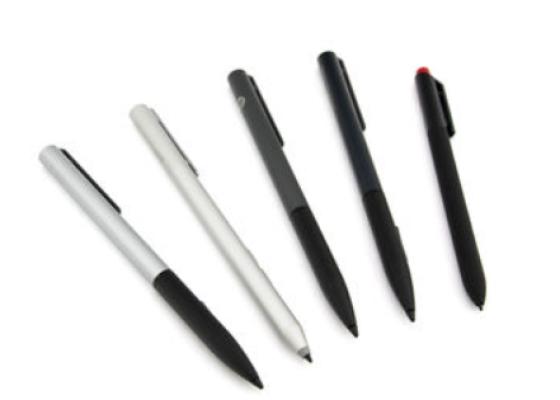
How do styluses work and what should be considered?

Accessories, suitable alternative products and recommendations
Lenovo 5O28C20657 Tip for Precision Pen 2/Active Pen 3
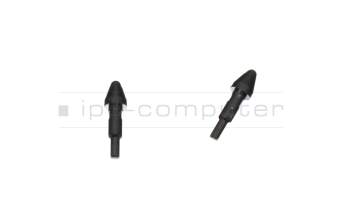
plus shipping charges