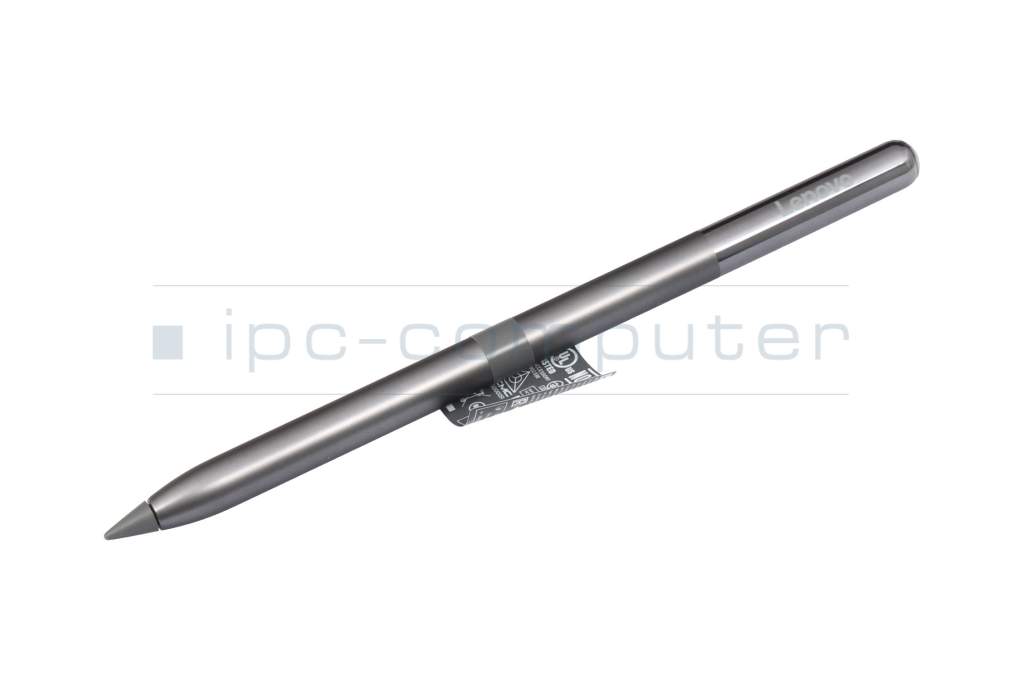
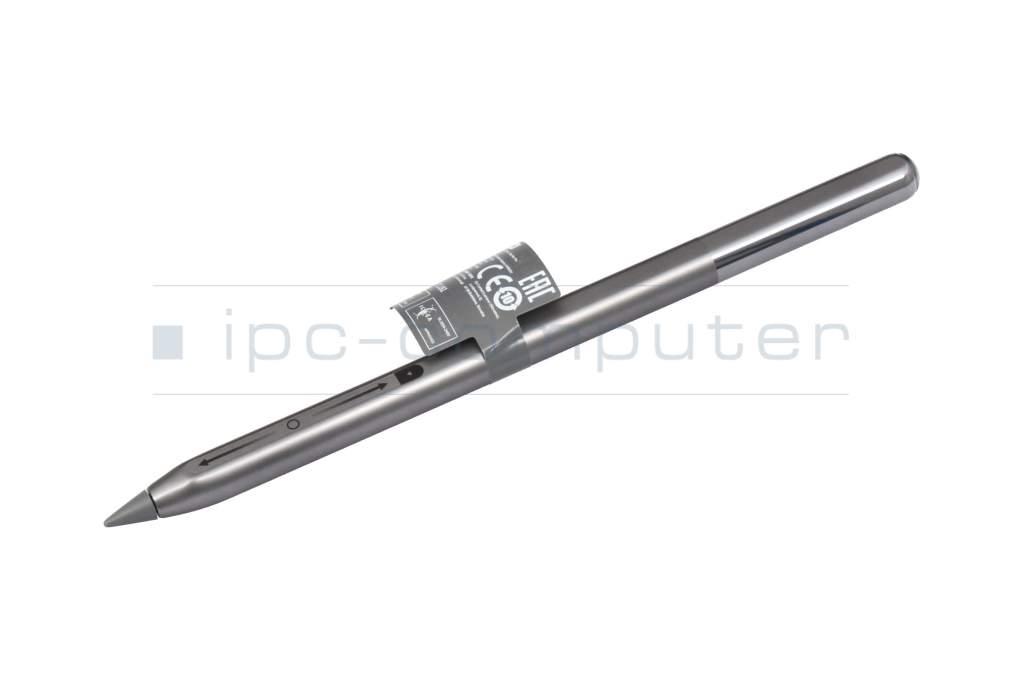
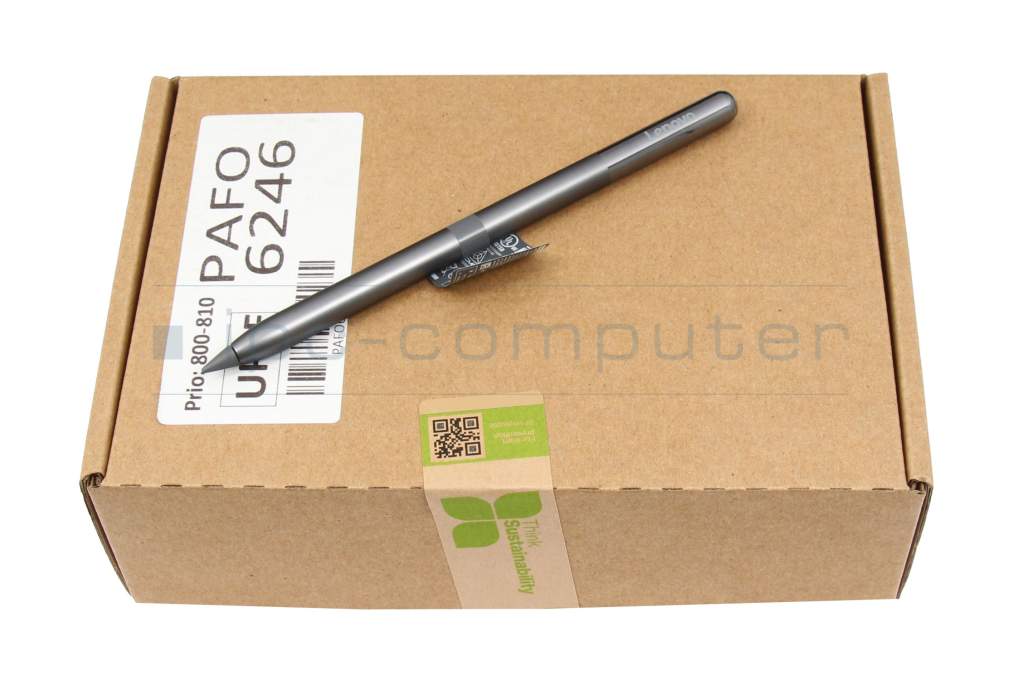
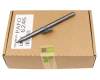
ZG38C06794 original Lenovo Tab Pen Pro (AP600U)

plus shipping charges
- Standardlieferung 27. October - 29. October
- Expresslieferung 27. October
- bei Bestellung innerhalb 21 hrs 31 min




- Manufacturer
- Lenovo
- Item Number
- ZG38C06794
- Primary Partnummer
- ZG38C06791
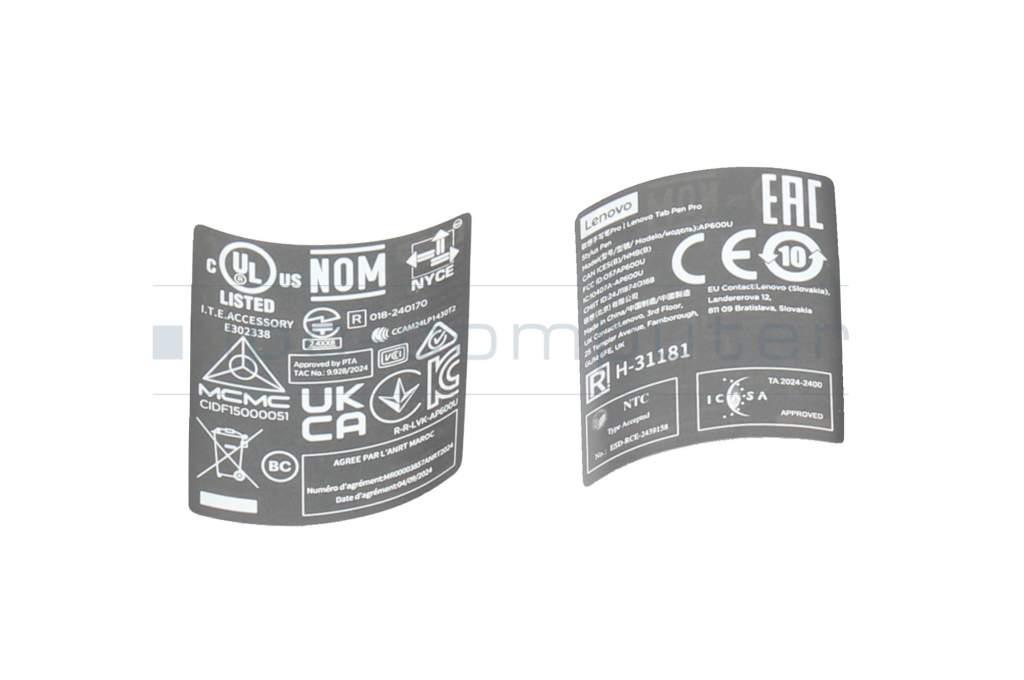
- Safety information
- Sicherheits- & Herstellerkontakt-Informationen
The offered manufacturer number is an alternative (substitute) to the spare part number you are looking for.
Common data
- Condition
- New
- Color
- gray
Technical Data
- Pen protocol
- LPP 2.0 / LPP 3.0
- Weight (g)
- 18 g
- Length (cm)
- 16.0 cm
- Diameter (mm)
- 9.5 mm
- Pressure levels
- 8192
- Tilt function
- yes
- Power supply
- Wireless Charging
- Running time
- 10h
- Operating system
- Android
Lenovo Tab Pen Pro - Precise stylus for creative work and comfortable writing
The Lenovo Tab Pen Pro has been specially developed to make writing, drawing and sketching on compatible Lenovo tablets as natural as possible. Thanks to modern technology and an ergonomic design, you experience a writing experience that is almost like working with pen and paper. Whether taking notes, creative illustrations or precise designs, this stylus gives you maximum control and a smooth, responsive experience.
Natural writing feel with high precision
With up to 8,192 levels of pressure sensitivity, the Lenovo Tab Pen Pro reacts extremely sensitively to every movement. As a result, line width and shading can be precisely controlled - ideal for creative drawing, sketching or detailed work. The integrated tilt detection also ensures that the pen angle is recognized, resulting in realistic hatching and effects.
The palm rejection technology prevents unwanted input from the palm of your hand, so you can write or draw comfortably while your hand rests on the display. This ensures a particularly natural and comfortable user experience.
Fast connection and comfortable use
The Lenovo Tab Pen Pro connects to your tablet quickly and energy-efficiently via Bluetooth LE. Thanks to the magnetic design, the pen can be conveniently attached to the tablet - so it is always ready to hand and safely stowed away.
Long battery life and fast charging
The integrated 80 mAh battery enables a battery life of up to approx. 10 hours with normal use. When the battery is empty, the pen can be charged wirelessly in around 30 minutes so that you can continue working quickly.
Technical highlights at a glance
- Up to 8,192 pressure sensitivity levels for precise drawing and writing
- Tilt detection for natural hatching and creative effects
- Palm-rejection technology for comfortable working
- Magnetic attachment to the tablet
- Bluetooth LE for a fast and stable connection
- 80 mAh battery with up to approx. 10 hours runtime
- Wireless charging time: approx. 30 minutes
Compatible Lenovo tablets
The Lenovo Tab Pen Pro is compatible with the following models:
* Lenovo Yoga Tab Plus (TB520FU) - ZAEG
* Lenovo Yoga Tab (TB710FU) - ZAG6
Get the most out of your Lenovo tablet with the Lenovo Tab Pen Pro - ideal for creatives, students, designers and anyone who wants to write or draw digitally with precision.
Category
- Category
- Pens / Stylus
- Usage
- Laptop
- Excerpt of suitable models for P/N ZG38C06794
- Lenovo Yoga Tab Plus (ZAEG)
You've found this article over a part number. We'll check if it's the correct sparepart for your machine. To do this, please insert the manufacturer and the name of the model in the order comment.
Videos & Contributions
How do styluses work and what should be considered?