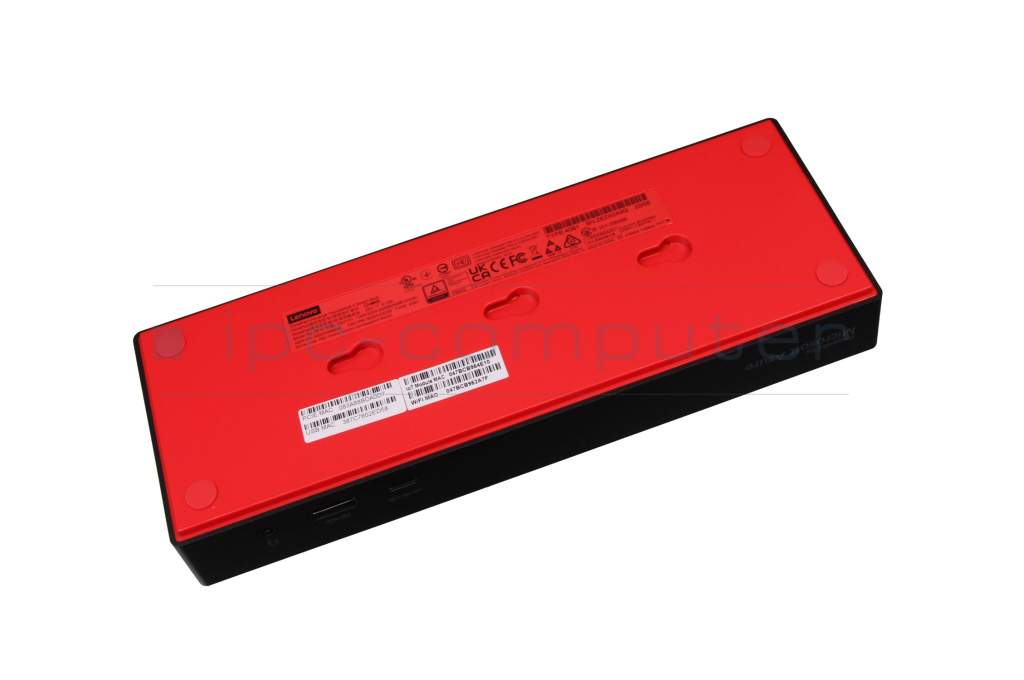
Lenovo Yoga 7 16IML9 Gen 9 (83DL) ThinkPad Universal Thunderbolt 4 Smart Dock incl. 135W Netzteil

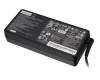
plus shipping charges
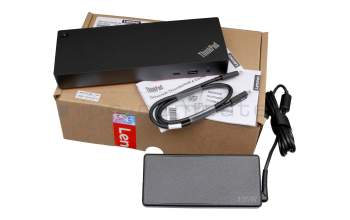
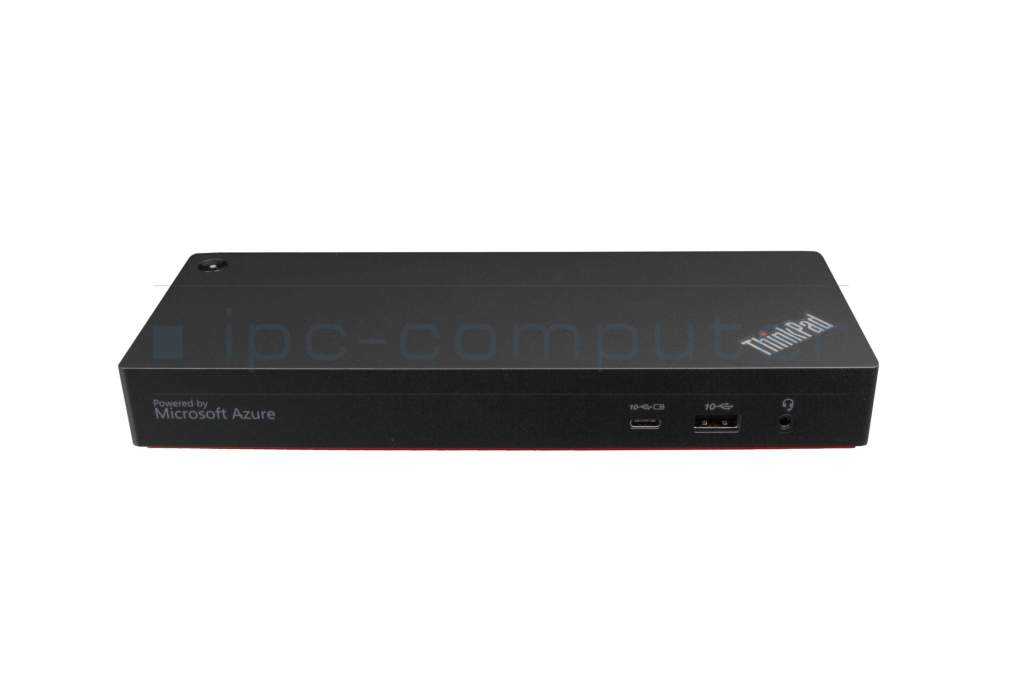
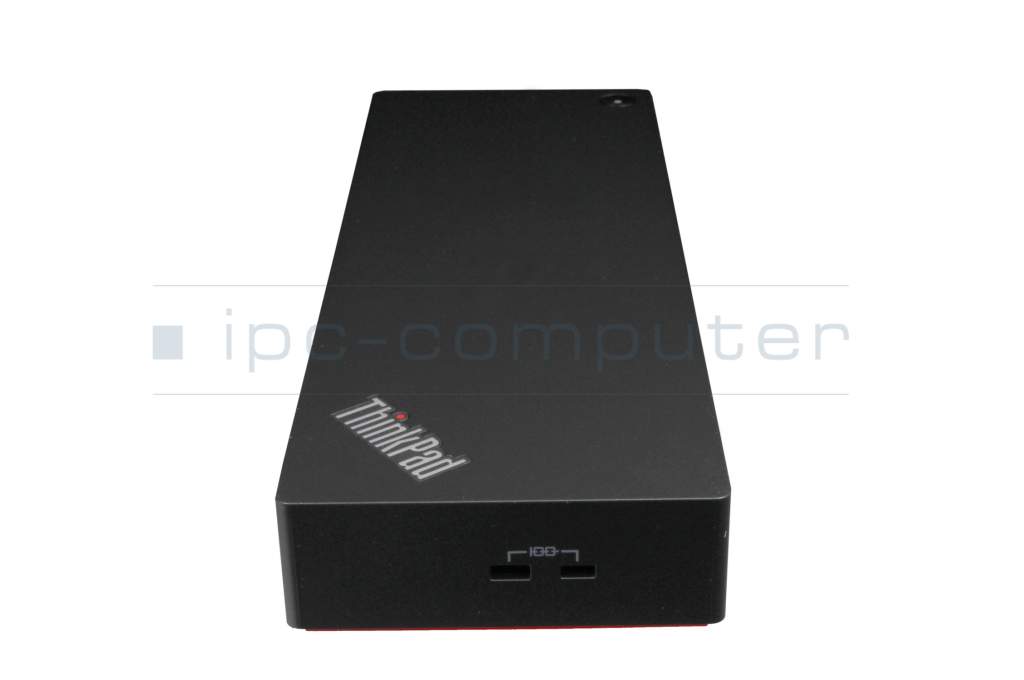
Lenovo ThinkPad Universal Thunderbolt 4 Dock incl. 135W Netzteil suitable for Yoga 7 16IML9 Gen 9 (83DL)
plus shipping charges
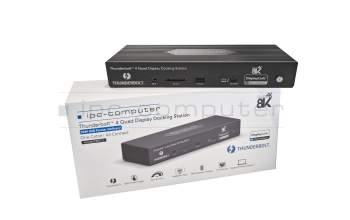
IPC-Computer Thunderbolt 4 Quad-Display Port Replikator incl. 160W Netzteil suitable for Lenovo Yoga 7 16IML9 Gen 9 (83DL)
plus shipping charges
Product Info
Common data
- Condition
- New
Technical Data
- Connexion to the laptop
- Thunderbolt 4
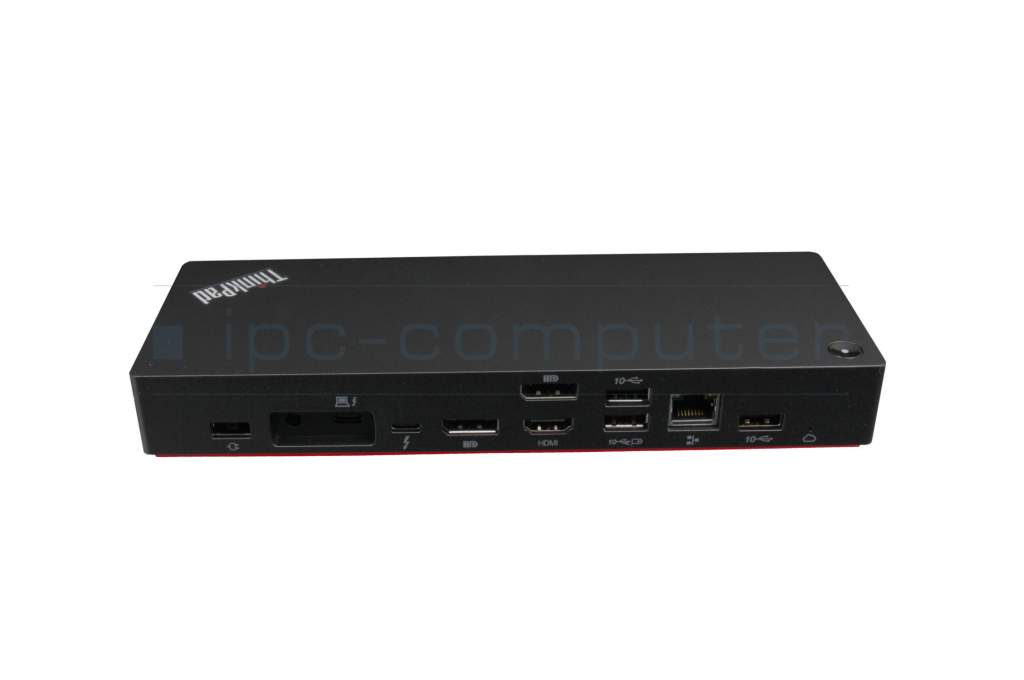
- Connectors
-
1x Audio-Combo
1x DC-In (Power supply)
1x Ethernet (RJ-45)
1x HDMI 2.1
1x Thunderbolt 4
1x USB-C
2x DisplayPort 1.4
2x Kensington-Lock
4x USB-A 3.2 Gen 1 - Max. resolution of external monitors
-
1x UHD - 3840x2160
1x UHD+ - 5120x2880 @ 60Hz
2x UHD - 3840x2160
3x UHD - 3840x2160 - Delivery includes
-
AC-Adapter
Installation manual
License Agreement
Manual
Port Replicator
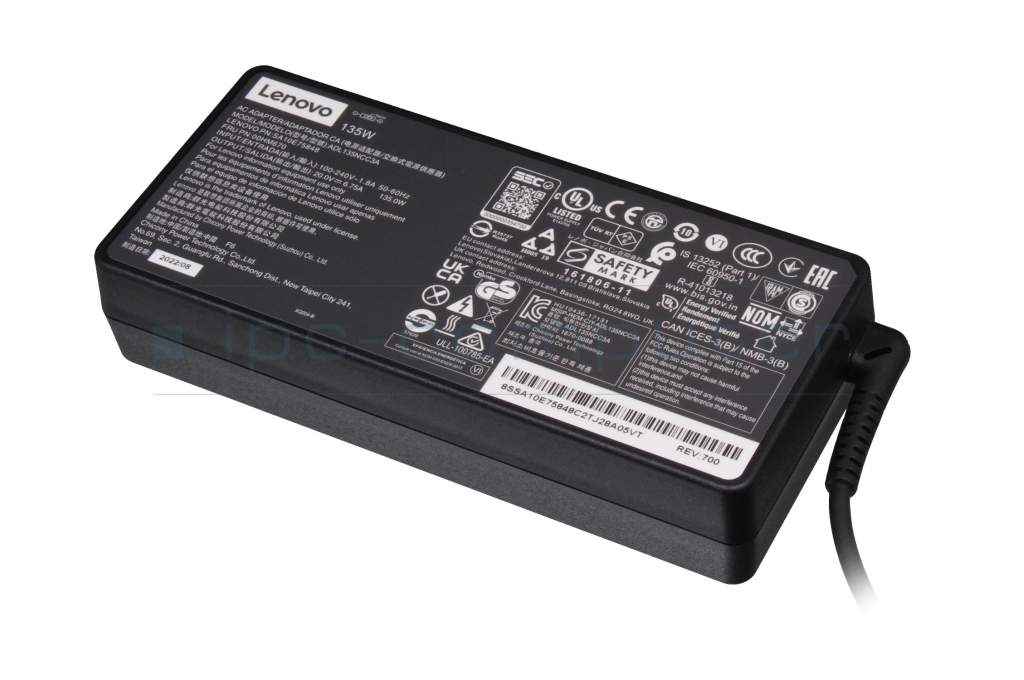
USB-C cabel - Included ac-adaptor
- 135W
- Compatible operating systems
-
Chrome
Linux / Ubuntu
Mac OS
Windows 10 (32bit/64bit)
Windows 11 - Length / Width / Hight
- 22 cm / 8 cm / 3 cm
All your wishes are fulfilled with this innovative dock. It offers unlimited compatibility and flexibility thanks to the variety of connections and its remote options.
Connections: All-in-one cable. The ThinkPad Universal Thunderbolt™ 4 Smart Dock offers more than 11 PC ports. So you can connect an 8K monitor or up to four 4K monitors.
Universal dock compatibility:
The universal dock supports Thunderbolt 3 and 4, USB 4 and USB-C, providing additional compatibility in multi-BS environments.
On top, it offers innovative remote management:
Remote firmware updates enable without a connected PC, remote port management, data analysis reports, diagnostic tools and Microsoft Azure Sphere security solution. This allows you to optimize IT managers' workflows and increase their productivity.
Video resolution
Maximum :8K
Number of Displays
Maximum :4 x 4K or 1 x 8K
Connection
0.7 m Thunderbolt 4 Cable
Video Port
2 x DisplayPort 1.4
1 x HDMI 2.1
1 x Thunderbolt 4
USB Port
4 x USB-A 3.1 Gen 2* (10 Gbps,
1 x always-on charging)
1 x USB Type-C (10 Gbps, 5V/3A)
1 x Thunderbolt 4 (40 Gbps, 5V/3A)
Category
- Category
- Dockings
- Usage
- Laptop
Videos & Contributions
Using a laptop with a dock even when it is folded down
In this quick tip we show how you can work with a docking station and an external monitor even when your laptop is folded down.
Learn more >Which USB dock connector do I need for my notebook?
To choose the right docking station for your notebook, you should know which USB port you need. In this video, we will go into the differences and special features of the USB ports.
Learn more >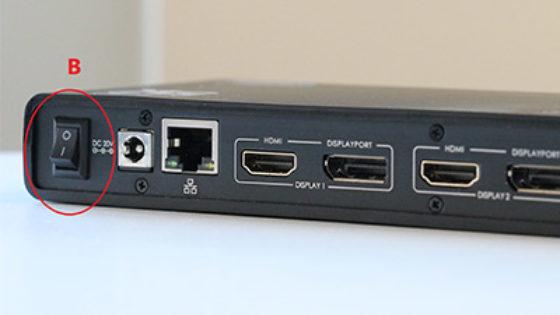
The "secret" with the power button
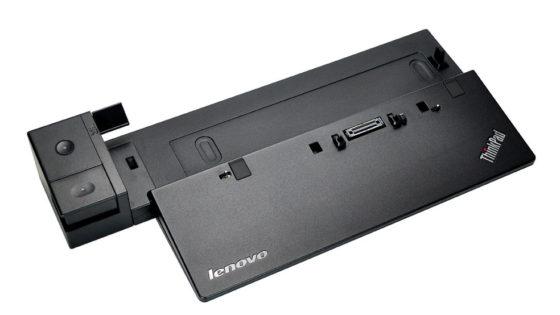
Docking station vs. port replicator

The power button does not activate the notebook?
Important and useful informations about laptop Docking stations
Frequently asked questions about Docking stations
- Do docking stations work even if they can only be delivered with a stronger ac adapter
Technically speaking, a more powerful power supply can be used without any problems and does not pose any danger to your device, as it always draws as much energy as it currently needs. The only disadvantage is the usually higher price of the more powerful product.
- Do I need special drivers for my docking station or port replicator?
In order to use your docking station or port replicator, you need the appropriate drivers. The easiest way to find these drivers is directly from the manufacturer of the docking station/port replicator. You will usually need the serial number or the exact model name.
The driver for our in-house port replicator can be found on our info page for the IPC port replicator.
- Is it possible to use an USB-C/USB-3.0 port replicator from different Manufacturers
Yes, as general rule this is possible. Although you have to consider the power capacity and the type of the connection.
- My docking station came with a power supply. Can I use it to charge my laptop
Basically yes, you can use them to charge your laptop, however you have to make sure, that it has enough power to do so. To find out, if it has it, please compare the specifications on the back of the original power supply with those of the one, that came with your docking station. The output voltage should not differ more than 1 volt and the output power should be greater or equal to that of the original power supply.
In our shop we also offer combinations of docking stations and power supplies.
See also: - What advantages does an USB-C port replicator/docking station grant
The most remarkeble advantages in comparison to USB3.0, are a faster data transmission rate and the possibility to charge the device via USB-C. Also is USB-C becoming the default option for more and more devices.
All questions about Docking stations

Accessories, suitable alternative products and recommendations
45N0501 original Lenovo AC-adapter 135.0 Watt extended
plus shipping charges
IPC-Computer KA001I 8K DisplayPort to DisplayPort
plus shipping charges
IPC-Computer KA002I 4K HDR DisplayPort to DisplayPort
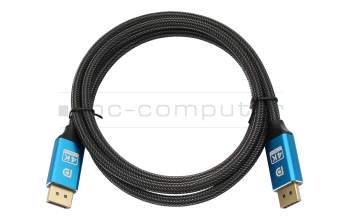
plus shipping charges
IPC-Computer KA003I 4K HDMI to HDMI
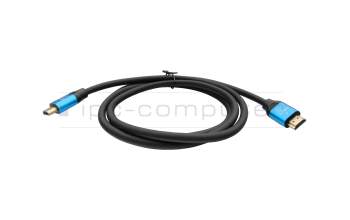
plus shipping charges