Tilt Pen MPP 2.0 Black original suitable for MSI Summit E14 Flip Evo A13MT (MS-14F1)
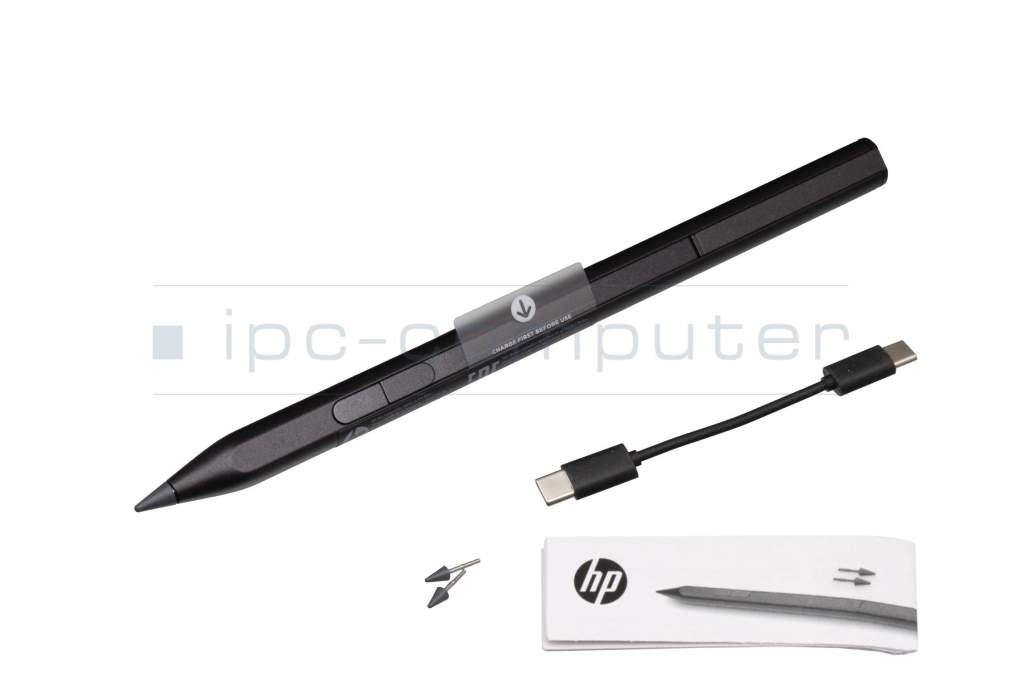
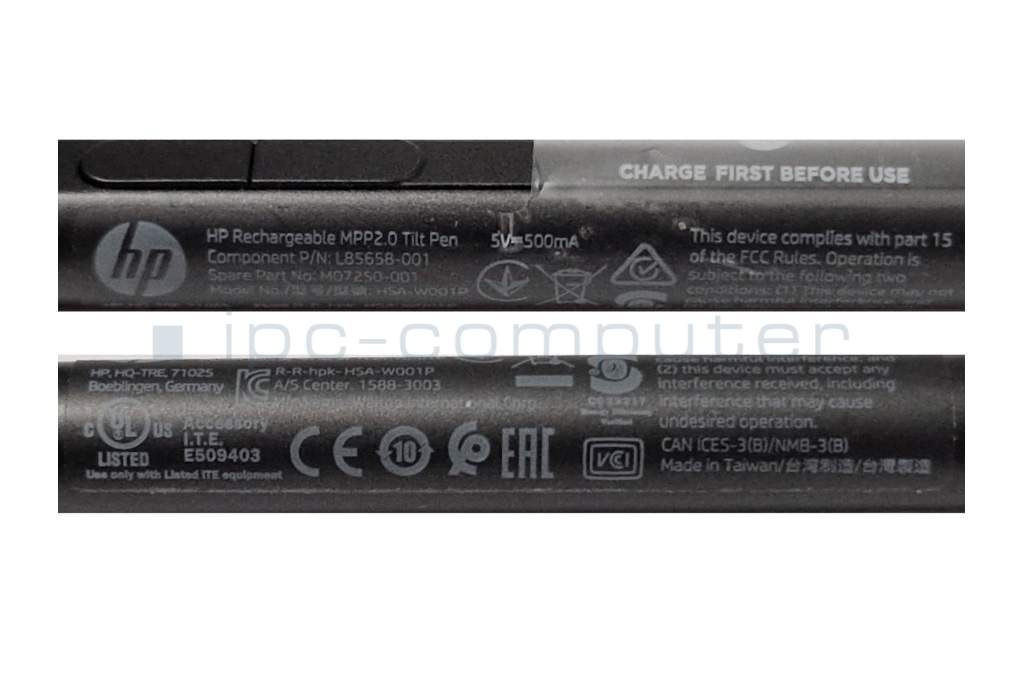




plus shipping charges
- Standardlieferung 28. October - 30. October
- Expresslieferung 28. October
- bei Bestellung innerhalb 15 hrs 38 min




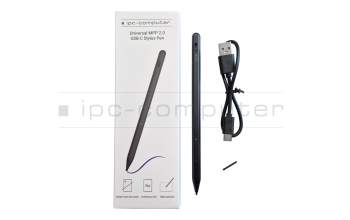
Universal MPP 2.0 Pen (USB-C) suitable for MSI Summit E14 Flip Evo A13MT (MS-14F1)
plus shipping charges
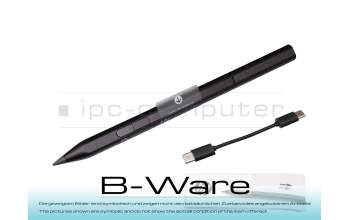
PEN00R Tilt Pen MPP 2.0 black (without spare tips) b-stock
plus shipping charges
Product Info
Common data
- Condition
- New
- Color
- black
- Delivery includes
- 2x replacement tips / USB-C cable / manual
Technical Data
- Pen protocol
- MPP 2.0
- Weight (g)
- 12 g
- Length (cm)
- 14.5 cm
- Diameter (mm)
- 9 mm
- Number of buttons
- 2
- Pressure levels
- 4096
- Tilt function
- yes
- Power supply
- USB-C
- Running time
- 30 Days
- Operating system
- Windows 10 / Windows 11
HP Tilt Pen MPP 2.0 – Precision, Performance, and Creative Freedom
Write and draw with precision using the HP Tilt Pen MPP 2.0. Designed for select HP Spectre, Envy, and Pavilion x360 models, this stylus delivers smooth lines, fast response times, and 4,096 levels of pressure sensitivity for maximum accuracy.
Thanks to advanced MPP 2.0 technology, you can write and draw with virtually no lag. Two customizable buttons and interchangeable tips ensure maximum flexibility.
The rechargeable battery lasts up to 30 days and can be charged via USB-C. An LED indicator shows the charge level at all times. Thanks to its magnetic attachment, the pen is always within reach and securely stored, even when you’re on the go.
Compatibility & Notes
The HP Tilt Pen MPP 2.0 is compatible with many HP Envy x360, Pavilion x360, and Spectre x360 models, as well as other devices that support the Microsoft Pen Protocol (MPP 2.0).
Important: Not compatible with Envy x360 14" and 16" models in the 14-fc, 14-fa, 16-ac, and 16-ad series.
Technical Highlights at a Glance
- MPP 2.0 technology for precise, lag-free input
- 4,096 pressure levels for realistic pen control
- Tilt function for natural drawing
- USB-C fast charging
- Battery life: up to 30 days
- 2 customizable buttons
- Interchangeable tips for different applications
- Magnetic attachment
- Weight: only 10 g
Package Contents
- HP Rechargeable MPP 2.0 Tilt Pen (Black)
- 2 replacement tips
- USB-C charging cable
- Quick Start Guide
Category
- Category
- Pens / Stylus
- Usage
- Laptop
Videos & Contributions
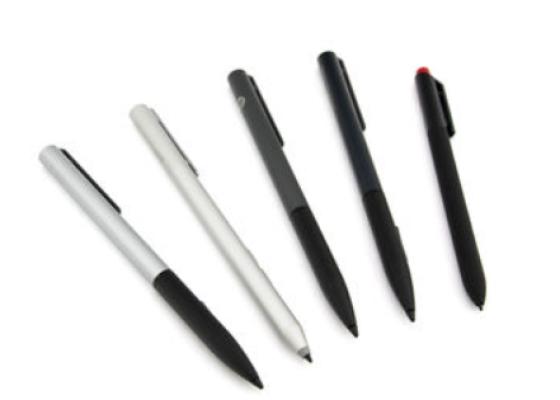
How do styluses work and what should be considered?