HP 26D32AA#ABB USB-C Dock G5 EURO incl. 120W Netzteil b-stock

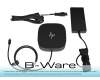
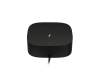
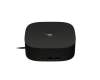
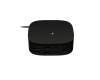
plus shipping charges
- Standardlieferung 13. October - 15. October
- Expresslieferung 13. October
- bei Bestellung innerhalb 13 hrs 48 min




Condition: B-grade (like-new). This is a technically flawless replacement part or accessory that was returned by a customer or shows signs of storage.
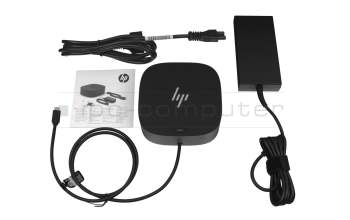
5TW10AA#ABB HP USB-C Dock G5 EURO incl. 120W ac-adapter
plus shipping charges
Product Info
- Manufacturer
- HP
- Item Number
- 26D32AA#ABB
- Primary Partnummer
- 26D32AA#ABB
- Safety information
- Sicherheits- & Herstellerkontakt-Informationen
Common data
Technical Data
- Connexion to the laptop
- USB-C 3
- Connectors
-
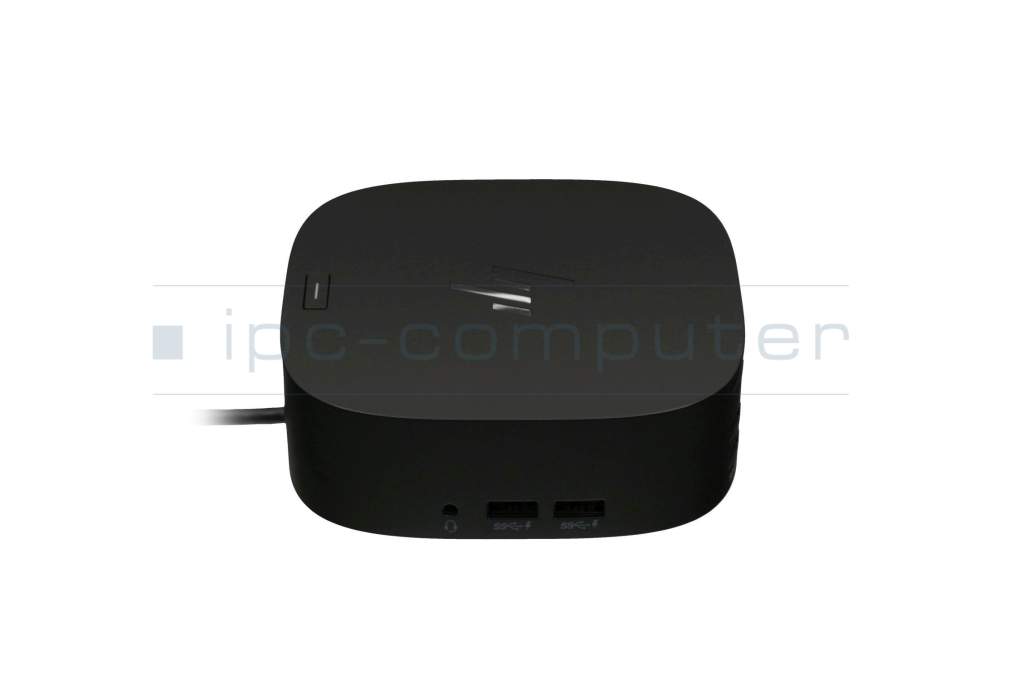
1x Audio-Combo
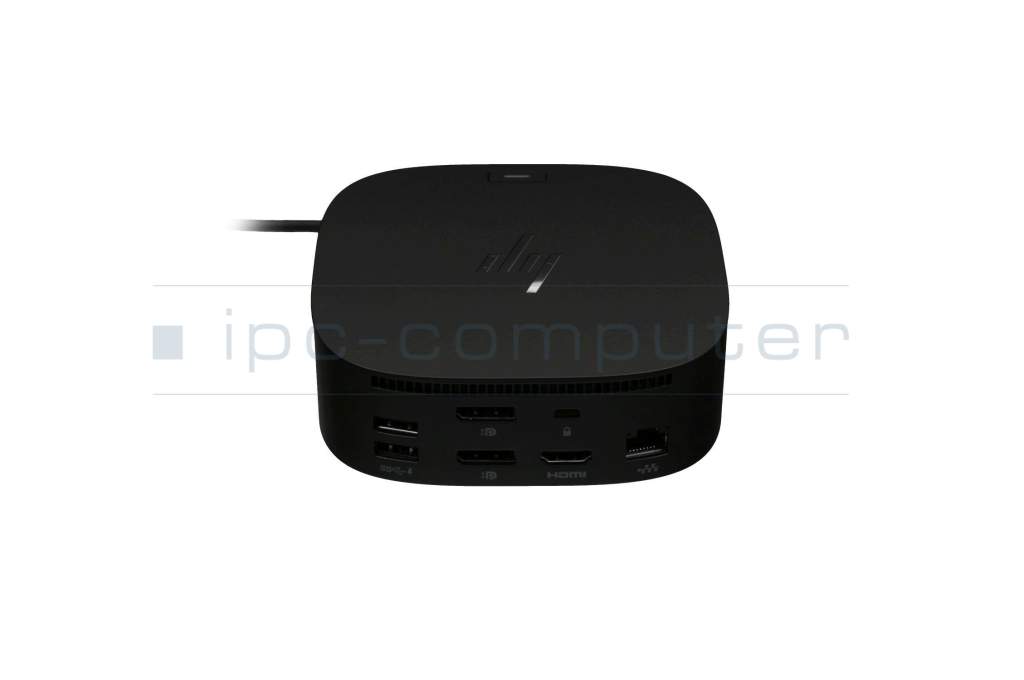
1x Ethernet (RJ-45)
1x HDMI
1x Kensington-Lock
1x USB-C
2x DisplayPort
4x USB-A 3.0 SS (Super Speed USB) - Max. resolution of external monitors
-
1x 4K2K - 4096x2160
2x WUXGA - 1920x1200
3x WUXGA - 1920x1200 - Delivery includes
-
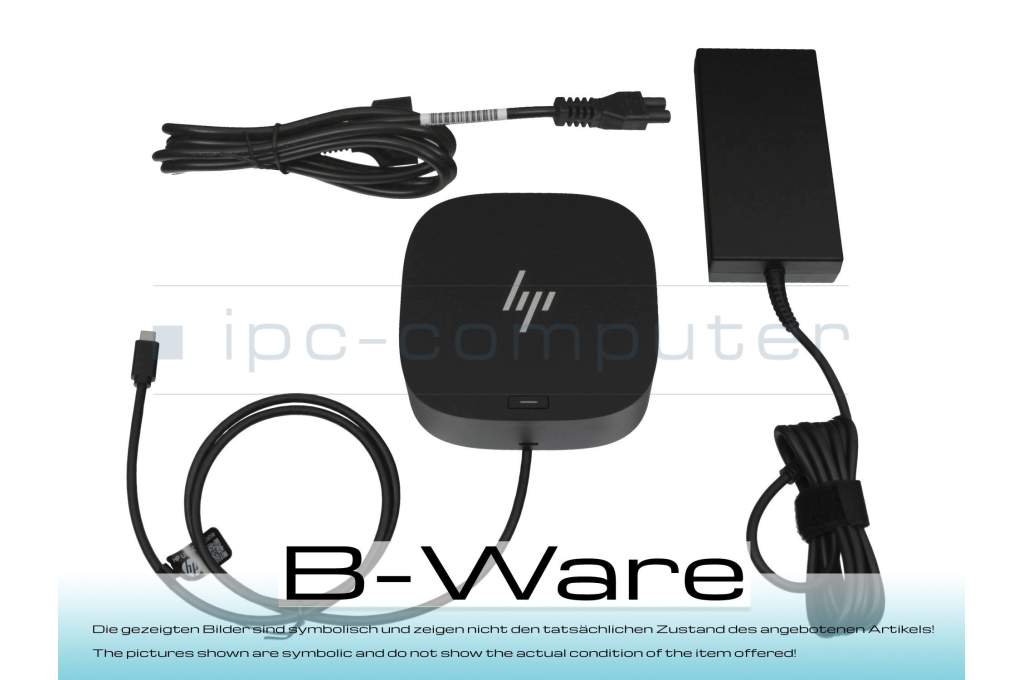
AC-Adapter
Port Replicator
Power cable - Included ac-adaptor
- 120W
- Compatible operating systems
-
ChromeOS
Linux / Ubuntu
Mac OS
Windows 10 (32bit/64bit)
Windows 11
Windows 7 (32bit/64bit)
Windows 8 (32bit/64bit)
Windows 8.1 (32bit/64bit) - Length / Width / Hight
- 12 cm / 12 cm / 3.5 cm
Vorteile
Lösen Sie eingeschränkte Anschlussmöglichkeiten schnell und sicher mit diesem Port Replikator und verbinden Sie auf einfache Weise eine Maus, Drucker, weitere USB-Geräten. Spiegeln oder Erweitern Sie Ihren Desktop auf mehrere externe Monitore. Hier finden Sie den vollständigen Bericht über weitere Vorteile.Mit einem USB-C-Anschluss benötigen Sie nicht nur kein zusätzliches Netzteil zum Betrieb des Notebooks, Sie können mit dem vorhandenen Port Replikator sogar Ihren Akku aufladen. Beachten Sie aber, dass über den USB-C Anschluss maximal eine Leistungsaufnahme von 100 Watt möglich ist. Sollte Ihr Notebook eine höhere Leistungsaufnahme haben, benötigen Sie weiterhin das Netzteil des Notebooks für den Betrieb.
Item Condition: New (from customer cancellation)
Functionality: Fullyfunctional
Signs of Use: Slight
Packaging: Not in original box
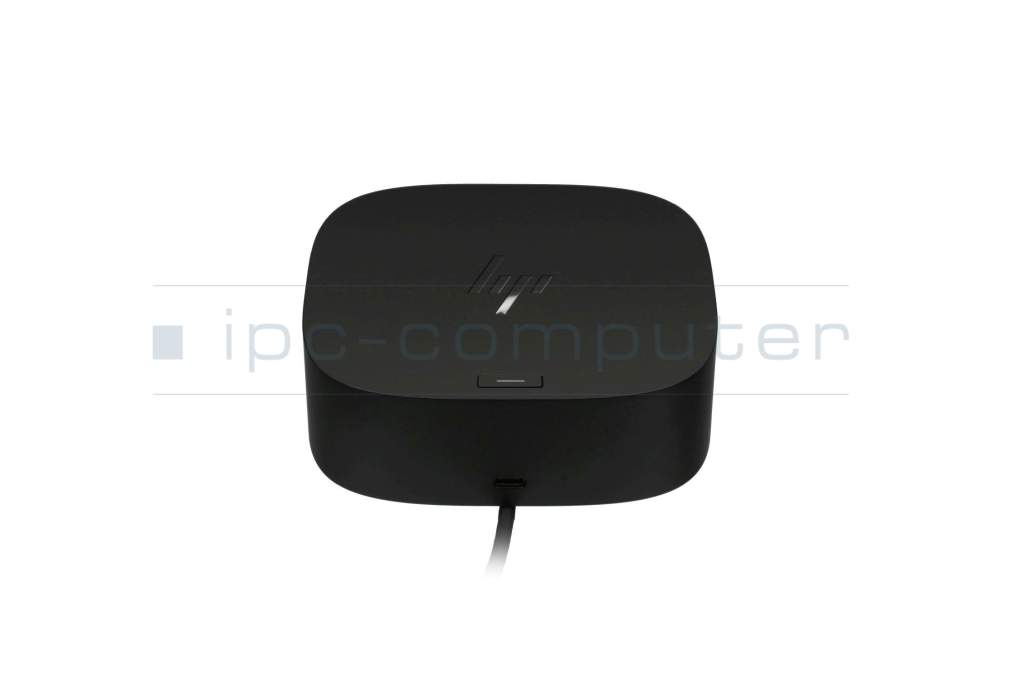
HP USB-C Dock G5
(Models 5TW10AA#ABB & 5TW10UT#ABA)
- Product family: Standard model
- Max. Power Delivery: Up to 100 watts via USB-C
- Power adapter (power supply): 120 W external power adapter
- Video Ports:
- 2x DisplayPort 1.4
- 1x HDMI 2.0
- USB Ports (Front):
- 1x USB-C® 3.1 Gen 1 (5 Gbit/s data + 15W PD Out)
- 1x USB-C® cable to host (fixed)
- USB ports (side/rear):
- 2x USB-A 3.0 (5 Gbit/s, charging capability)
- 2x USB-A 3.0 (5 Gbit/s, charging capability)
- Network port: 1x RJ-45 (Gigabit Ethernet)
- Audio port: 1x 3.5-mm combo jack (microphone/headphones)
- Security port: 1x Kensington lock slot
Category
- Category
- Dockings
- Usage
- Laptop
- Excerpt of suitable models for P/N 26D32AA#ABB
- HP EliteBook 745 G5 , HP EliteBook x360 1040 G5 , HP EliteBook 850 G6 , HP ZBook 15 G6 , HP Pavilion 14-dv0000 , HP ZBook Firefly 15 G7 , HP 14s-cs1000 , HP Envy x360 15t-dr100 CTO , HP EliteBook 840 G8 , HP EliteBook x360 830 G8
You've found this article over a part number. We'll check if it's the correct sparepart for your machine. To do this, please insert the manufacturer and the name of the model in the order comment.
Videos & Contributions
Using a laptop with a dock even when it is folded down
In this quick tip we show how you can work with a docking station and an external monitor even when your laptop is folded down.
Learn more >Which USB dock connector do I need for my notebook?
To choose the right docking station for your notebook, you should know which USB port you need. In this video, we will go into the differences and special features of the USB ports.
Learn more >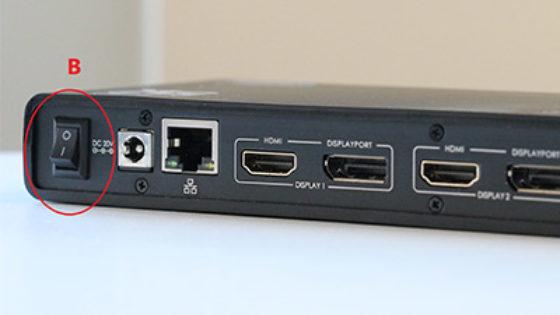
The "secret" with the power button

The power button does not activate the notebook?
Important and useful informations about laptop Docking stations
Frequently asked questions about Docking stations
All questions about Docking stations
Docking stations FAQ
Accessories, suitable alternative products and recommendations
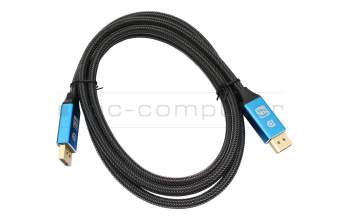
IPC-Computer KA001I 8K DisplayPort to DisplayPort
plus shipping charges
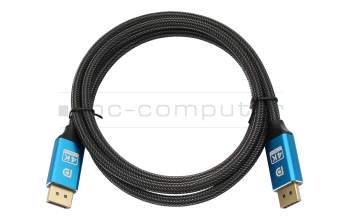
IPC-Computer KA002I 4K HDR DisplayPort to DisplayPort
plus shipping charges
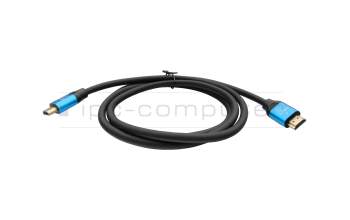
IPC-Computer KA003I 4K HDMI to HDMI
plus shipping charges