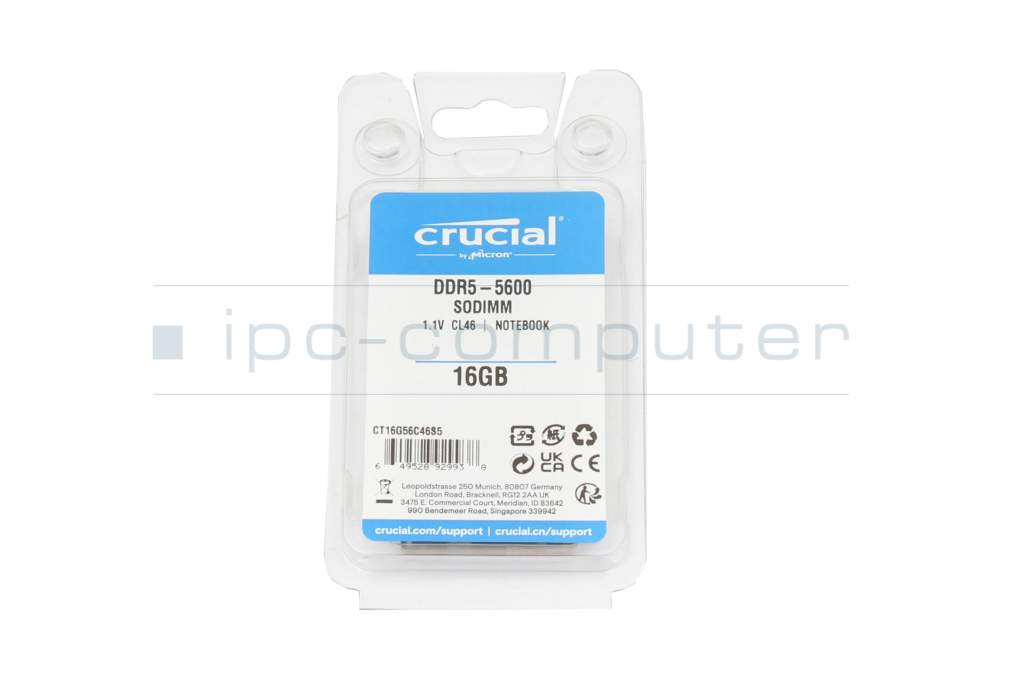
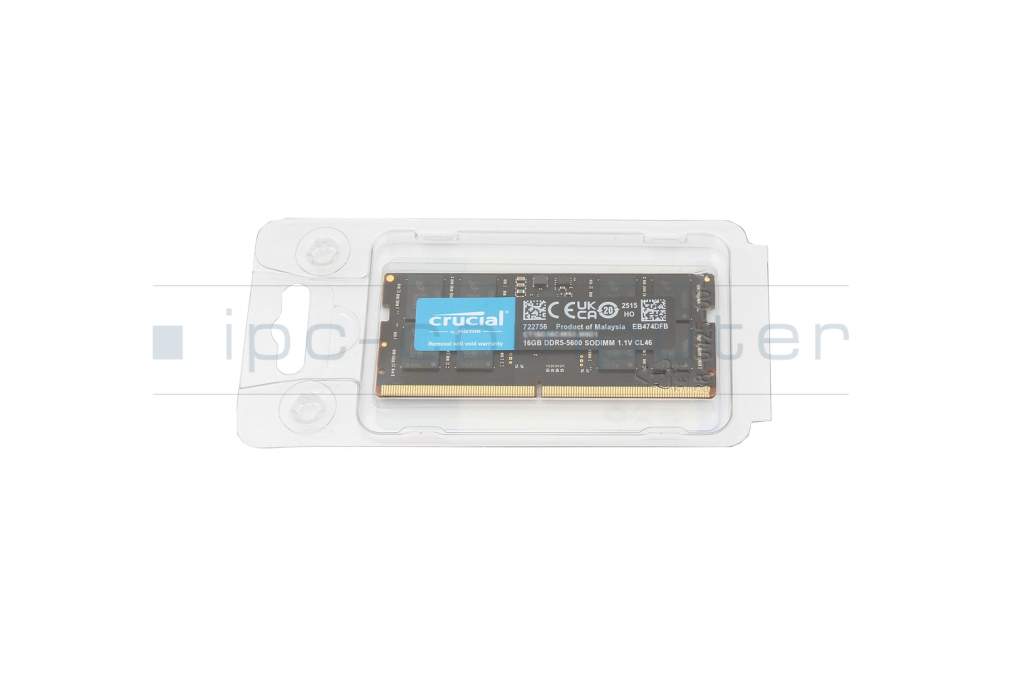
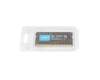
Crucial CT16G56C46S5 memory 16GB DDR5-RAM
plus shipping charges
- Standardlieferung 27. October - 27. October
- Expresslieferung 26. October
- bei Bestellung innerhalb 2 hrs 21 min




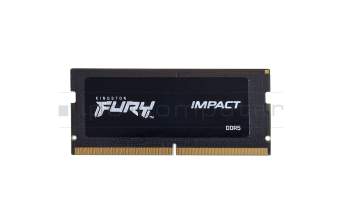
Kingston KF556S40IB-16 memory 16GB DDR5-RAM
plus shipping charges
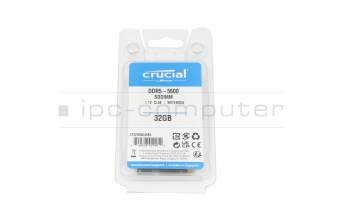
Hynix HMCG88AGBSA095N memory 32GB DDR5-RAM
plus shipping charges
Product Info
- Manufacturer
- Crucial
- Item Number
- CT16G56C46S5
- Primary Partnummer
- CT16G56C46S5
- Safety information
- Sicherheits- & Herstellerkontakt-Informationen
Common data
- Condition
- New
- Manufacturer
- Crucial
Technical Data
- Capacity
- 16GB
- Type
- SO-DIMM DDR5-RAM
- Memory module
- PC5-5600
- Frequency (MHz)
- 5600 MHz
- Volt
- 1.1V
- Number of memory chips
- 8
- Position of the chips
- one-sided
Category
- Category
- Memory / RAM
- Usage
- Laptop
- Excerpt of suitable models for P/N CT16G56C46S5
- One Gaming Operator X73-13NB-SN1 (X370SNV-G) , Nexoc GX7 948IG 23V1 (X370SNV-G) , Sager Notebook NP7881D-S (NP70SND) , Nexoc GV5 945IG 23V1 (V150RNC) , One V56-13NB-RN6 , Gaming Guru Storm RTX3060 (V175PNPQ) , Nexoc GV7 547IG 23V1 (V175RNEQ) , CSL Gaming V175RNDQ , Sager Notebook NP6860D (PE60RND-G) , SHS Computer Workstation NP60RNH (i5-13500H)
You've found this article over a part number. We'll check if it's the correct sparepart for your machine. To do this, please insert the manufacturer and the name of the model in the order comment.
Videos & Contributions
Does the RAM fit my device?
If you are unsure whether the RAM module fits your notebook, this video provides a short and clear answer to all important questions about compatibility.
Learn more >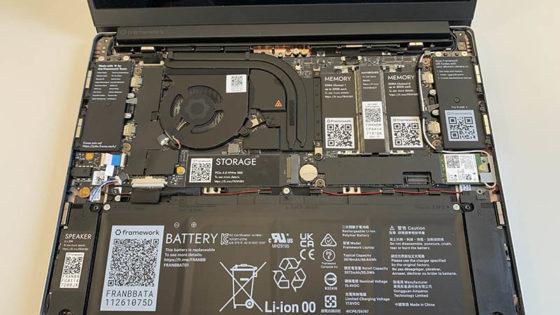
Is it worth it? - Upgrading the main memory
Swap or expand laptop RAM / main memory
The exchange is child's play, even laypeople without technical knowledge can play. In this video we show how to do it.
Learn more >Important and useful informations about laptop Memory
Frequently asked questions about Memory
All questions about Memory
Memory FAQ