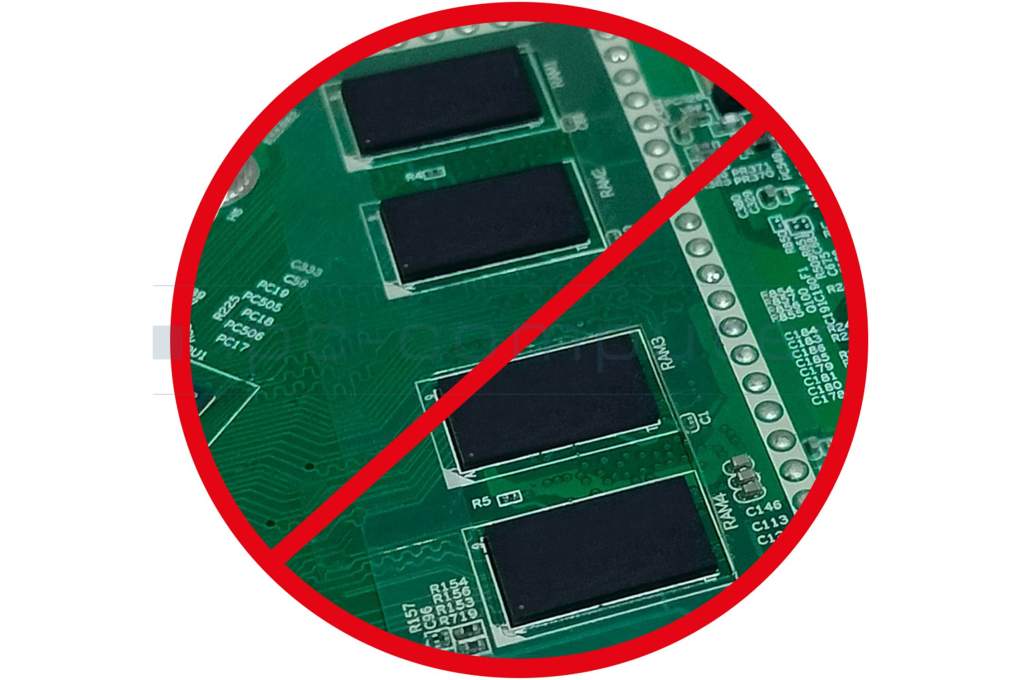
IPC-Computer DRFEST RAM - soldered in place
- Manufacturer
- IPC-Computer
- Item Number
- DRFEST
- Primary Partnummer
- DRFEST
- Safety information
- Sicherheits- & Herstellerkontakt-Informationen
Important note:
You are seeing this message because the laptop you selected has permanently installed RAM. This means the memory is neither replaceable nor expandable. Unfortunately, upgrading the RAM later—for example, to get more performance or extend the device's lifespan—is not possible with this model.
Upgrading RAM? Not always possible!
Today's laptops are becoming increasingly slimmer, lighter, and more elegant – but this also has its drawbacks. In many models, the RAM is now soldered or integrated "on-board." This means it can no longer be replaced or upgraded. This is difficult for many users to recognize because manufacturers often hide this information behind terms like "On-Board Memory," "Soldered RAM," or "LPDDR5X," or even omit details like the type and model of RAM altogether.For customers, this is confusing, frustrating, and, in the worst case, expensive.
A practical example – Windows 11:
Anyone with a laptop that only has 4 GB of soldered RAM will quickly reach its limits, especially after upgrading to Windows 11.Windows 11 requires at least 4 GB of RAM, but that's just the absolute minimum. For smooth operation and current applications, at least 16 GB of RAM is recommended. If the memory is soldered in, however, the laptop cannot be upgraded – and the device will become slow or practically unusable.
You've found this article over a part number. We'll check if it's the correct sparepart for your machine. To do this, please insert the manufacturer and the name of the model in the order comment.
Videos & Contributions
Important and useful informations about laptop Memory
Frequently asked questions about Memory
All questions about Memory
Memory FAQ