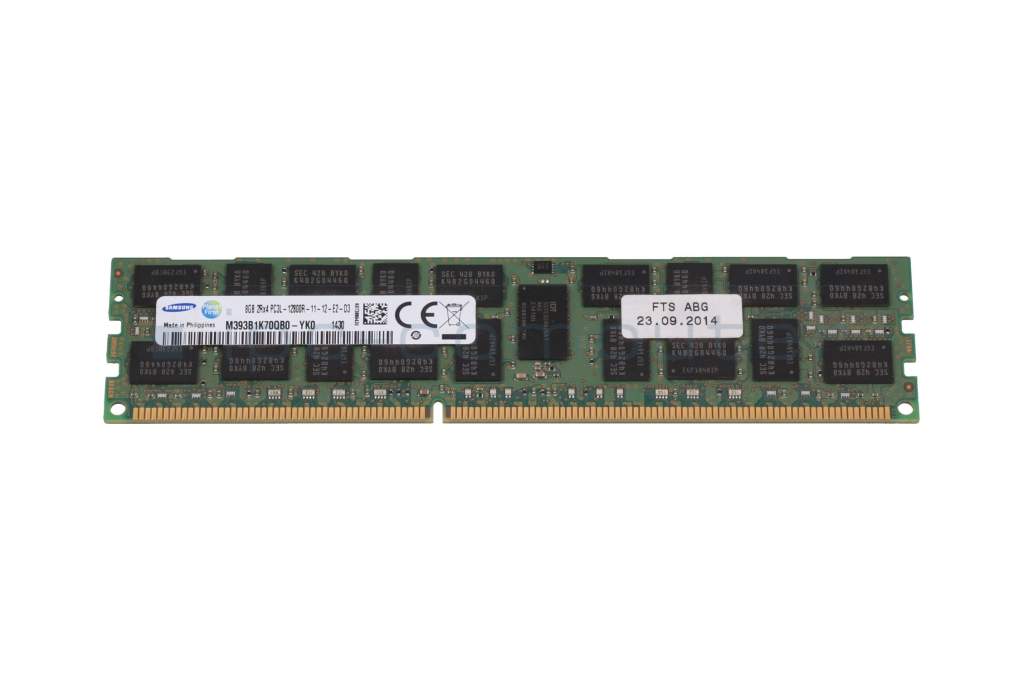
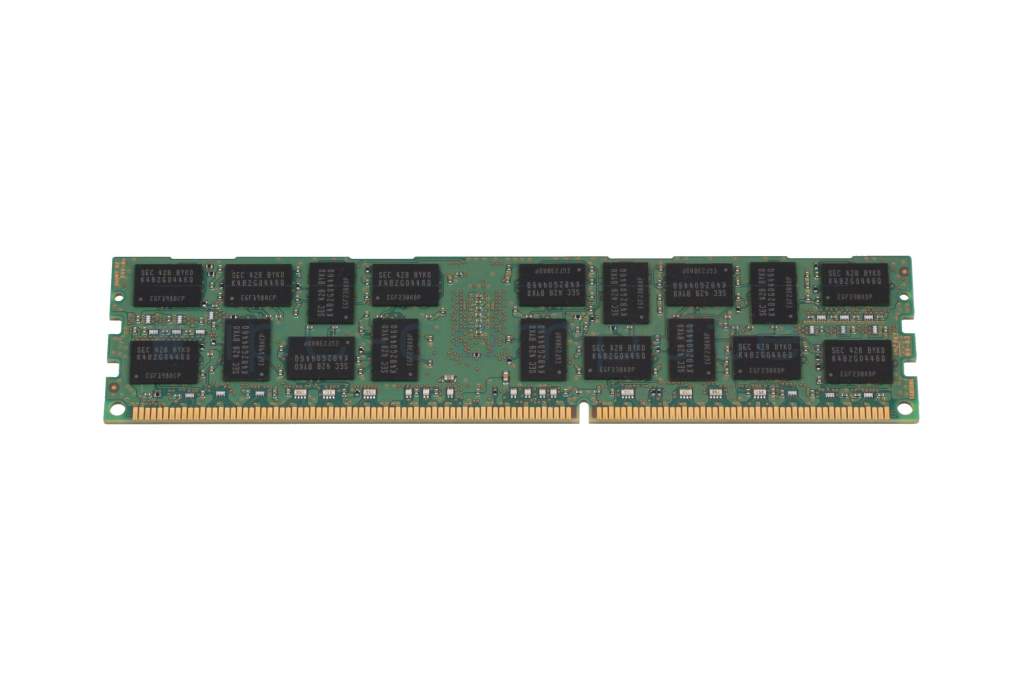
Substitute for Samsung K4B2G0446Q memory 8GB DDR3-RAM DIMM used
plus shipping charges
- Standardlieferung 12. February - 16. February
- Expresslieferung 11. February
- bei Bestellung innerhalb 9 hrs 18 min




- Manufacturer
- Fujitsu
- Item Number
- K4B2G0446Q
- Primary Partnummer
- S26361-F3697-L615
- Safety information
- Sicherheits- & Herstellerkontakt-Informationen
The offered manufacturer number is an alternative (substitute) to the spare part number you are looking for.
Common data
- Condition
- GEBRAUCHT
- Manufacturer
- Fujitsu
Technical Data
- Capacity
- 8GB
- Type
- DIMM DDR3-RAM
- Memory module
- PC3L-12800
- Frequency (MHz)
- 1600 MHz
- Volt
- 1.35V
- Position of the chips
- both sides
Note: This is a used item! It may show signs of use in the sense of signs of wear, scratches or other signs. Complaints and returns for any of these reasons are therefore excluded.
The function was tested by one of our technicians.
Fujitsu S26361-F3697-L615 Memory with 8GB DDR3-1600
Compatible with: Primergy TX150 S8 and similar
Category
- Category
- Memory / RAM
- Usage
- Laptop
- Excerpt of suitable models for P/N K4B2G0446Q
- Fujitsu Primergy CX2570 M4
You've found this article over a part number. We'll check if it's the correct sparepart for your machine. To do this, please insert the manufacturer and the name of the model in the order comment.
Videos & Contributions
Does the RAM fit my device?
If you are unsure whether the RAM module fits your notebook, this video provides a short and clear answer to all important questions about compatibility.
Learn more >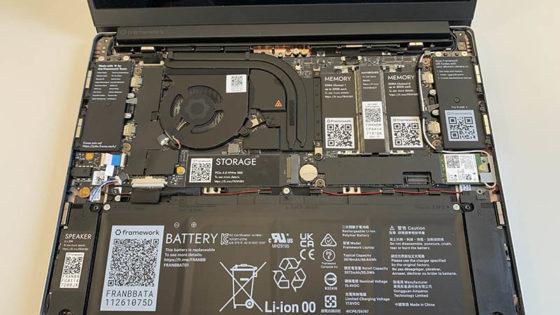
Is it worth it? - Upgrading the main memory
Swap or expand laptop RAM / main memory
The exchange is child's play, even laypeople without technical knowledge can play. In this video we show how to do it.
Learn more >Important and useful informations about laptop Memory
Frequently asked questions about Memory
All questions about Memory
Memory FAQ