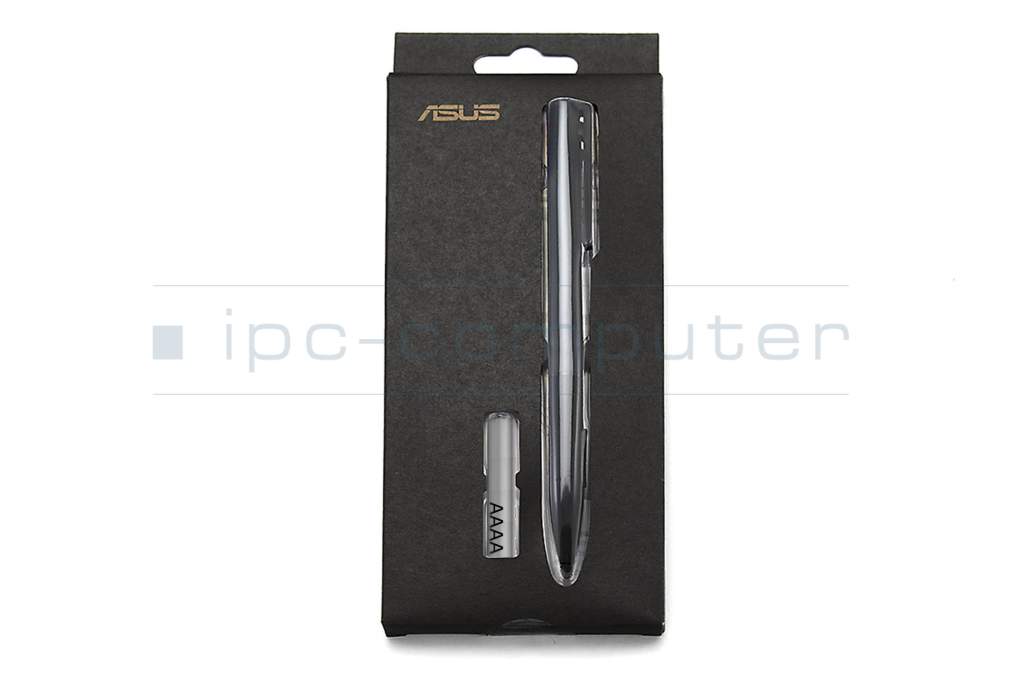
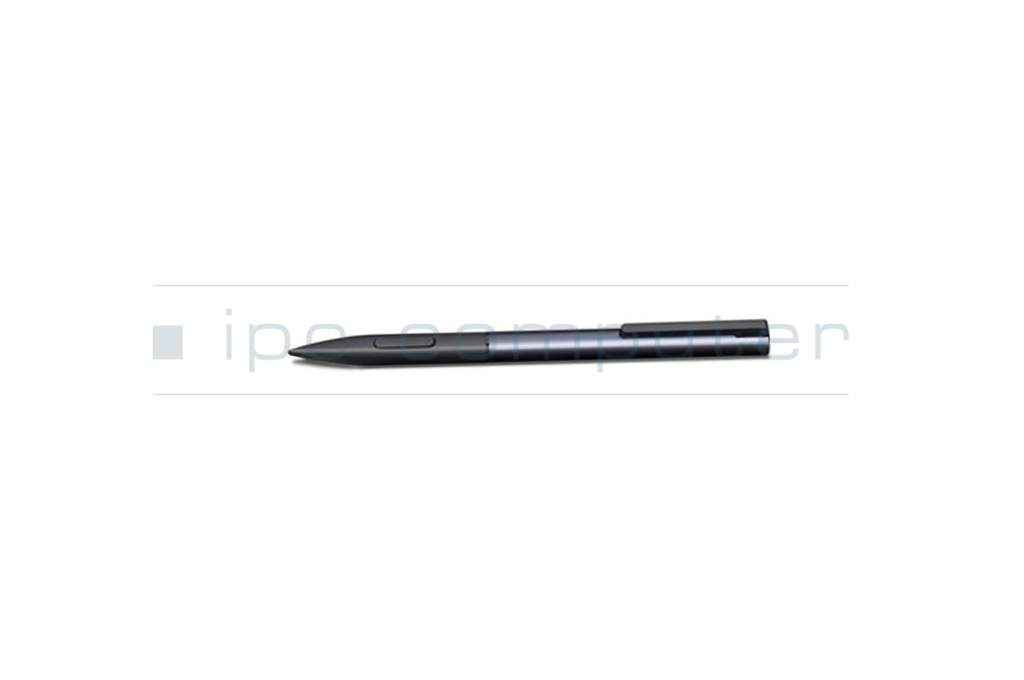
04190-00100100 original Asus stylus incl. batteries





Substitute part numbers:
26-B7701A903
- Manufacturer
- Asus
- Item Number
- 04190-00100100
- Sub-Partnumbers
- 26-B7701A903
- Safety information
- Sicherheits- & Herstellerkontakt-Informationen
Common data
- Condition
- New
- Color
- black / gray
- Delivery includes
- 2x AAAA batteries
Technical Data
- Type
- Activ
- Weight (g)
- 11 g
- Length (cm)
- 14 cm
- Diameter (mm)
- 9 mm
- Number of buttons
- 2
- Pressure levels
- ---
Category
- Category
- Pens / Stylus
- Usage
- Laptop
- Excerpt of suitable models for P/N 04190-00100100
- Asus Transformer Book Chi T302CHI , Asus Transformer Book Chi T300CHI , Asus Transformer Book Chi T100CHI , Asus Transformer Book Chi T90CHI , Asus Transformer Book Chi T302CHI , Asus Transformer Book T302CA
You've found this article over a part number. We'll check if it's the correct sparepart for your machine. To do this, please insert the manufacturer and the name of the model in the order comment.
Videos & Contributions
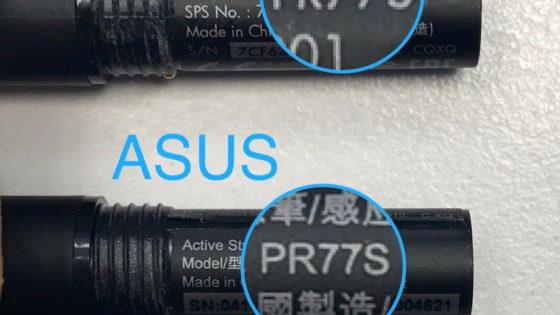
Active Stylus - Dieser Stift ist bei vielen Herstellern identisch!
Wenn man auf der Suche nach einem Active Stylus Pen geht, findet man zahlreiche Angebote von verschiedenem Hersteller. Oft steckt allerding folgendes Modell dahinter.
Learn more >
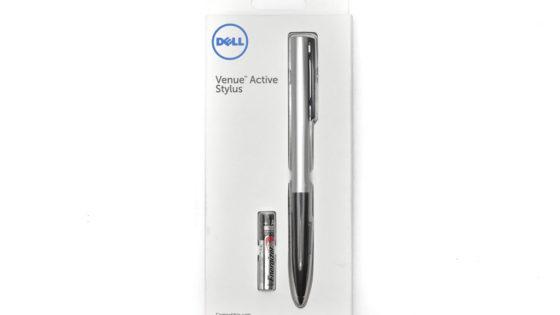
HP Executive Tablet-Stift G2 – die bessere Alternative kommt von Dell
Uns erreichten zahlreiche Beschwerden zu dem HP Tablet-Stift, das dieser untauglich sei. Da wir unseren Kunden den besten Service bieten möchten, sind wir auf die Suche nach einer Alternative gegangen. Und bei Dell fündig geworden.
Learn more >
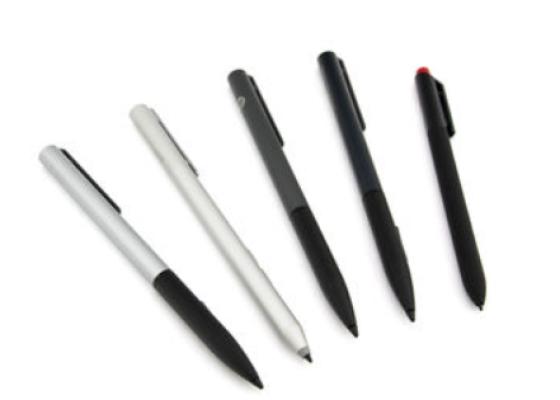
How do styluses work and what should be considered?
Using a pen to operate the touchscreen is a convenient feature. But not every pen works with every notebook or tablet. You have to pay attention to these features.
Learn more >
Important and useful informations about laptop Pens
Blog posts and links to this article
Frequently asked questions about Pens
- If your Stylus is using batteries, make sure you have inserted the right batteries in the right orientation and that they are fully charged.
- If this is the first time trying to use the stylus, you might have to remove a piece of insulation between the batteries and the contact. Usually this can just be pulled out from the side.
- If it is not using batteries, make sure the stylus is fully charged.
- If it is still not working, try restarting the device you are trying to use the stylus with or using it with another compatible device.
- If this should still not work contact us, or the manufacturer o the device.
