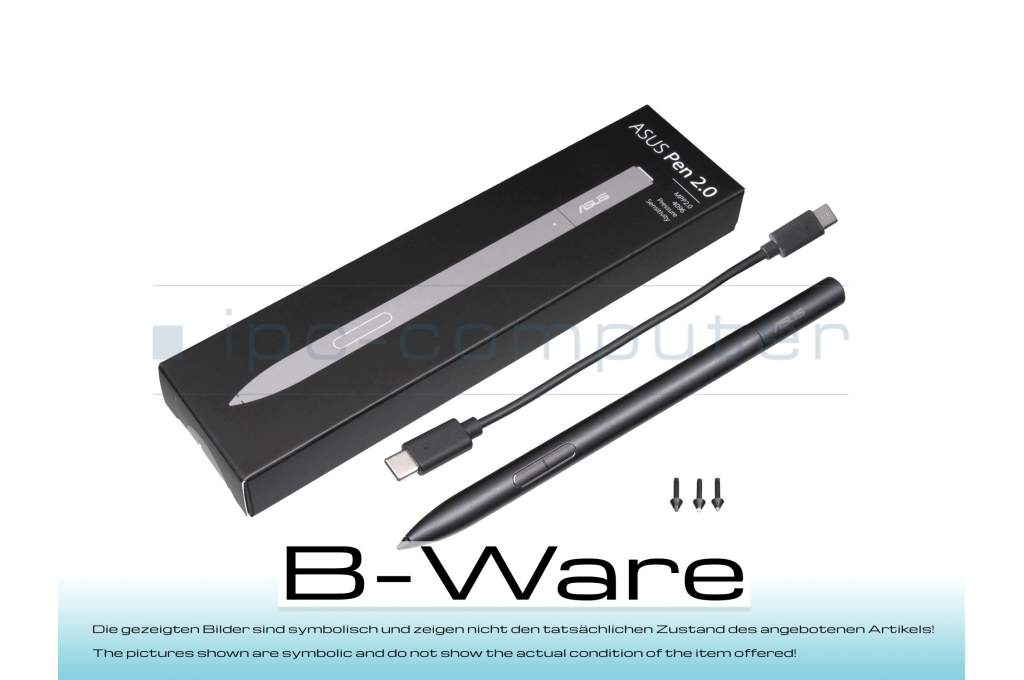
04190-00270500 original Asus Pen 2.0 SA203H b-stock

6264$
incl. Tax (19%)
plus shipping charges
plus shipping charges
Only1 pieces in stock.
- Standardlieferung 6. May - 8. May
- Expresslieferung 6. May
- bei Bestellung innerhalb 19 hrs 11 min




Customer return/one tip (2H) missing out of a total of 4 tips.
- Manufacturer
- Asus
- Item Number
- 04190-00270500
- Primary Partnummer
- 04190-00270500
- Safety information
- Sicherheits- & Herstellerkontakt-Informationen
Common data
- Color
- black
- Delivery includes
- 3x replacement tips / USB-C cable / tip removal tool
Technical Data
- Pen protocol
- MPP 2.0
- Weight (g)
- 16 g
- Length (cm)
- 16.5 cm
- Diameter (mm)
- 9 mm
- Number of buttons
- 3
- Pressure levels
- 4096
- Tilt function
- yes
- Bluetooth
- yes
- Power supply
- USB-C
- Running time
- 140h
- Operating system
- Windows 10 / Windows 11
Condition: B-goods - This is a technically flawless spare part / accessory item from customer returns or an item with traces of storage. The article may have optical defects such as signs of use such as scratches, abrasion or the like, but which do not affect the function and / or the original packaging may be damaged or not present. // The pictures shown are symbolic and do not show the actual condition of the item offered!
Category
- Category
- Pens / Stylus
- Usage
- Laptop
- Excerpt of suitable models for P/N 04190-00270500
- Asus VivoBook S16 Flip TN3604YA , Asus ZenBook Pro 15 Flip UP6502ZD , Asus ZenBook Pro Duo 15 UX582ZW , Asus Zenbook 14 UX3402ZA , Asus UX6404VI , Asus GZ301VF , Asus UP5302ZA , Asus UM5302TA , Asus VivoBook S16 Flip TN3604YA , Asus UX3402VA
You've found this article over a part number. We'll check if it's the correct sparepart for your machine. To do this, please insert the manufacturer and the name of the model in the order comment.
Videos & Contributions
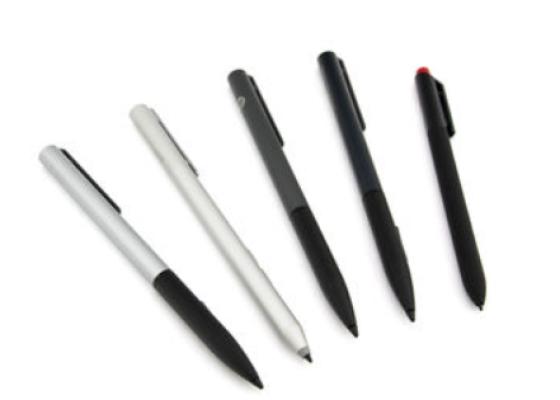
How do styluses work and what should be considered?
Using a pen to operate the touchscreen is a convenient feature. But not every pen works with every notebook or tablet. You have to pay attention to these features.
Learn more >
Important and useful informations about laptop Pens
Frequently asked questions about Pens
- If your Stylus is using batteries, make sure you have inserted the right batteries in the right orientation and that they are fully charged.
- If this is the first time trying to use the stylus, you might have to remove a piece of insulation between the batteries and the contact. Usually this can just be pulled out from the side.
- If it is not using batteries, make sure the stylus is fully charged.
- If it is still not working, try restarting the device you are trying to use the stylus with or using it with another compatible device.
- If this should still not work contact us, or the manufacturer o the device.
