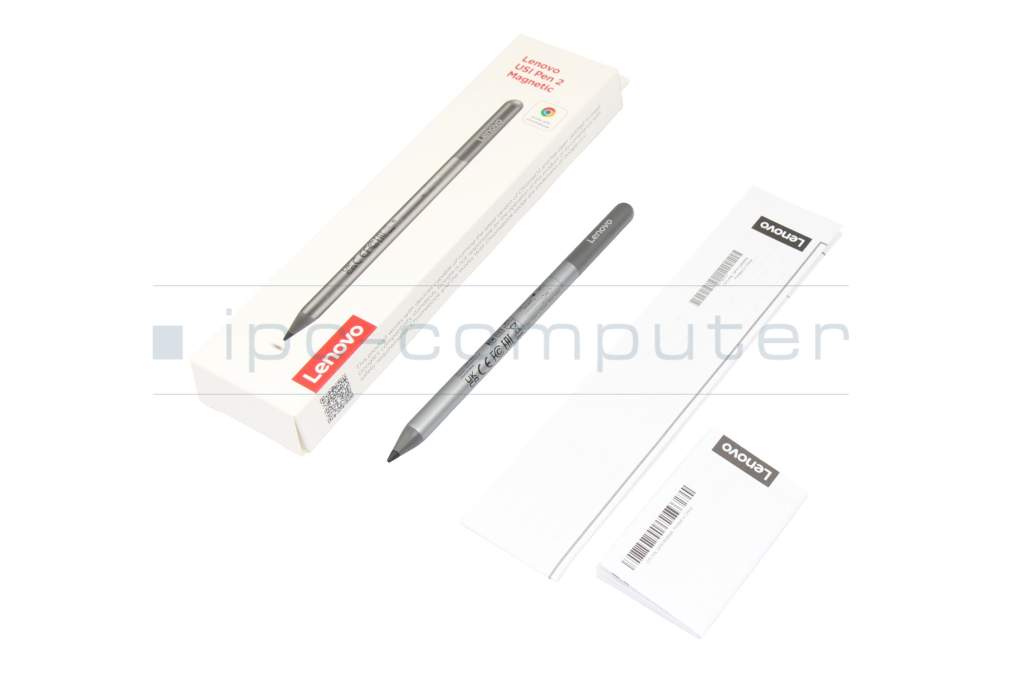
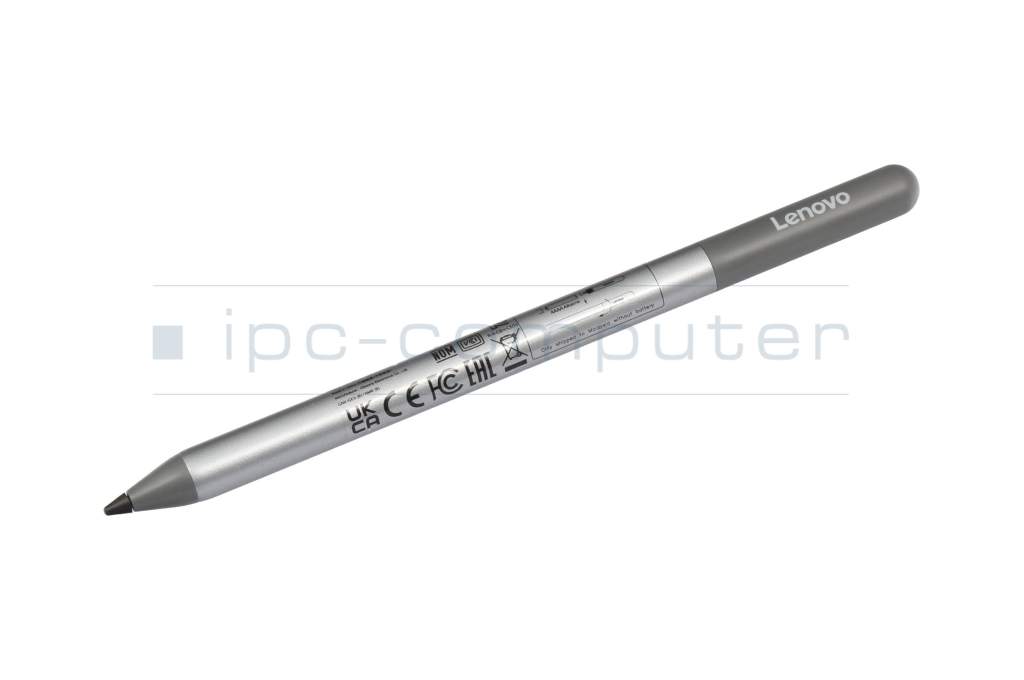
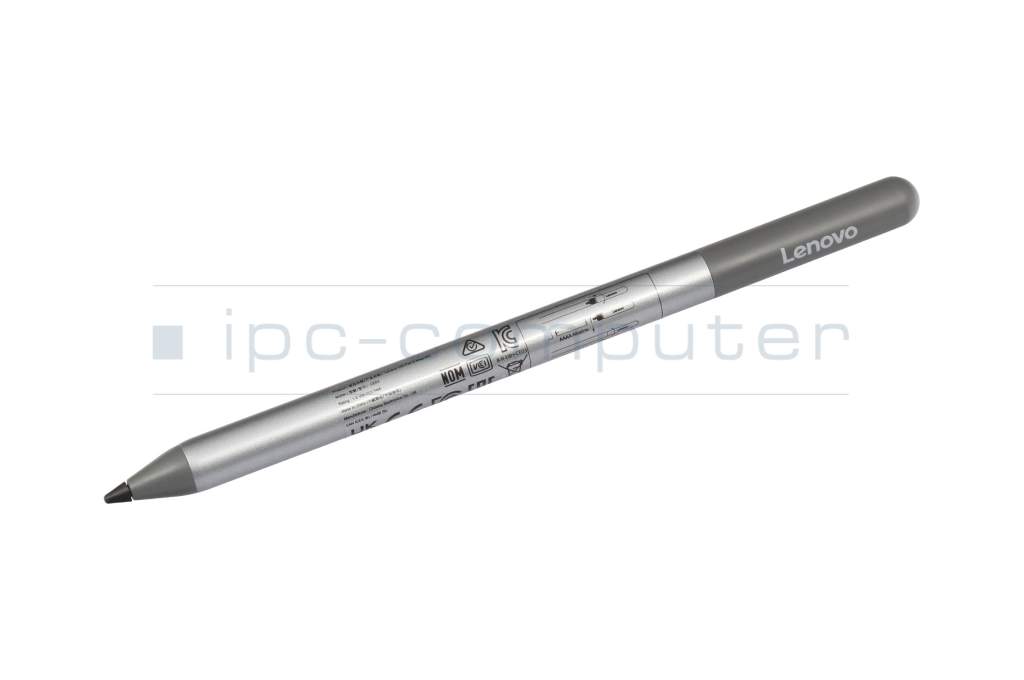
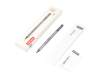
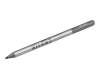
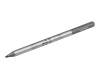
GX81Q72385 original Lenovo USI Pen 2 Magnetic incl. battery

plus shipping charges
- Standardlieferung 28. September - 29. September
- Expresslieferung 25. September
- bei Bestellung innerhalb 11 hrs 39 min




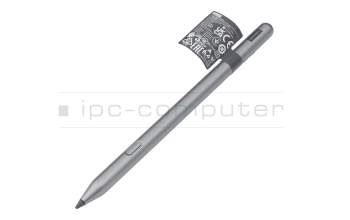
5T71N55122 original Lenovo Tab Pen Plus (Picasson Pen)
plus shipping charges
Product Info
- Manufacturer
- Lenovo
- Item Number
- GX81Q72385
- Primary Partnummer
- GX81Q72385
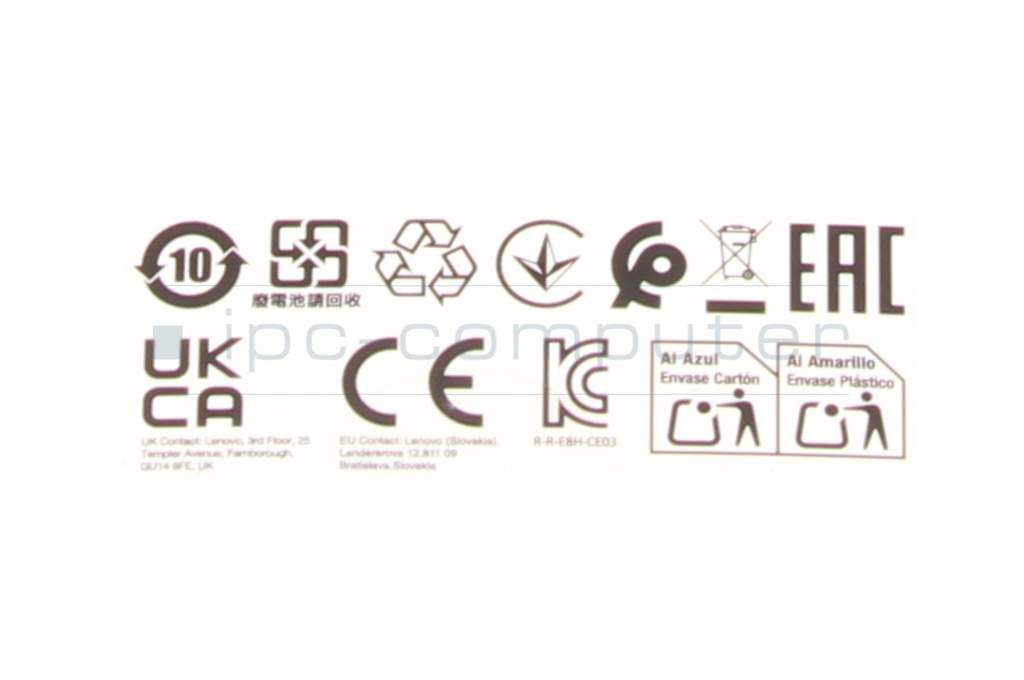
- Safety information
- Sicherheits- & Herstellerkontakt-Informationen
Common data
- Condition
- New
- Color
- gray
- Delivery includes
- 1x AAAA battery / manual
Technical Data
- Pen protocol
- USI 2.0
- Weight (g)
- 16 g
- Length (cm)
- 13.5 cm
- Diameter (mm)
- 9.5 mm
- Pressure levels
- 4096
- Tilt function
- yes
- Power supply
- Battery
- Running time
- 12 months
- Operating system
- ChromeOS
Lenovo USI Pen 2 Magnetic - precision meets comfort
The Lenovo USI Pen 2 Magnetic is the ideal solution for anyone who wants to write, draw or work naturally on their tablet or laptop. With state-of-the-art USI technology, this active stylus offers a particularly precise and responsive user experience - almost like on paper.
Your advantages at a glance:
- 4096 pressure levels for the finest lines and maximum control
- Palm Rejection for trouble-free working without incorrect entries
- Up to 1 year battery life for long-lasting productivity (with an average of 2 hours of use per day)
- Magnetic attachment - always ready to hand on the device
- Lightweight & compact (approx. 16.5 g) - ideal for on the go
- Compatible with USI-enabled devices for versatile use
Whether for taking notes in meetings, creative sketches or precise everyday work - the Lenovo USI Pen 2 Magnetic impresses with its high accuracy, intuitive operation and modern design. Thanks to the pressure-sensitive tip, every line adapts precisely to your writing style and ensures a natural writing experience.
Category
- Category
- Pens / Stylus
- Usage
- Laptop
- Excerpt of suitable models for P/N GX81Q72385
- Lenovo IdeaPad Flex 5 Chrome 14IAU7 (82T5) , Lenovo Tab K11 Plus (TB352FU/TB352XU) , Lenovo Chromebook 2-in-1 G10 14ITN10 (83LN) , Lenovo Tab K11 (TB330FUP, TB330XUP) - (ZAEC/ZADL/ZADK) , Lenovo 10e ChromeBook Tablet (82AM) , Lenovo 10e ChromeBook Tablet (82AQ) , Lenovo IdeaPad Duet 5 Chromebook 13Q7C6 (82QS) , Lenovo IdeaPad Duet 3 Chromebook 11Q727 (82T6) , Lenovo IdeaPad Flex 5 Chrome 14IAU7 (82T5) , Lenovo 300e Yoga Chromebook Gen 4 (82W2)
You've found this article over a part number. We'll check if it's the correct sparepart for your machine. To do this, please insert the manufacturer and the name of the model in the order comment.
Videos & Contributions
How do styluses work and what should be considered?
