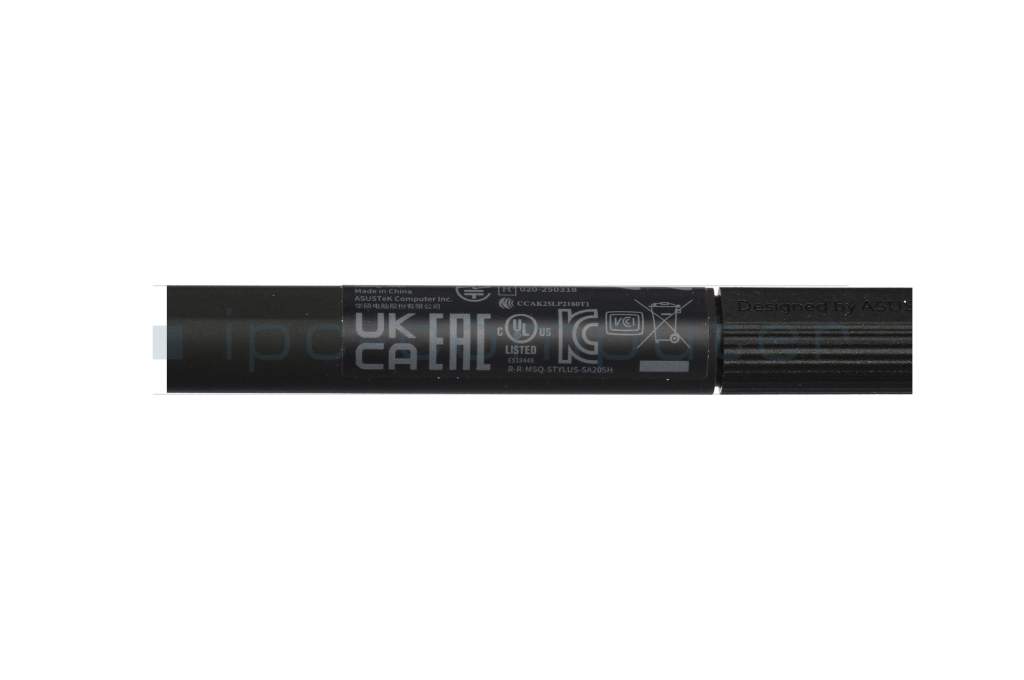
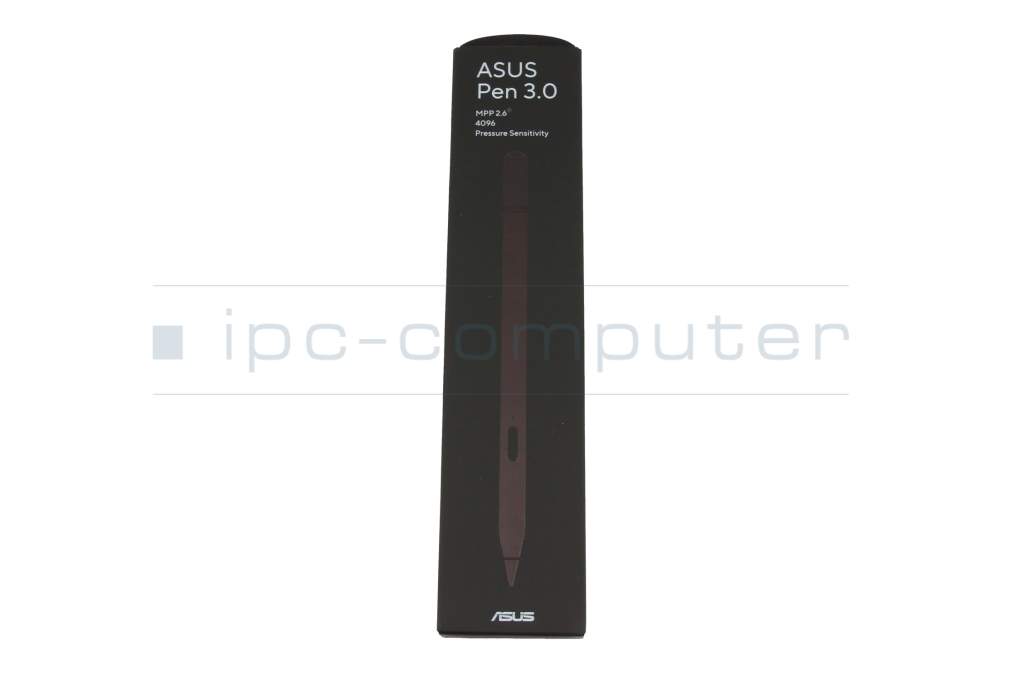
SA205H original Asus Pen 3.0 SA205H



plus shipping charges
- Standardlieferung 20. October - 20. October
- Expresslieferung 20. October
- bei Bestellung innerhalb 23 hrs 19 min




- Manufacturer
- Asus
- Item Number
- SA205H
- Primary Partnummer
- SA205H
- Safety information
- Sicherheits- & Herstellerkontakt-Informationen
Common data
- Condition
- New
- Color
- black
- Delivery includes
- 1x replacement tip / manual
Technical Data
- Pen protocol
- MPP 2.6
- Weight (g)
- 16 g
- Length (cm)
- 16.0 cm
- Diameter (mm)
- 9 mm
- Number of buttons
- 3
- Pressure levels
- 4096
- Tilt function
- yes
- Bluetooth
- yes
- Power supply
- Wireless Charging
- Operating system
- Windows 10 / Windows 11
ASUS Pen 3.0 SA205H Active Stylus – Precise stylus with MPP 2.6
The ASUS Pen 3.0 SA205H is a high-quality active stylus designed for precise writing, drawing, and editing on compatible ASUS devices. Thanks to the latest Microsoft Pen Protocol (MPP) 2.6 technology, the stylus offers exceptionally natural pen control, low latency, and 4,096 pressure levels for a realistic writing and drawing experience.
Whether for handwritten notes, sketches, image editing, or creative projects—the ASUS Pen 3.0 impresses with its high precision and comfortable handling. Its ergonomic design and magnetic charging feature make it the ideal companion for on-the-go use.
Important note regarding charging:
Please note that the ASUS Pen 3.0 SA205H cannot be charged via USB-C or standard Qi chargers. Charging is only possible via the ASUS ProArt PZ14, the separately available ASUS Pen 3.0 Wireless Charger, or compatible ASUS devices with built-in magnetic charging.
Please be sure to check compatibility with your ASUS device before purchasing.
Category
- Category
- Pens / Stylus
- Usage
- Laptop
You've found this article over a part number. We'll check if it's the correct sparepart for your machine. To do this, please insert the manufacturer and the name of the model in the order comment.
Videos & Contributions
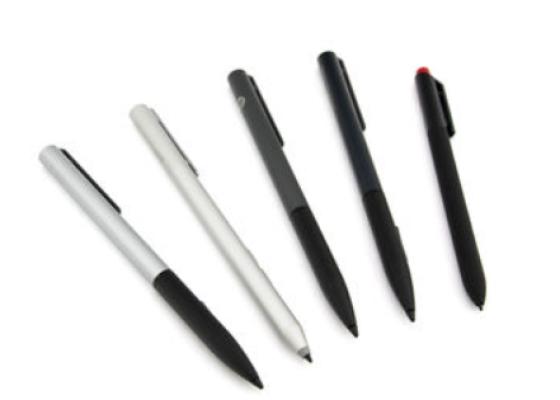
How do styluses work and what should be considered?

Accessories, suitable alternative products and recommendations
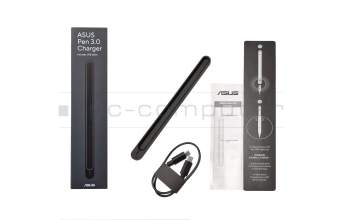
Asus 0A003-00050100 SA205H Pen 3.0 Charger
plus shipping charges
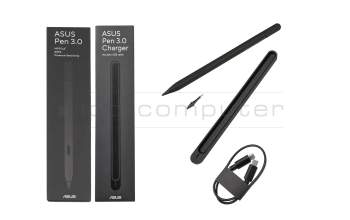
0A003-00050300 original Asus SA205H, including Pen 3.0 charger
plus shipping charges