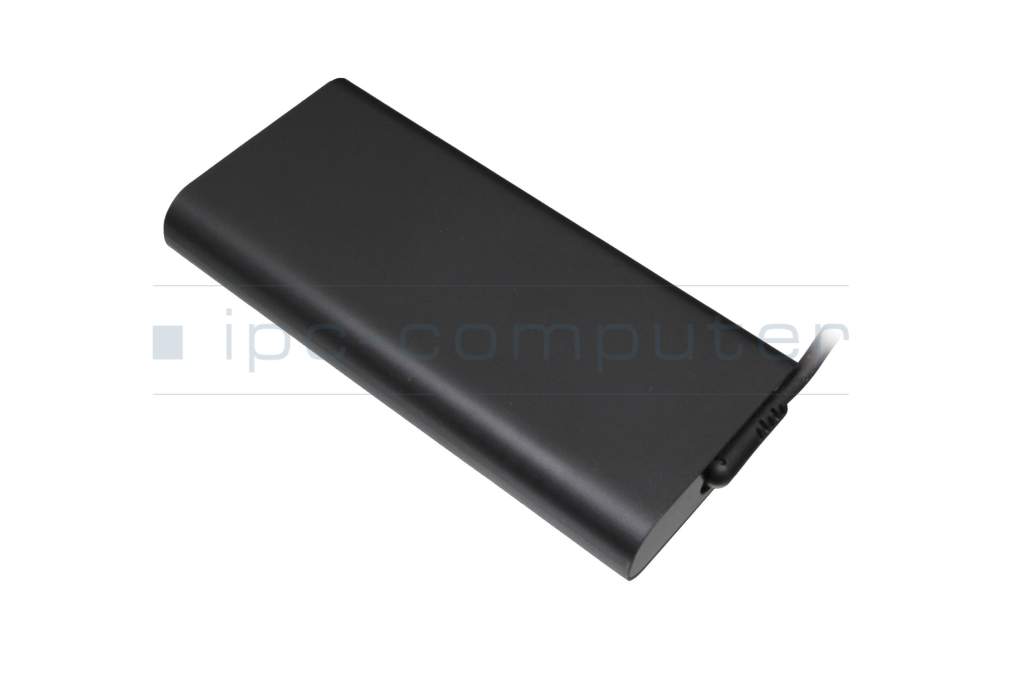
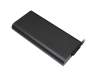
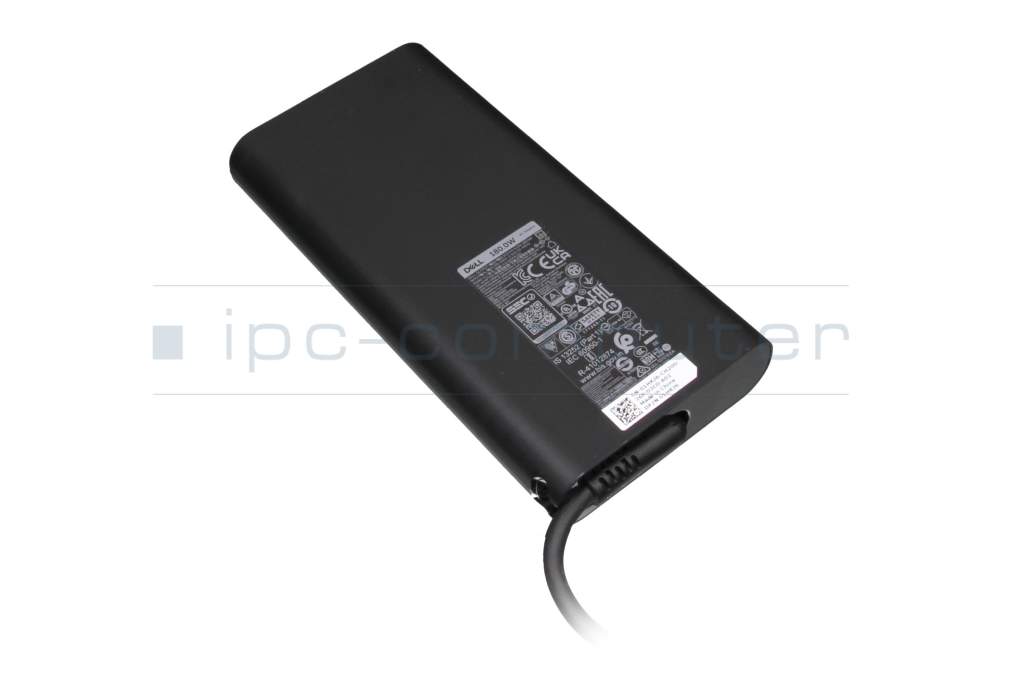
Dell Precision 16 (7680) original AC-adapter 180.0 Watt rounded

DELL Original
69.55 $
incl. Tax (19%)
plus shipping charges
In stock.
Express shipping possible.

Common data

Condition
New
Manufacturer
Original directly from Dell
Intended use
Laptops
Color
black
Design
rounded
Delivery includes
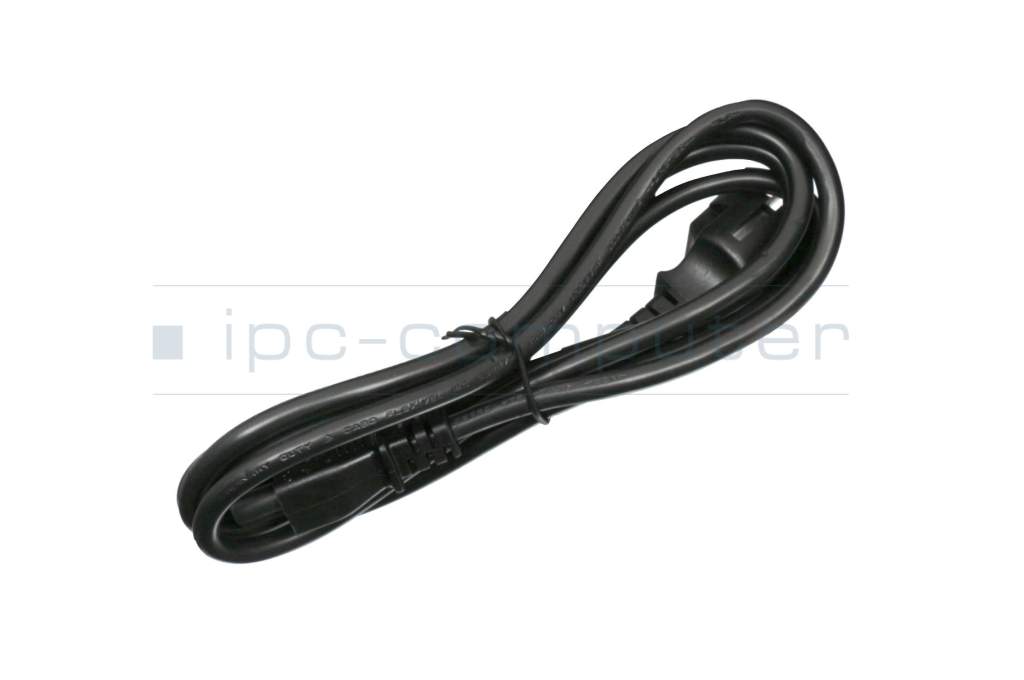
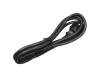
incl. power cable (3-pole cable C5)

Technical Data

Tension (volt)
19.5 Volt
Amperage (ampere)
9.23 Ampere
Output (watt)
180.0 Watt
Energy efficiency
VI

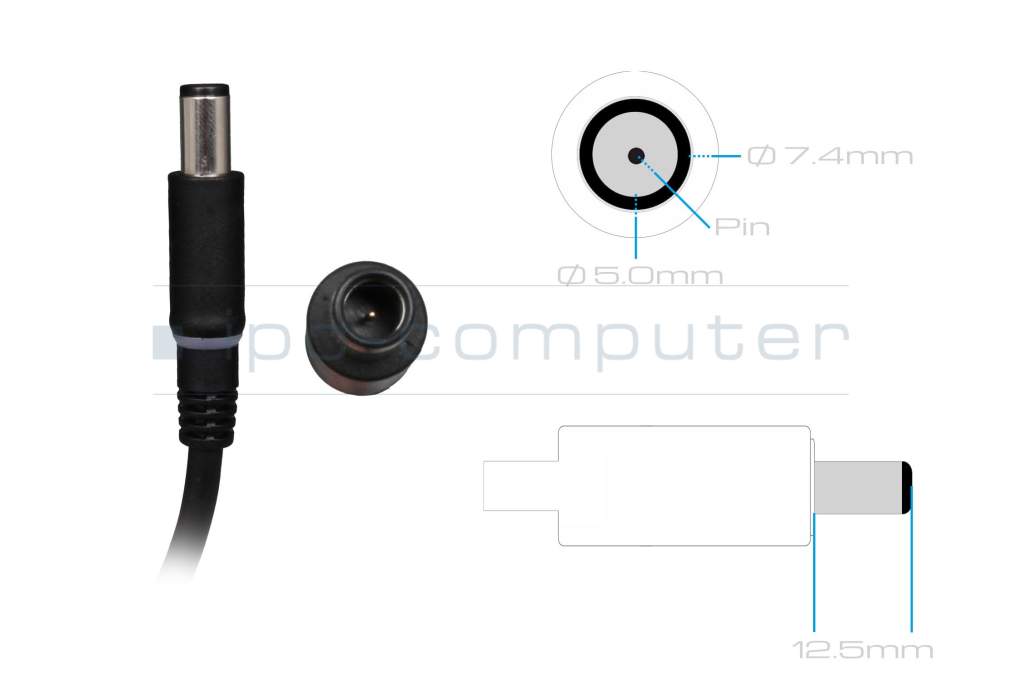
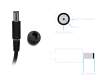
Laptop Plug

Connector type / shape
round / 180° straight
Connector length (mm)
12.5 mm
Connector diameter outer / inner
7.4 mm / 5.0 mm

Connector with pin
Yes
Length of the connector cable (m) (ca.)
1.00 m

Weight & Meassurements

Length / Width / Hight
150 mm / 75 mm / 23 mm

More Information

Overload-, short-circuit- and overheat-protected
yes
Seal of approval
CCC
CE
EAC
NOM NYCE
PSE
SEC
Singapore Safety Mark
Technical Inspection Association (TÜV)
UKCA
UL Listed
Ukraine Safety

Category

Category
AC-Adaptor
Usage
Laptop

Videos & Contributions

Recognize defective notebook power supply - purchase advice

Notebook power supplies are essential for most technical aids in the office and at home. - With these "step-by-step" instructions we help to prevent bad purchases.

Learn more >
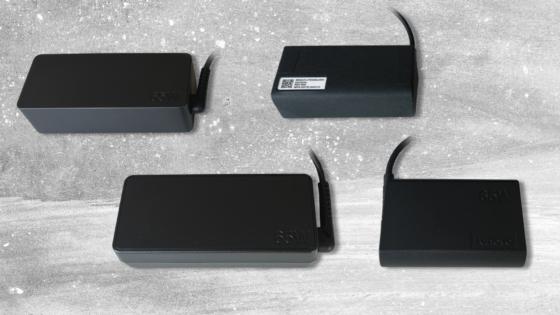
New notebook power supplies in various designs

New notebook power supplies in various designs

Customers often wonder why their replacement power supply looks different from the original. Why you don't have to worry about compatibility and what advantages an alternative design offers.
Learn more >
Purchase advice - be careful when ordering Dell power supplies

Purchase advice - be careful when ordering Dell power supplies

The compatibility of Dell power supplies with their own notebooks is artificially limited. That's why you have to look very carefully when ordering.
Learn more >

Important and useful informations about laptop AC adapters

Frequently asked questions about AC adapters

  • My notebook is not charging with the USB-C power adapter. What is the reason for this?

    If your notebook does not charge via USB-C, this is usually not due to a defect, but to compatibility or performance problems. USB-C uses the power delivery standard (USB-PD), which must be supported by both devices.

    The most common causes:

    • Too little power: For example, your power supply only delivers 45 W, but your laptop requires 65 W or more.
    • Unsupported protocol: The power supply or laptop do not speak the same USB PD standard.
    • Poor or defective USB-C cable: Not every cable transmits the required power - especially with fast charging functions.
    • Dirty or damaged USB-C port: Dust or scratches in the port prevent a stable connection.
    • Firmware or BIOS settings: Some manufacturers disable USB-C charging in the BIOS or limit it in case of overheating.

    Troubleshooting tips:

    1. Power supply check: Always use a USB-C power supply with sufficient power and USB-PD certification.
    2. Cable test: If problems occur, test another certified cable.
    3. System reset: If the notebook is still not charging with the original USB-C power adapter, a BIOS update or a brief power reset (disconnect the battery and power adapter, press and hold the power button for 30 seconds) will often help.

    Caution: You can tell that charging is working if the charging indicator reacts immediately and the power supply unit clicks or hums briefly. If this does not happen, there is almost always a compatibility problem.

  • What makes a GaN power supply unit special?

    Inside a power supply unit are components that convert the mains voltage (e.g. 230 V) into the right voltage for your notebook. GaN power supply units use gallium nitride semiconductors for this purpose.

    This has several advantages:

    1. Smaller & lighter
      • For the same output power (e.g. 65 W, 100 W or 240 W), a GaN power supply unit can be built much more compactly.
      • Ideal for on the go, in the home office or if you have little space in your bag.
    2. Higher efficiency, less waste heat
      • GaN components work more efficiently, so less energy is lost in heat.
      • Although the power supply unit does get warm under load, it generally runs more smoothly and can be more durable.
    3. High performance in a small space
      • Very powerful power supply units (e.g. 100 W, 240 W) are also possible with GaN in a relatively small form factor .
      • This is exciting if you want to operate a powerful notebook, a docking station or several devices with one power supply unit.

    Important: GaN power supplies are currently still somewhat more expensive than conventional notebook power supplies. The combination of compact form factor and proven quality makes them an attractive choice for many customers.

  • Why is my power supply humming?

    Modern laptop power supplies are so-called switching power supplies - they work with very high switching frequencies and should function practically silently. If you still hear a humming, hissing or whirring noise, this is not normal and often indicates a technical defect or inferior components.

    Typical causes are

    • loose or poorly potted coils and capacitors,
    • incorrect switching frequency or inadequate filtering,
    • component wear or voltage problems in the mains supply.

    Such noises hardly ever occur with original power supply units as they undergo strict quality and safety tests. Replica power supply units, on the other hand, often use simple components without sufficient interference suppression - here, humming or hissing is a clear warning sign.

    Important: If a power supply unit hums or hisses audibly, stop using it!

    Disconnect it from the power supply immediately and dispose of replica power supply units immediately, as they can pose a safety risk. Only use original power supply units to ensure a stable, quiet and safe power supply for your notebook.

  • Will my battery charge faster with a power supply unit that has more power?

    No, just because the power supply has more watts, your battery will not automatically charge faster. The decisive factor is the power required by your notebook and the permissible power of the charging electronics - not the maximum power of the power supply unit.


    How does charging work technically?

    • Every notebook has built-in charging electronics that regulate exactly
      • how much current flows into the battery and
      • how quickly or gently the battery is charged.
    • The power supply unit only provides the maximum possible power - it does not "force" this power into the notebook.
    • Your notebook only "takes" as much power as it is designed for.

    This means:
    If your notebook is only designed for 65 W, for example, a 90 W or 120 W power supply alone will not provide a turbo charging advantage. The device limits the charging current itself.

All questions about AC adapters

loader