HP L14714-001 Thunderbolt Dockingstation G2 incl. 120W Netzteil

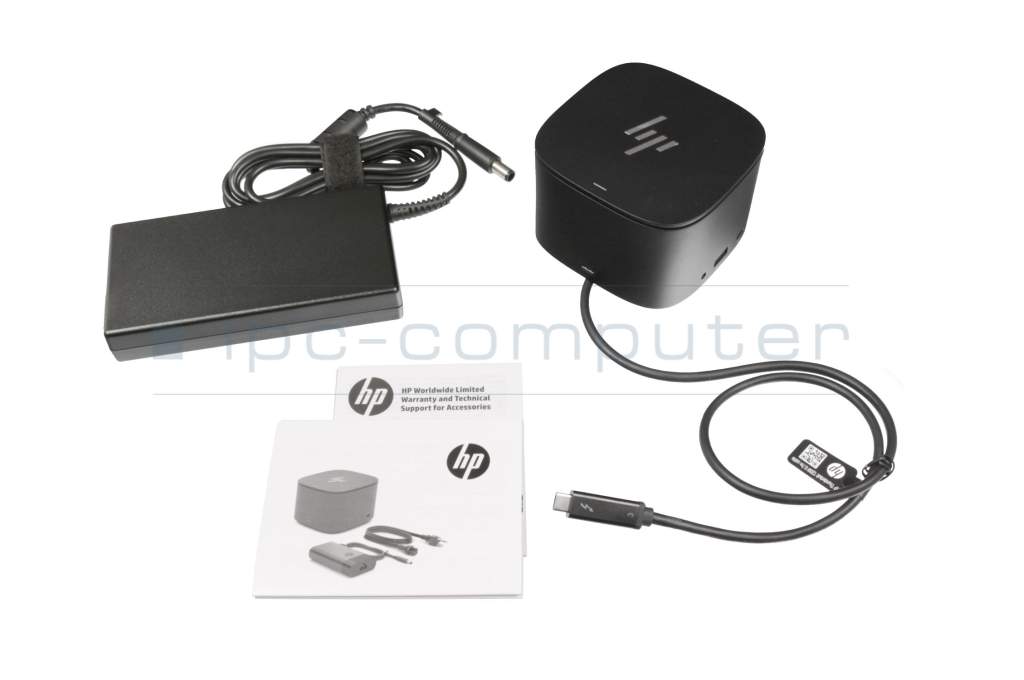
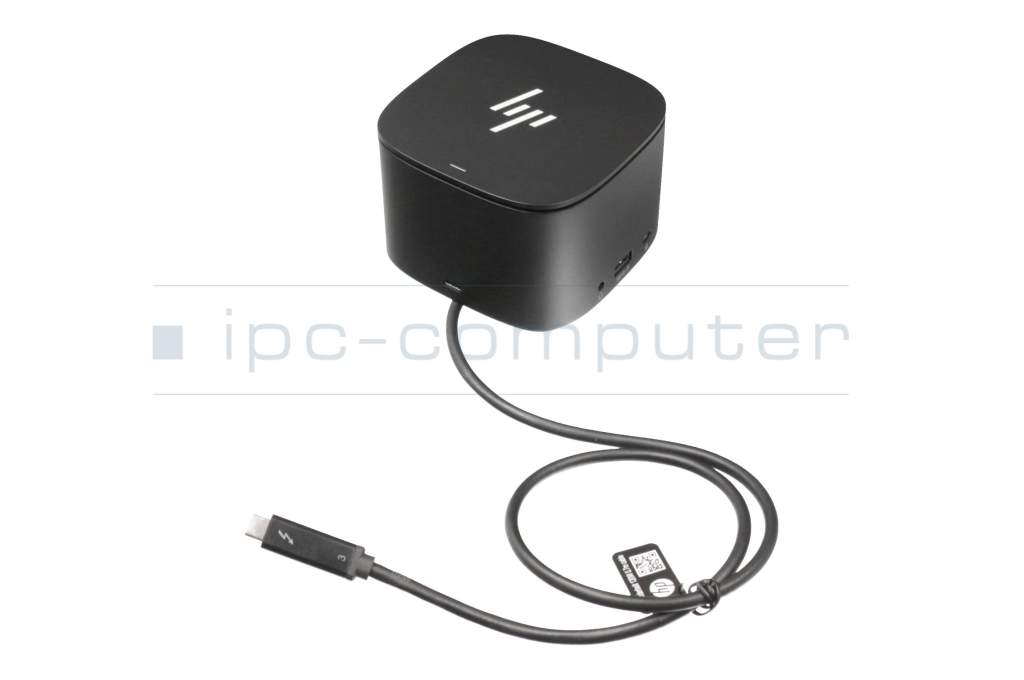
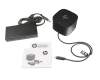
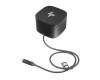
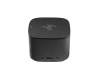
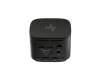




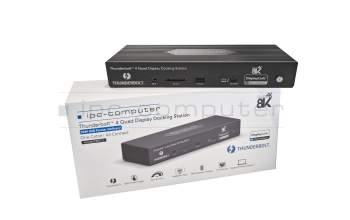
PRIPC2 IPC-Computer Thunderbolt 4 Quad-Display Port Replicator incl. 160W ac-adapter
plus shipping charges
Product Info
- Manufacturer
- HP
- Item Number
- L14714-001
- Primary Partnummer
- L14714-001
- Safety information
- Sicherheits- & Herstellerkontakt-Informationen
Common data
- Condition
- New
Technical Data
- Connexion to the laptop
- Thunderbolt 3
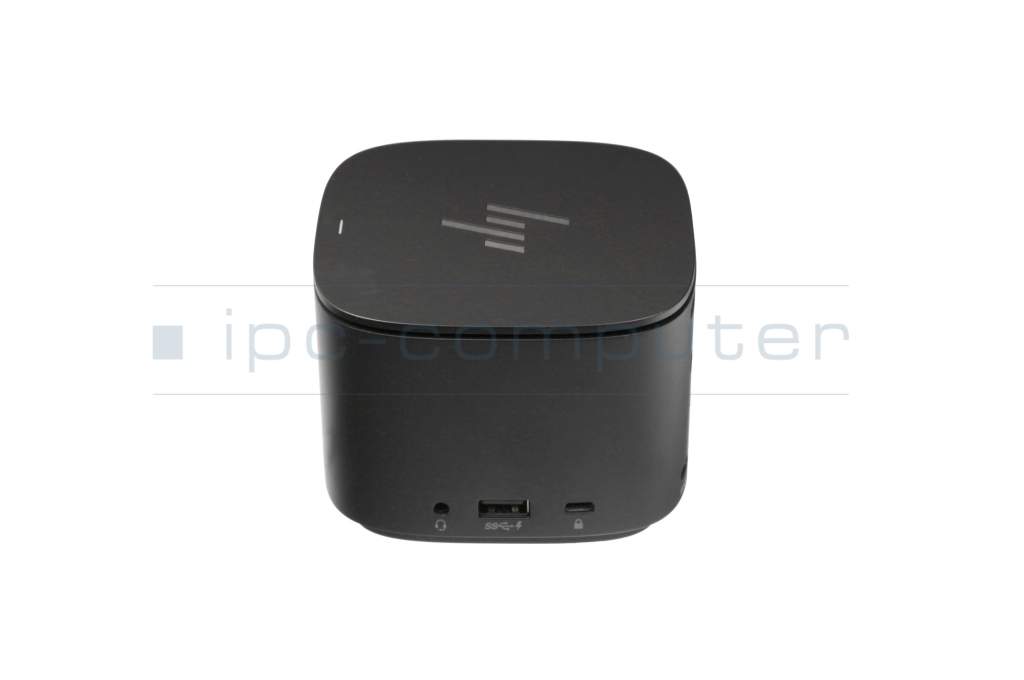
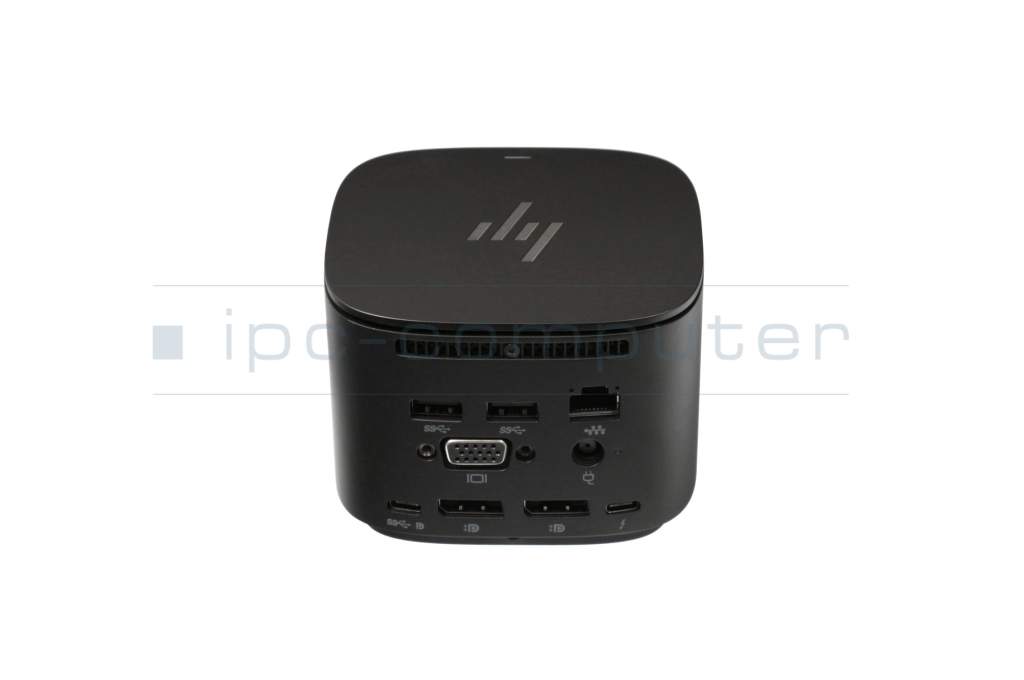
- Connectors
-
1x Audio-Combo
1x DC-In (Power supply)
1x Ethernet (RJ-45)
1x Kensington-Lock
1x Thunderbolt 3
1x VGA
2x DisplayPort
2x USB-C 3.2 Gen 1
3x USB-A 3.2 Gen 1 - Max. resolution of external monitors
-
1x 4K2K - 4096x2160
2x 4K2K - 4096x2160 - Delivery includes
-
Manual
Port Replicator
Power cable - Included ac-adaptor
- 120W
- Compatible operating systems
-
ChromeOS
Windows 10 (32bit/64bit)
Windows 11
Windows 7 (32bit/64bit)
Windows 8 (32bit/64bit)
Windows 8.1 (32bit/64bit)
iOS - Length / Width / Hight
- 9.5 cm / 9.5 cm / 7 cm
Experience all-new features and boost your productivity with one of HP's most versatile Thunderbolt docking stations, the HP Thunderbolt Docking Station G2, designed specifically for workstation flexibility and network management.
Fits models with Thunderbolt 3 port - regardless of manufacturer (limited functionality may apply to non-HP models and HP models not listed below).
According to the manufacturer, this docking station is suitable for the following model series. For compatibility of newer models not listed, please visit the HP support page.
Chromebook: 14a-nd0000, 14b-na0000, x2 11-da0000, x360 12b-ca0000, x360 12b-ca1000, x360 14b-cb0000, x360 14c-cc0000
EliteBook: 1030 G1, 1040 G4, 1040 G9 , 630 G9 , 640 G9 , 645 G9, 650 G9, 735 G5, 735 G6, 745 G5, 745 G6, 755 G5, 830 G5, 830 G6, 830 G7, 830 G8, 830 G9, 835 G7, 835 G8, 840 G8, 840 G5, 840 G6, 840 G7, 840 G9, 840r G4, 845 G7, 845 G8, 845 G9, 850 G5, 850 G6, 850 G7, 850 G8, 855 G7, 855 G8, 860 G9, 865 G9
Dragonfly: Folio G3 2-in-1, Elite G2, Elite G3, Elite Max
Elite: x2 1012 G1 Tablet, x2 1012 G2 Tablet, x2 1013 G3 Tablet, x2 G4 Tablet, x2 G8 Tablet , x360 1040 G9 2-in-1, x360 830 G9 2-in-1
EliteBook: 1030 G1, 1040 G4, 1040 G9 , 630 G9 , 640 G9 , 645 G9, 650 G9, 735 G5, 735 G6, 745 G5, 745 G6, 755 G5, 830 G5, 830 G6, 830 G7, 830 G8, 830 G9, 835 G7, 835 G8, 840 G8, 840 G5, 840 G6, 840 G7, 840 G9, 840r G4, 845 G7, 845 G8, 845 G9, 850 G5, 850 G6, 850 G7, 850 G8, 855 G7, 855 G8, 860 G9, 865 G9, Folio 1020 G1, x360 1020 G2, x360 1030 G2, x360 1030 G4, x360 1030 G7, x360 1030 G8, x360 1040 G5, x360 1040 G6, x360 1040 G7, x360 1040 G8, x360 830 G5, x360 830 G6, x360 830 G7, x360 830 G8
ENVY: 13-aq0000, 13-aq1000, 17-ce1000, 14-eb0000, 14-eb1000, 15-ep0000, 15-ep1000, 17-ce0000, 17-ch0000, 17-ch1000
ENVY x360: 13-ar0000, 15-dr0000, 15-dr1000, 15-ds0000, 15-es0000, 15-es1000, 15-dr0000, 15-ds0000
OMEN: 15-dh1000, 15-dh0000, 16-b0000, 16-b1000, 16-c0000, 17-cb0000, 17-cb1000, X 15-dg0000
Pavilion: Aero 13-be0000, Aero 13-be1000, x360 14-dw0000, x360 14-dw1000, x360 14-dy0000, x360 15-er0000, x360 15-er1000, Pro x360 435 G9
ProBook: 430 G5, 430 G6, 430 G7, 430 G8, 440 G5, 440 G6, 440 G7, 440 G8, 440 G9, 445 G6, 445 G7, 445 G8, 445R G6, 450 G5, 450 G6, 450 G7, 450 G8, 450 G9, 455 G4, 455 G6, 455 G7, 455 G8, 455 G9, 455 G9, 455R G6, 470 G5, 630 G8, 635 Aero G7, 635 Aero G8, 640 G3, 640 G5, 640 G8, 645 G4, 650 G4, 650 G5, 650 G8, x360 435 G7, x360 435 G8, x360 440 G1
Spectre: Folio 13-ak0000, x360 13-aw0000, x360 15-df1000, x360 15-eb0000, x360 13-aw0000, x360 13-aw2000, x360 14-ea0000, x360 14-ea1000, x360 15-df0000, x360 15-df1000, x360 15-eb0000, x360 15-eb1000
ZBook: 14u G4, 14u G5, 14u G6, 15u G4, 15u G5, 15u G6, Firefly 14 G7, Firefly 14 G8, Firefly 15 G7, Firefly G8, Firefly G9, Fury 15 G7, Fury 15 G8, Fury 16 G9, Fury 17 G7, Folio 1020 G1, x360 1020 G2, x360 1030 G2, x360 1030 G4, x360 1030 G7, x360 1030 G8, x360 1040 G5, x360 1040 G6, x360 1040 G7, x360 1040 G8, x360 830 G5, x360 830 G6, x360 830 G7, x360 830 G8
Category
- Category
- Dockings
- Usage
- Laptop
- Excerpt of suitable models for P/N L14714-001
- HP ZBook 15 G3 , HP ZBook 17 G3 , HP ZBook 15 G4 , HP Spectre x360 15-eb0000 , HP EliteBook 840 G9 , HP EliteBook 845 G9 , HP ProBook 455 G8 , HP ProBook x360 435 G7 , HP Envy 16-h1000 , HP Omen 16-xd0000
You've found this article over a part number. We'll check if it's the correct sparepart for your machine. To do this, please insert the manufacturer and the name of the model in the order comment.
Videos & Contributions
Using a laptop with a dock even when it is folded down
In this quick tip we show how you can work with a docking station and an external monitor even when your laptop is folded down.
Learn more >Which USB dock connector do I need for my notebook?
To choose the right docking station for your notebook, you should know which USB port you need. In this video, we will go into the differences and special features of the USB ports.
Learn more >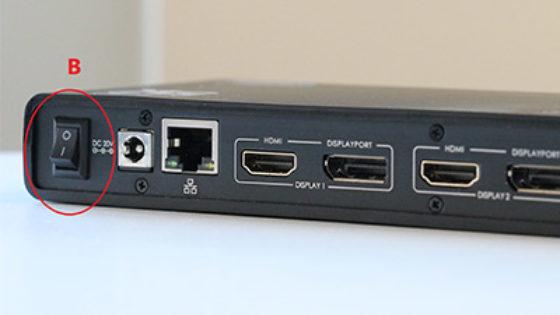
The "secret" with the power button
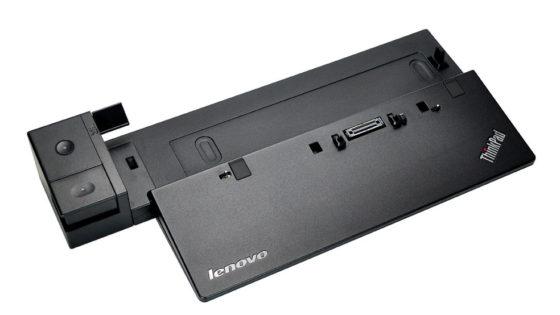
Docking station vs. port replicator

The power button does not activate the notebook?

Accessories, suitable alternative products and recommendations
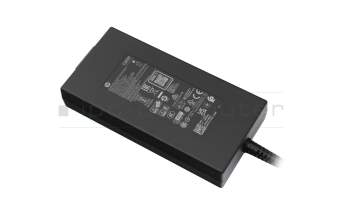
L56786-002 original HP AC-adapter 120.0 Watt slim
plus shipping charges
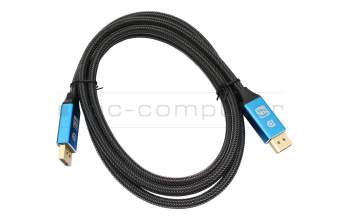
IPC-Computer KA001I 8K DisplayPort to DisplayPort
plus shipping charges
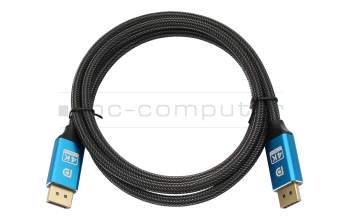
IPC-Computer KA002I 4K HDR DisplayPort to DisplayPort
plus shipping charges