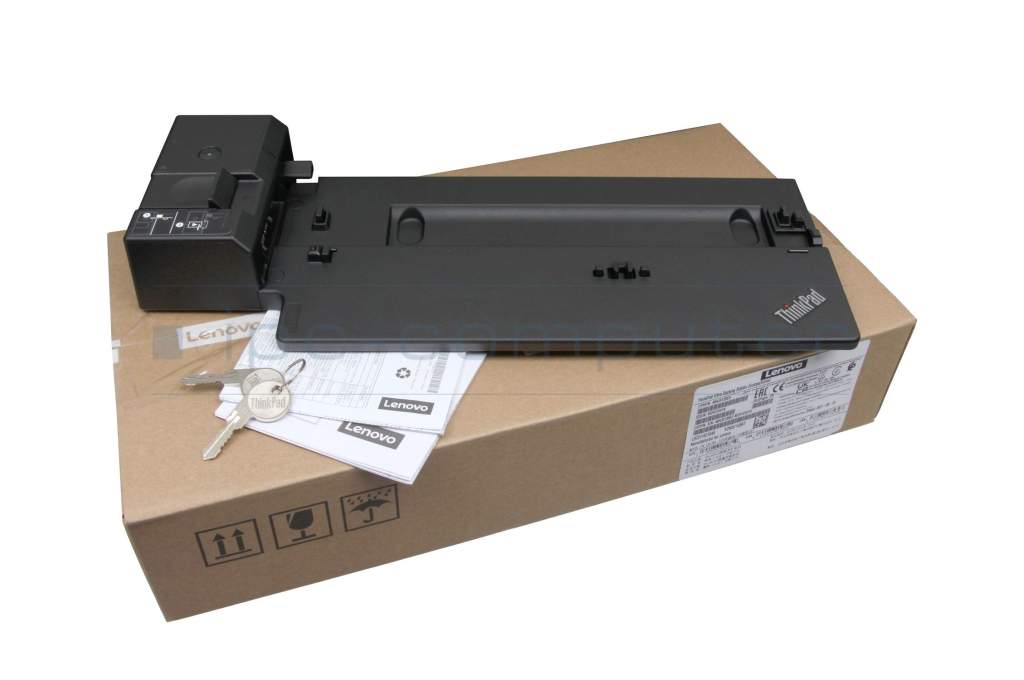
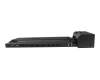
Lenovo ThinkPad X1 Carbon 6th Gen (20KH/20KG) Docking Station incl. 135W ac-adapter with 14 ports



plus shipping charges
- Standardlieferung 12. October - 13. October
- Expresslieferung 9. October
- bei Bestellung innerhalb 13 hrs 15 min




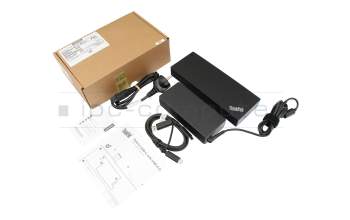
Lenovo USB-C / USB-A Port Replicator incl. 135W ac-adapter with 14 ports suitable for ThinkPad X1 Carbon 6th Gen (20KH/20KG)
plus shipping charges
Product Info
Common data
- Condition
- New
Technical Data
- Connexion to the laptop
- Internal docking port
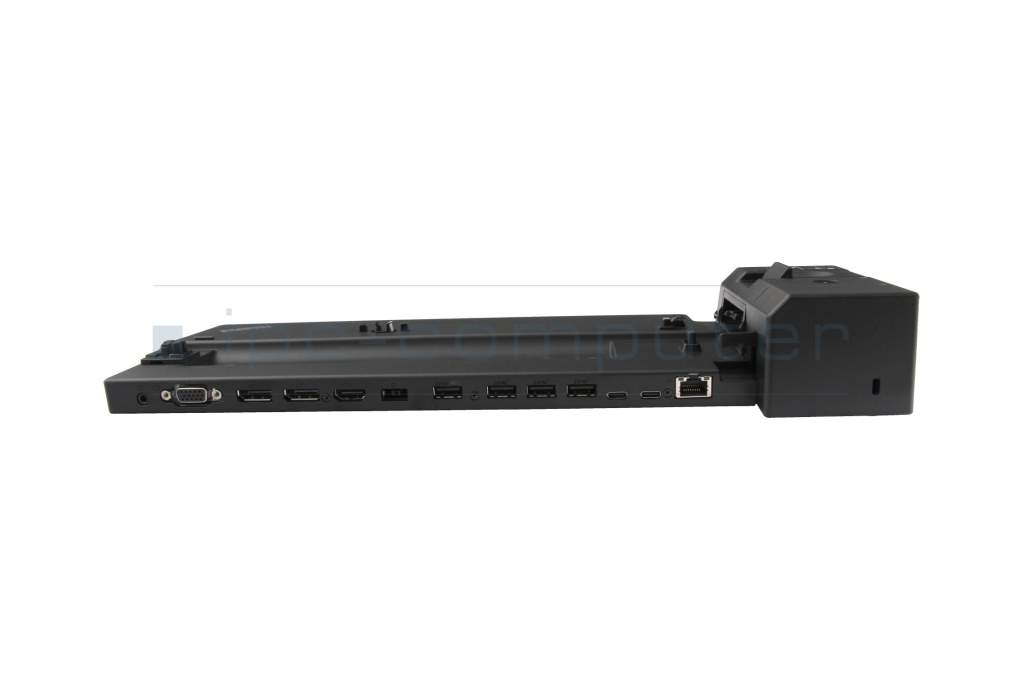
- Connectors
-
1x Audio-Combo
1x DC-In (Power supply)
1x Ethernet (RJ-45)
1x HDMI 2.0
1x Kensington-Lock
1x VGA
2x DisplayPort
2x USB-C 3.2 Gen 2
4x USB-A 3.2 Gen 1 - Max. resolution of external monitors
-
1x 4K2K - 4096x2160
1x QXGA - 2048x1536
2x 4K2K - 4096x2160
3x UHD - 3840x2160 - Delivery includes
-
2x keys for security lock
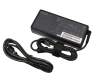
AC-Adapter
Docking Station
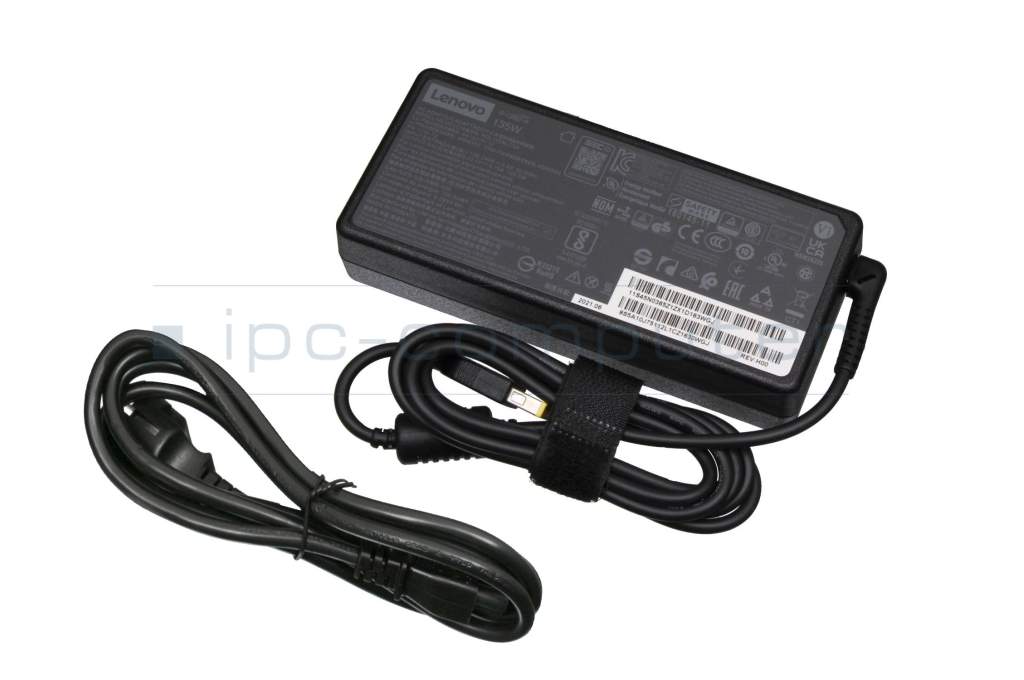
Power cable - Included ac-adaptor
- 135W
- Compatible operating systems
-
Linux / Ubuntu
Windows 10 (32bit/64bit)
Windows 11
Windows 7 (32bit/64bit)
Windows 8 (32bit/64bit)
Windows 8.1 (32bit/64bit) - Length / Width / Hight
- 37.3 cm / 15.5 cm / 5.5 cm
Vorteile
Lösen Sie eingeschränkte Anschlussmöglichkeiten schnell und sicher mit dieser Docking Station und verbinden Sie auf einfache Weise eine Maus, Drucker, weitere USB-Geräten. Spiegeln oder Erweitern Sie Ihren Desktop auf mehrere externe Monitore.
Hier finden Sie den vollständigen Bericht über weitere Vorteile.
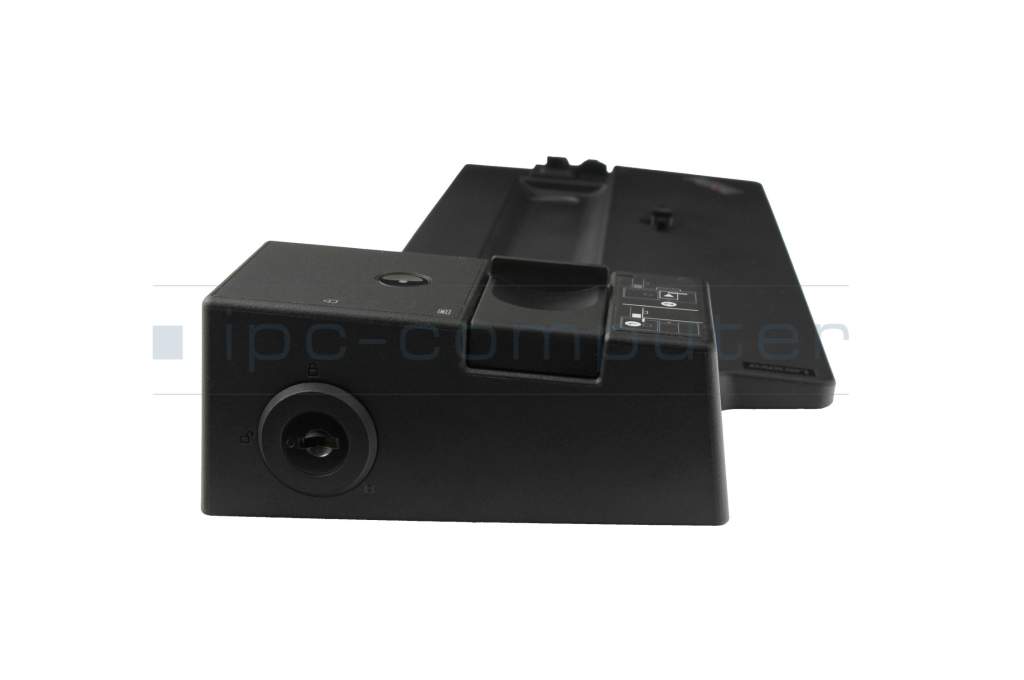
Lenovo ThinkPad Ultra Docking variant with lockable latch for your laptop
Supports:
- Video playback in UHD resolution (4096 x 2160 at 60 Hz) via DisplayPort/HDMI
- Rapid charging of the laptop (Rapid Charge)
- PXE Boot
- Wake On LAN
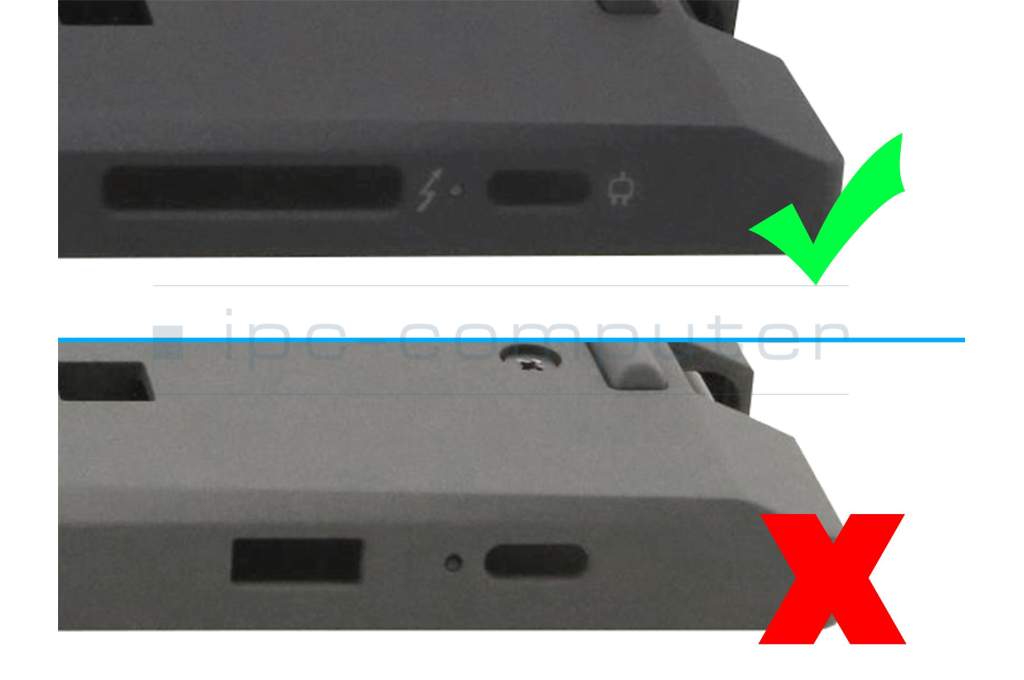
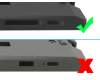
Note: Your laptop must have the required side port with charging function. Please compare the sample image with your device.
Attention: Some models of the Lenovo ThinkPad T15 Gen 2 (Type 20W4, 20W5) series were manufactured without Ethernet LAN functionality. The corresponding port on the Lenovo ThinkPad Ultra Dock is also not functional when used with some of these models. To find out whether your Lenovo ThinkPad T15 Gen 2 (Type 20W4, 20W5) is an affected device, contact Lenovo Support directly.
For full functionality, the manufacturer recommends using the Lenovo ThinkPad Hybrid USB-C Dock together with Lenovo ThinkPad T15 Gen 2 (Type 20W4, 20W5)
Category
- Category
- Dockings
- Usage
- Laptop
Videos & Contributions
Using a laptop with a dock even when it is folded down
In this quick tip we show how you can work with a docking station and an external monitor even when your laptop is folded down.
Learn more >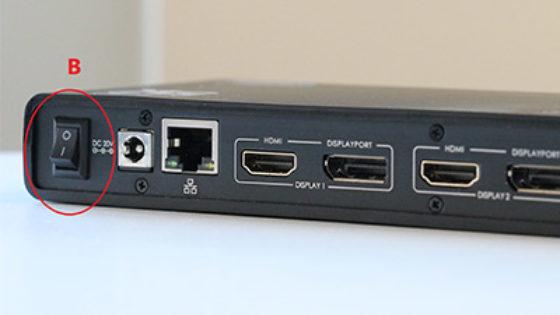
The "secret" with the power button

The power button does not activate the notebook?
Important and useful informations about laptop Docking stations
FAQs specific to this article
If the docking station does not respond despite the correct drivers, a complete reset of the hardware usually helps. To do this, follow these steps:
- Disconnect peripherals: Disconnect all connections from your docking station, including keyboard, mouse, monitors and other USB devices.
- Disconnect the power supply: Unplug the docking station from the socket and also disconnect the connection cable to the notebook.
- Perform residual discharge: Press the power button on the docking station that is not connected and hold it down for 30 seconds. This helps to discharge any residual charge in the capacitors.
- Restore connections: Now reconnect the notebook and all previously disconnected cable connections to the docking station.
- Restart: Plug the power plug back into the socket and switch on the docking station.
After you have followed these steps, your docking station should be reinitialized by the system and work properly again.
Why does this help? The docking station has its own small processors and controllers. Static charging or small software errors can cause these to enter a state in which they no longer respond. The 30-second discharge resets these components without losing any data.
Frequently asked questions about Docking stations
All questions about Docking stations
Docking stations FAQ
Accessories, suitable alternative products and recommendations
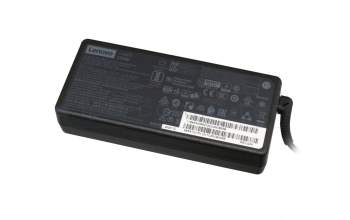
45N0501 original Lenovo AC-adapter 135.0 Watt extended
plus shipping charges
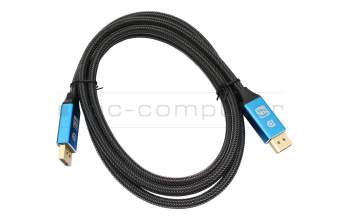
IPC-Computer KA001I 8K DisplayPort to DisplayPort
plus shipping charges
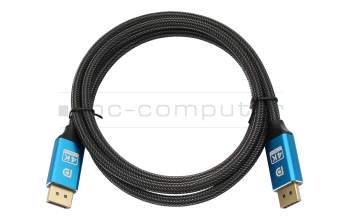
IPC-Computer KA002I 4K HDR DisplayPort to DisplayPort
plus shipping charges
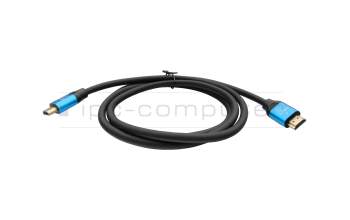
IPC-Computer KA003I 4K HDMI to HDMI
plus shipping charges